How to Install Theme #back to top
To install this theme you must have a working version of WordPress already installed. For information regarding the installing of the WordPress platform, please see the WordPress Codex – http://codex.wordpress.org/Installing_WordPress
Installation
Tip: Before uploading the theme make sure you unzip the theme package downloadeded(All files & Documentation) from ThemeForest and inside of the unzipped folder upload the zip called “veneno.zip”
When you are ready to install a theme, you must first upload the theme files and then activate the theme itself. The theme files can be uploaded in two ways:
FTP Upload – Using your FTP client, upload the non-zipped theme folder into the /wp-content/themes/ folder on your server
WordPress Upload – Navigate to Appearance -> Add New Themes -> Upload. Go to browse, and select the zipped theme folder. Hit “Install Now” and the theme will be uploaded and installed.
Get a Installation Service Ask a Question
Once the theme is uploaded, you need to activate it. Go to Appearance -> Themes and activate your chosen theme. Upon activation you will get to the activation page of the theme:
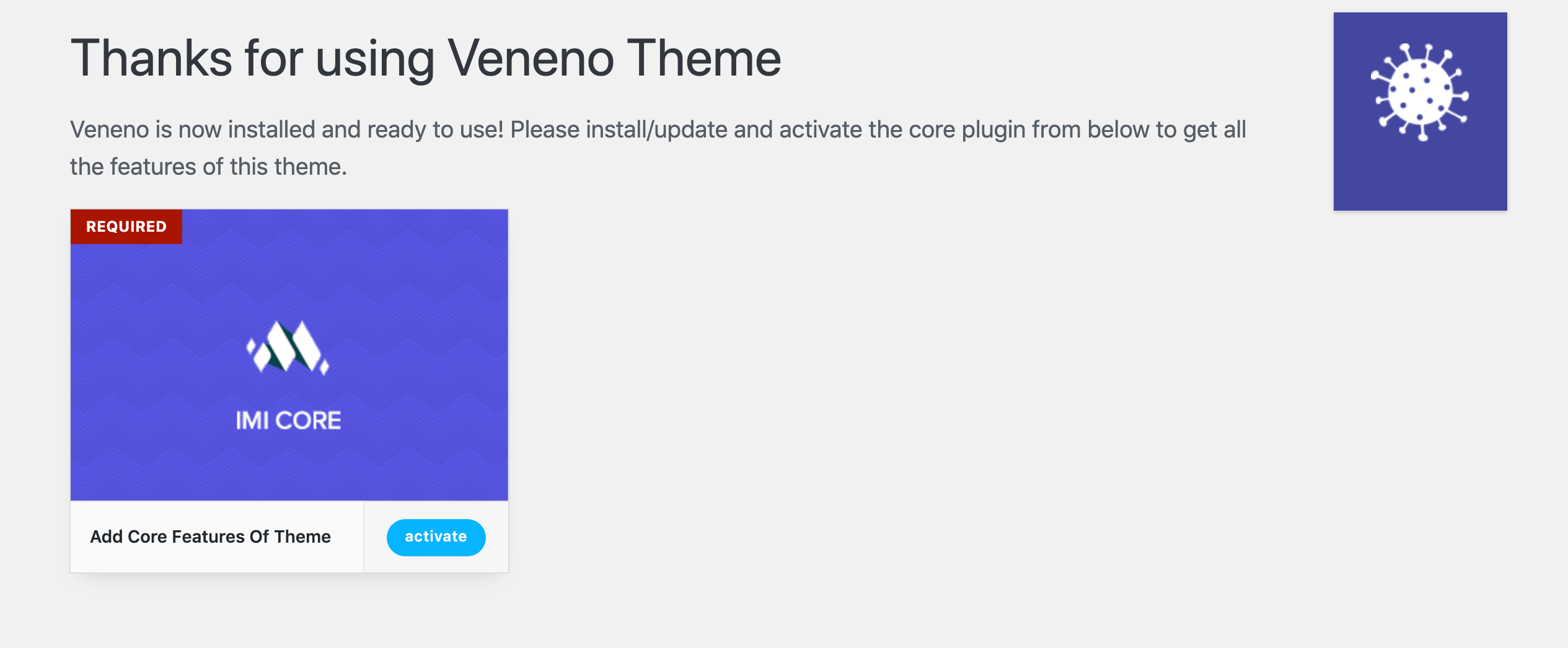
Here you need to activate the core plugin “IMI Core” to be able to use this theme at full potential. Upon activating the core plugin you will see this welcome page:
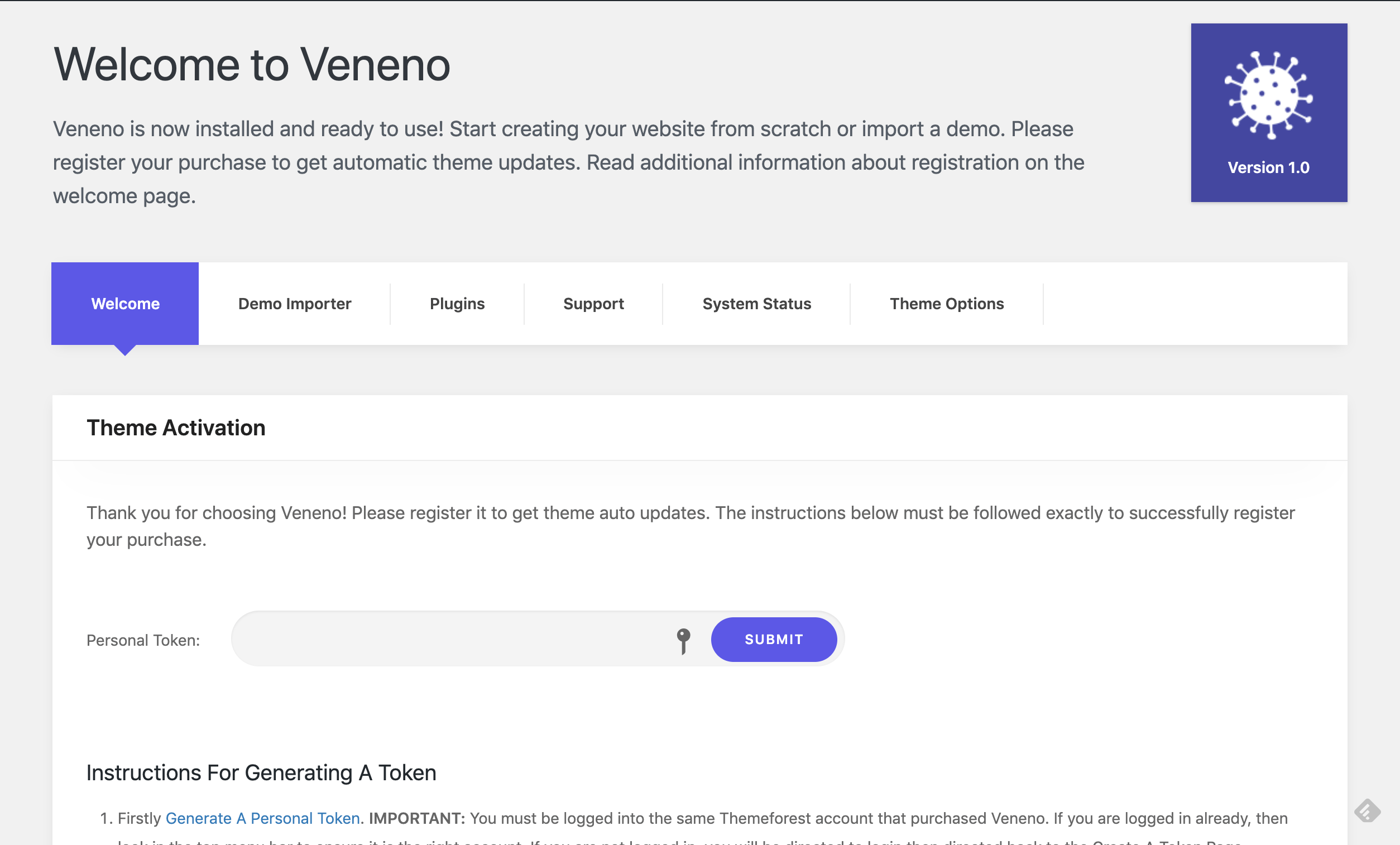
Enter your Envato’s personal token in this page to receive updates for the theme when they are available. Instructions to generate the token are available on the same page.