Woocommerce #back to top
Veneno theme supports basic WooCommerce integration. Once WooCommerce is activated you will see this notice:
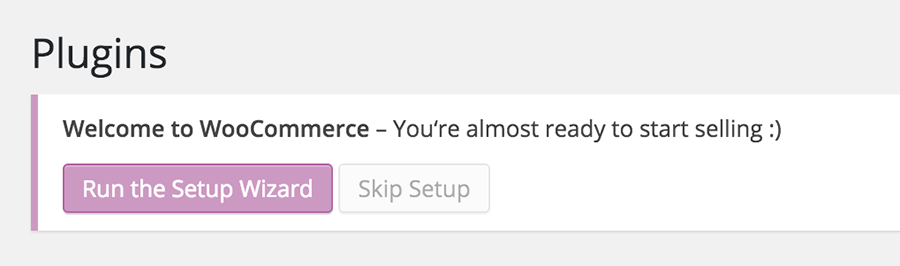
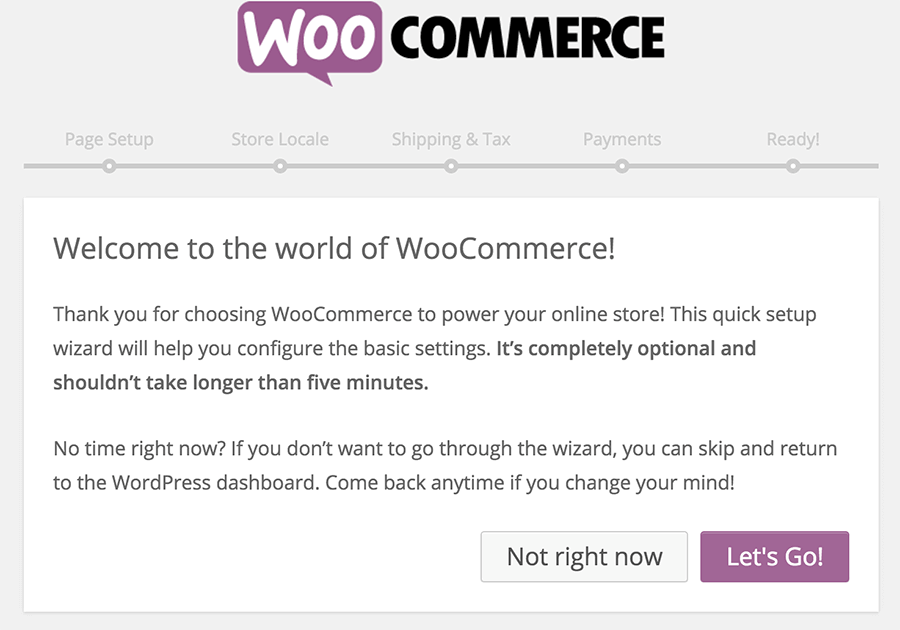
Click on Run the Setup Wizard button to begin the WooCommerce install. That will start the setup wizard, where you can set things like shop pages, store locale, shipping & tax and payments.
Tip: If you have already imported the demo content then the required WooCommerce pages should already been created.
If you want to change some settings, you can change them in WooCommerce => Settings. There are many tabs at the top, you can configure to fit your needs.
Next, you can install the demo products by WooCommerce. Go to Tools » Import => WordPress and import the demo XML file which can be found in the folder where WooCommerce was installed on your server. Usually this is in wp-content/plugins/woocommerce. Find the file dummy-data.xml there and upload it to the server. Also check the Download and import file attachments check-box, so that all product images will be downloaded as well.
Tip: All further information and documentation for WooCommerce can be found on the official WooCommerce website