Using Shortcodes
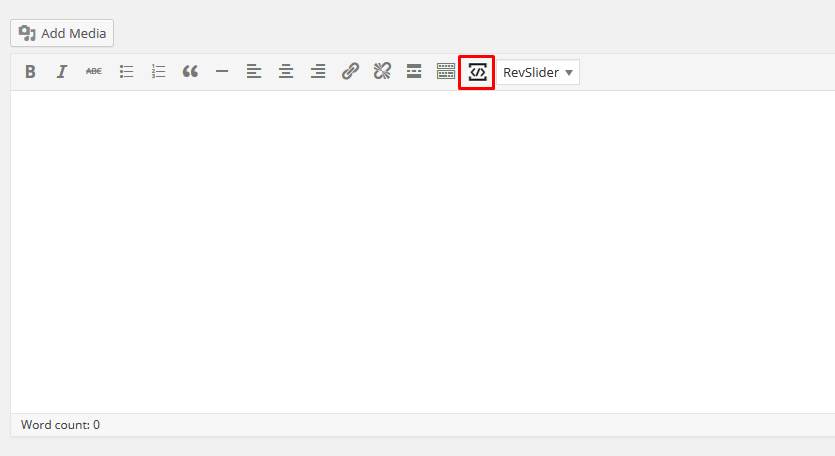
Solicitor comes with a Shortcode manager, when using the WordPress editor or Page builder text block module you can find the Shortcode manager icon in the WordPress TinyMCE.
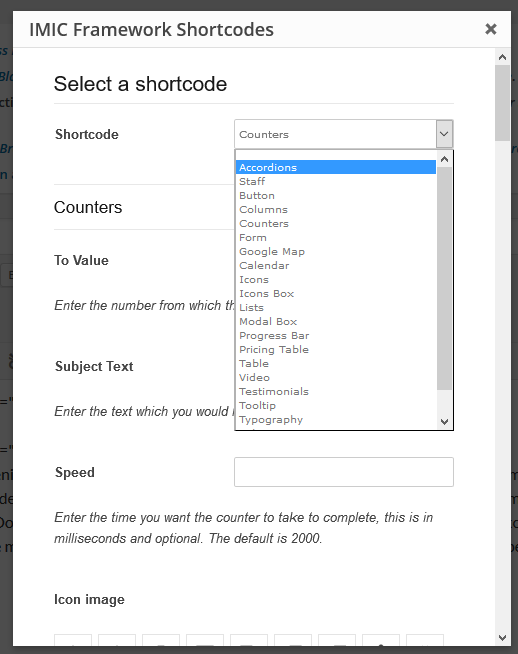
Here are some shortcode examples.
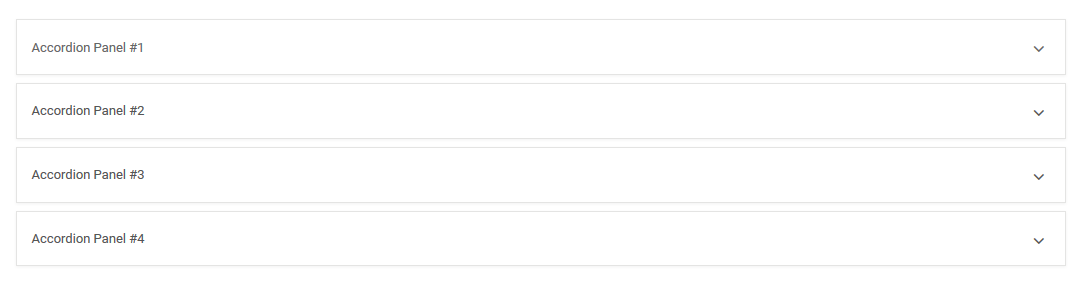
Accordion
|
1
2
3
4
5
6
7
8
9
10
11
|
[accordions id=""][accgroup][acchead id="" tab_id="0" class="active"]Accordion Panel #1[/acchead][accbody tab_id="0" in="in"]Accordion Body #1[/accbody][/accgroup][accgroup][acchead id="" tab_id="1" class=""]Accordion Panel #2[/acchead][accbody tab_id="1" in=""]Accordion Body #2[/accbody][/accgroup][/accordions] |
Tabs
|
1
2
3
4
5
6
7
8
9
10
11
12
13
14
|
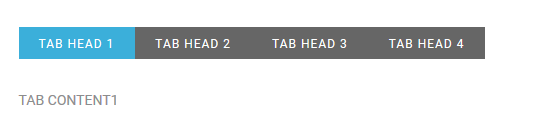
[tabs][tabh][tab id="0" class="active"]TAB HEAD 1[/tab][tab id="1" class=""]TAB HEAD 2[/tab][tab id="2" class=""]TAB HEAD 3[/tab][tab id="3" class=""]TAB HEAD 4[/tab][/tabh][tabc][tabrow id="0" class="active"]TAB CONTENT1[/tabrow][tabrow id="1" class=""]TAB CONTENT2[/tabrow][tabrow id="2" class=""]TAB CONTENT3[/tabrow][tabrow id="3" class=""]TAB CONTENT4[/tabrow][/tabc][/tabs] |
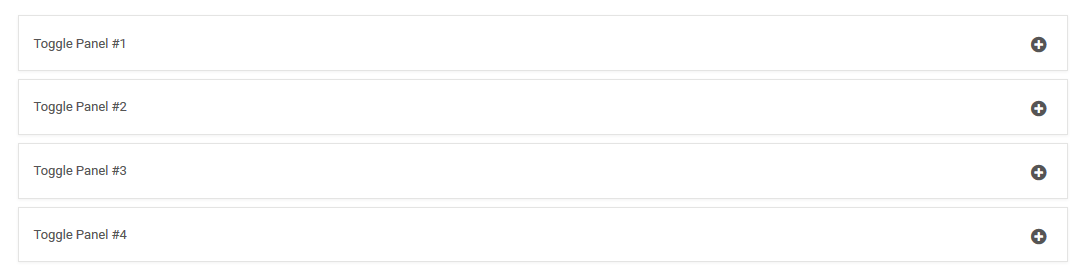
Toggles
|
1
2
3
4
5
6
7
8
9
10
11
12
13
14
15
16
17
18
|
[toggles id=""][togglegroup][togglehead id="" tab_id="0"]Toggle Panel #1[/togglehead][togglebody tab_id="0"]Toggle Body #1[/togglebody][/togglegroup][togglegroup][togglehead id="" tab_id="1"]Toggle Panel #2[/togglehead][togglebody tab_id="1"]Toggle Body #2[/togglebody][/togglegroup][togglegroup][togglehead id="" tab_id="2"]Toggle Panel #3[/togglehead][togglebody tab_id="2"]Toggle Body #3[/togglebody][/togglegroup][togglegroup][togglehead id="" tab_id="3"]Toggle Panel #4[/togglehead][togglebody tab_id="3"]Toggle Body #4[/togglebody][/togglegroup][/toggles] |