This section of the documentation will guide you on how to create a Projects.
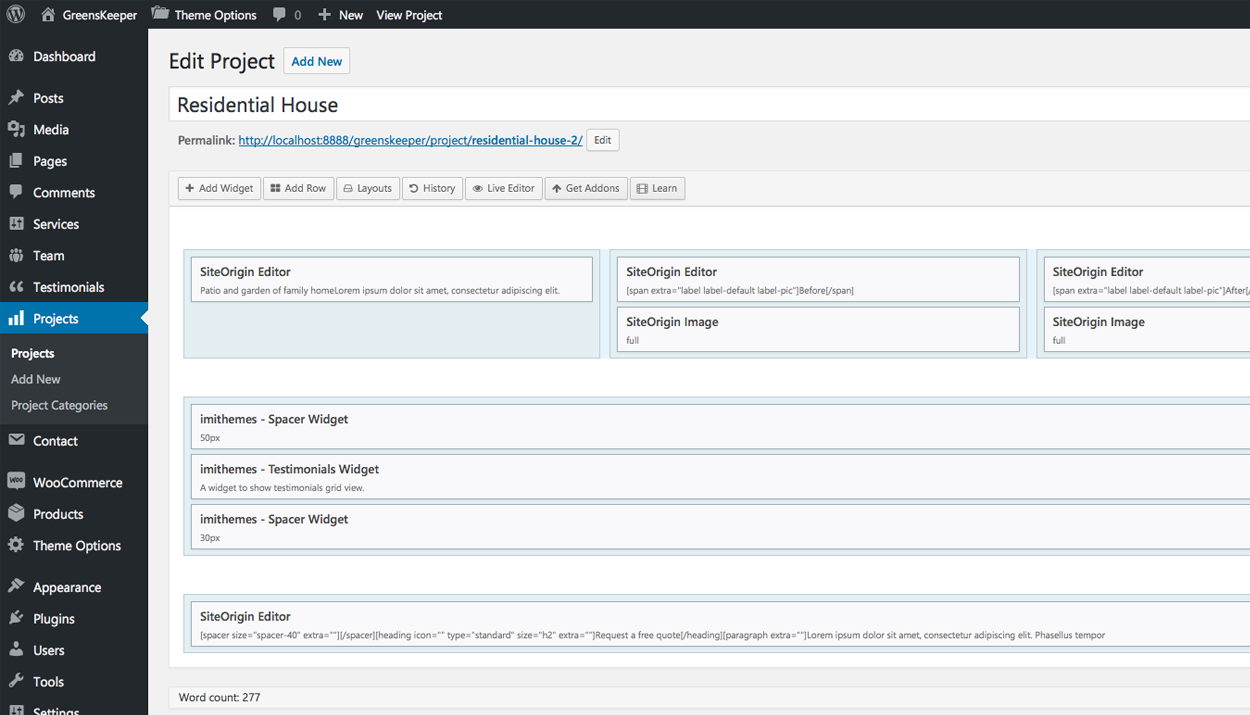
Step 1 : Log into your WordPress Dashboard and navigate to Projects > Add New
Step 2 : Enter your Projects title in the upper field, and enter your Projects body content in the main page editing box below it.
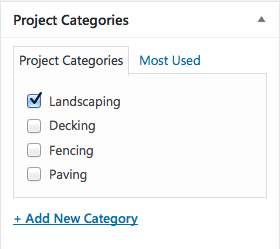
Step 3 : Create or insert a new category for your Projects
Step 4 : Upload a feature image for your Projects

Step 5 : Select your preferred sidebar in the dropdown list and layout for the sidebar and content.

Step 6 : Page Design Options. Please check Page Header for more information.

Step 7 : content Options

Step 8 : Background Options

Step 9 : Social Sharing Options
