Follow the steps below to find out how to customize the theme layout and styling.
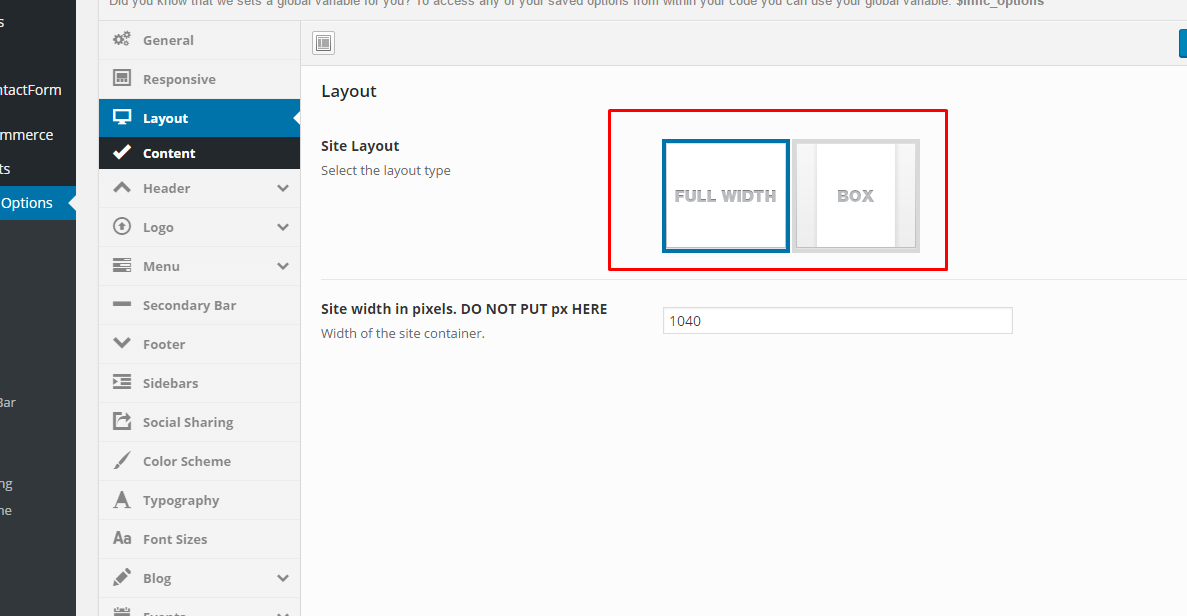
Step 1 : Navigate to Theme Options > Layout Options > Page Layout . Choose between full width or boxed.
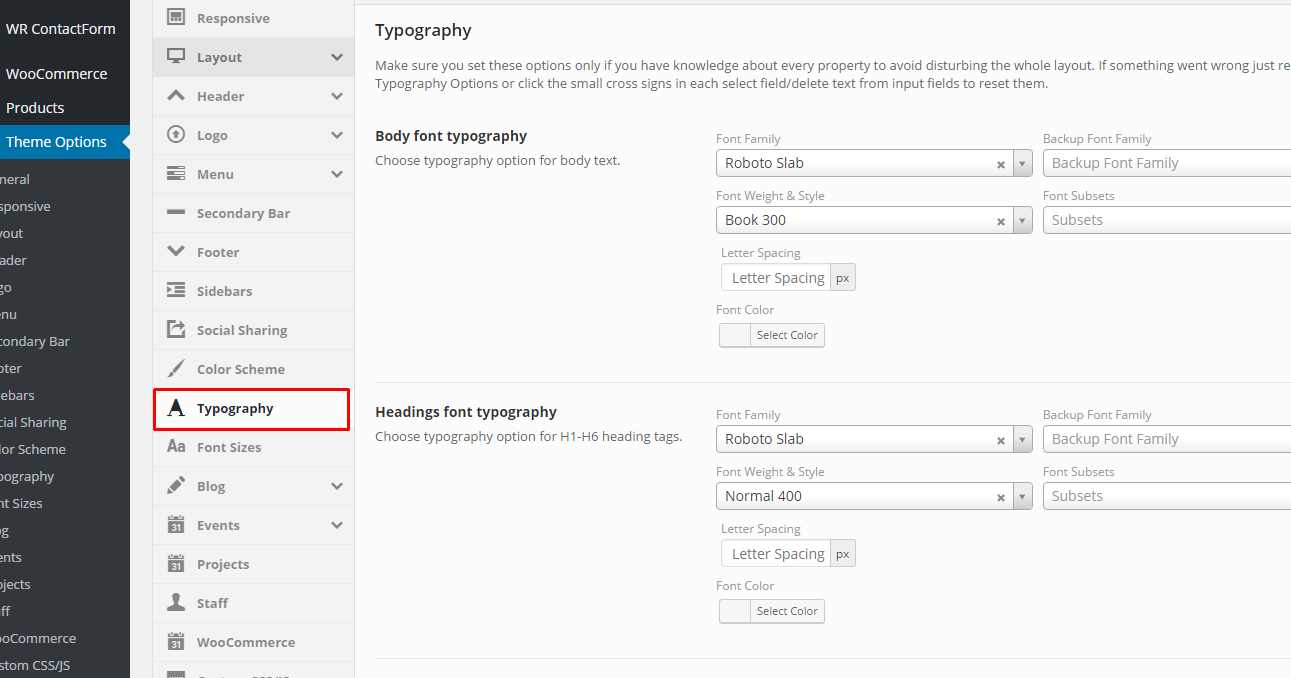
Step 2 : Customize the content, heading and page typography. Navigate to Theme Options > Styling.