If you can’t see the options panel, kindly check the screen options to enable it.

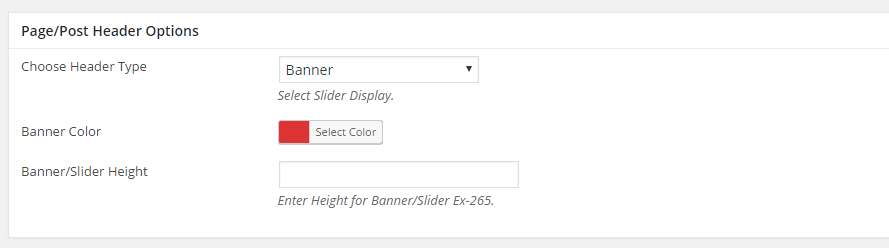
Choose Header Type : Banner
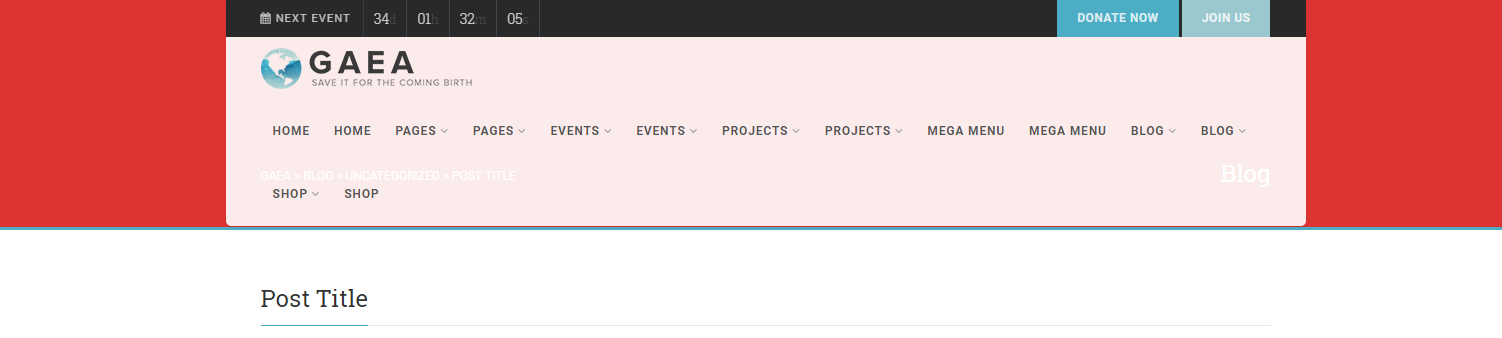
Banner Color : Choose a custom color for the banner area.
Banner/Slider Height : Insert the height for the banner area. Leave empty for default.
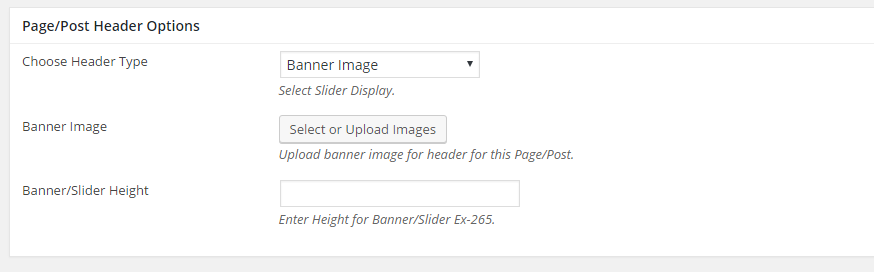
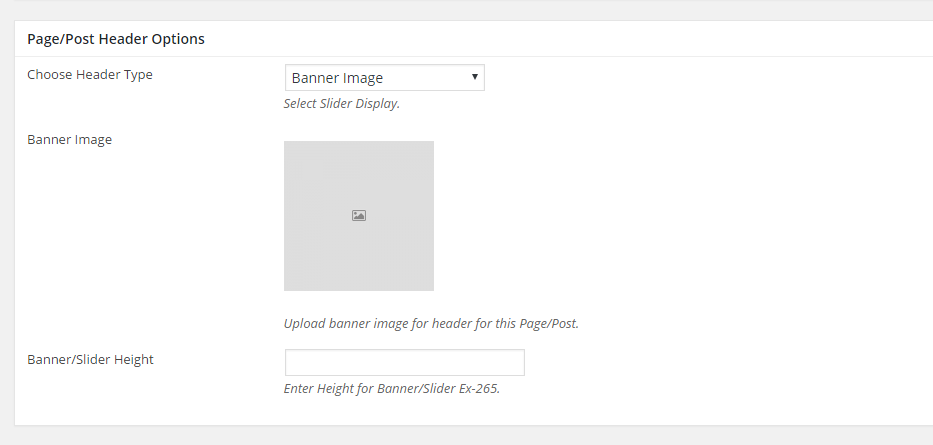
Choose Header Type : Banner Image
Banner Image : Click on “Select or Upload Images” button and upload a single image.
Header Height in px : You may adjust the banner image height in px.
Choose Header Type : Flex Slider
Header Height in px : You may adjust the Flex Slider height in px.
Slider Image : Click on “Select or Upload Images” button to upload your images.
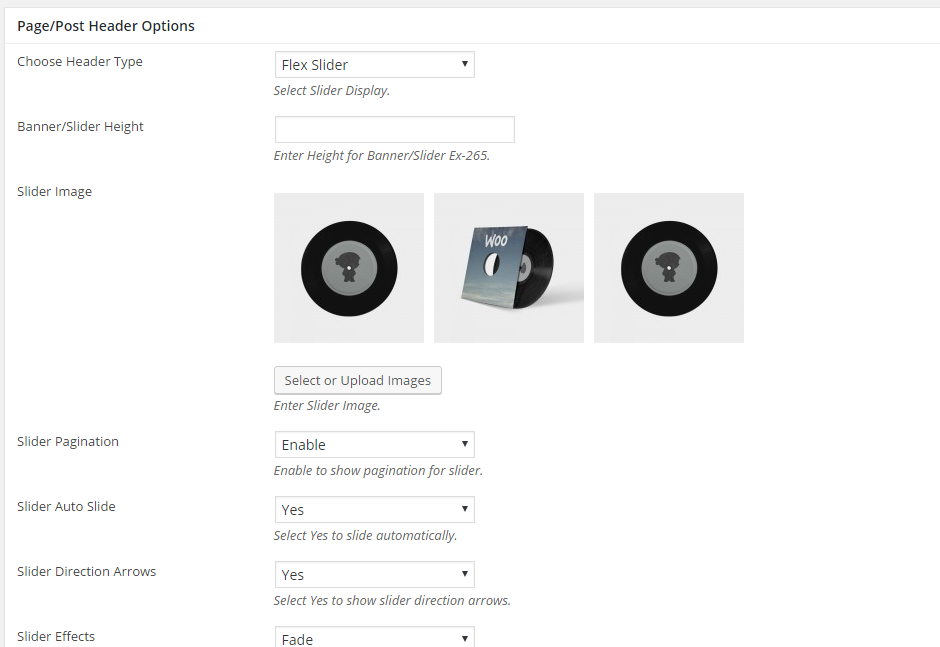
Slider Pagination : Enable or Disable Slider Pagination
Slider Auto Slide : Enable or disable Flex Slider to auto slide when loaded.
Slider Direction Arrows : Show or hide Flex Slider Direction Arrows.
Slider Effects : Choose between fade or slide.
Choose Header Type : Nivo Slider
Header Height in px : You may adjust the Flex Slider height in px.
Slider Image : Click on “Select or Upload Images” button to upload your images.
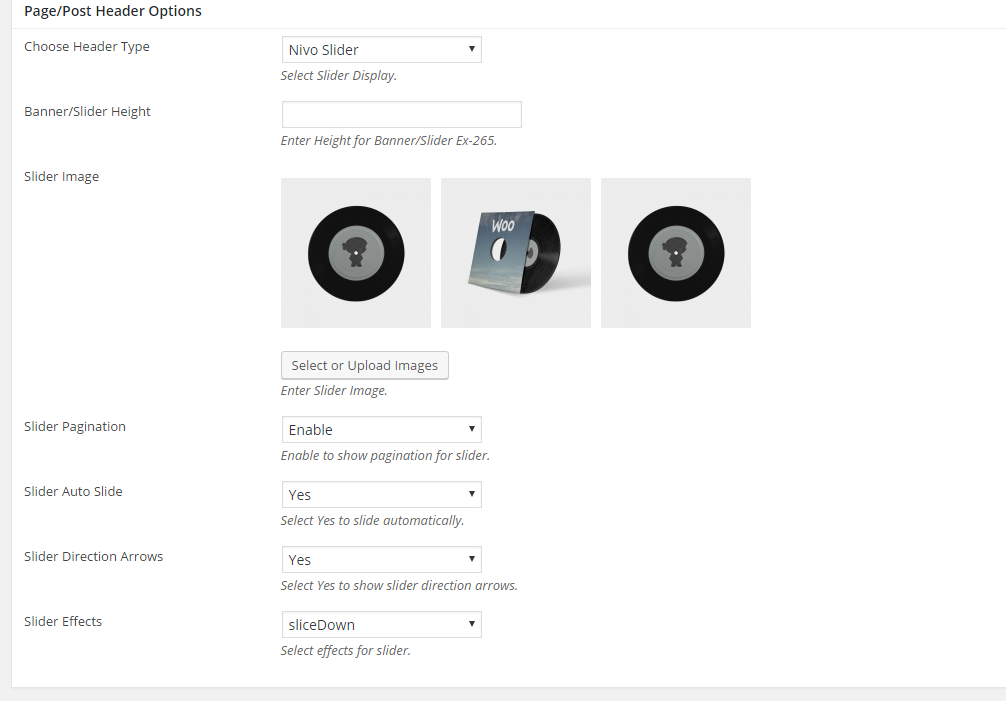
Slider Pagination : Enable or Disable Slider Pagination
Slider Auto Slide : Enable or disable Nivo Slider to auto slide when loaded.
Slider Direction Arrows : Show or hide Nivo Slider Direction Arrows.
Slider Effects : Choose Effects.
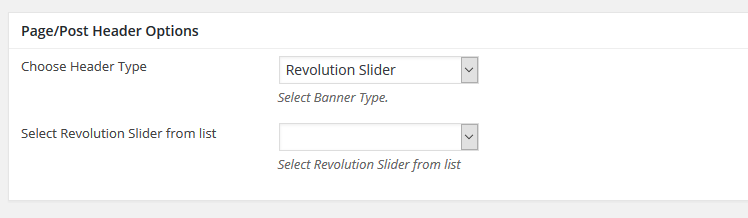
Choose Header Type : Revolution Slider
Select Revolution Slider from list : Select Revolution Slider from list