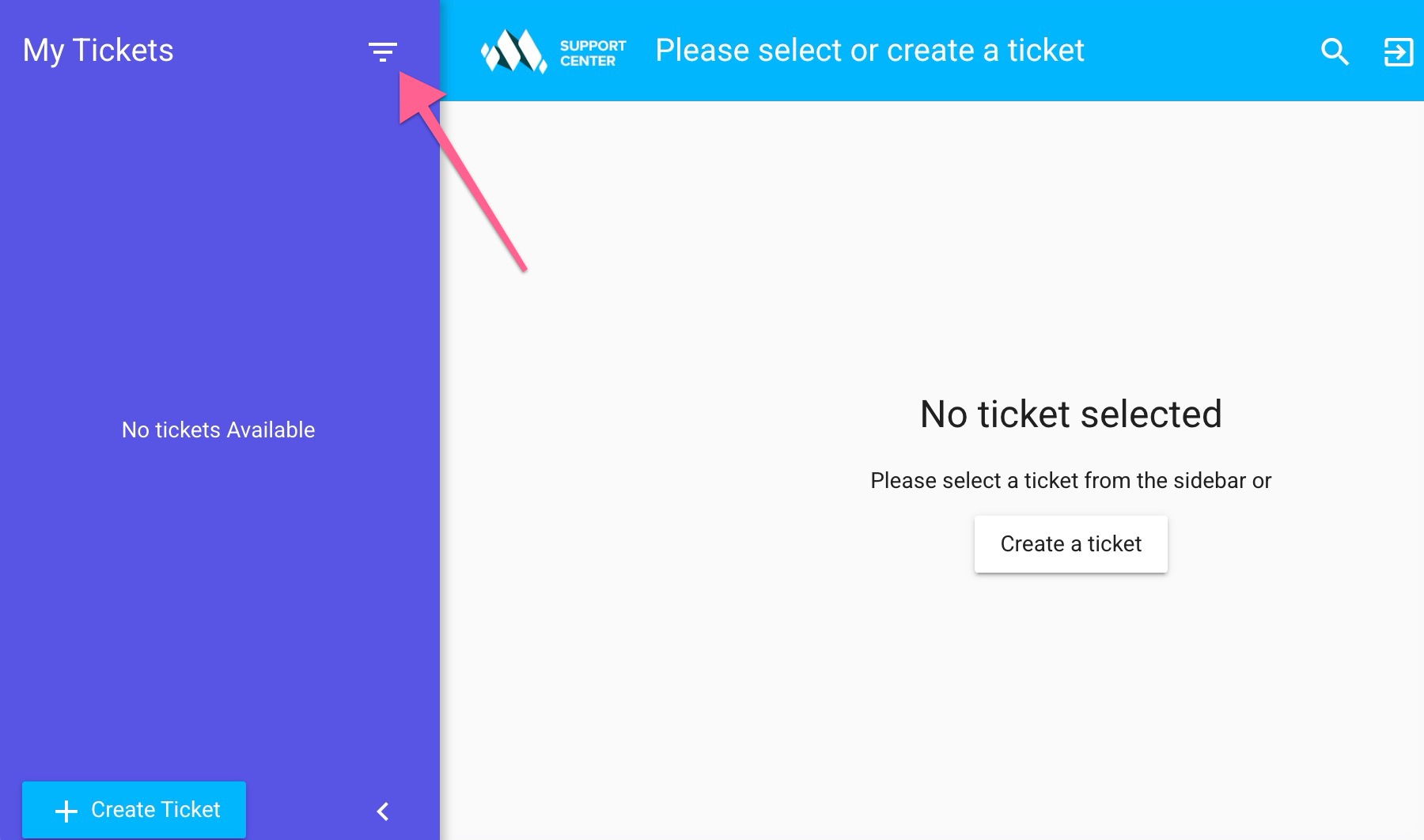
One you are registered and logged into imithemes support center you will be inside your own dashboard where you can manage your previous tickets, see ticket status or can create new ticket.

Replies to any ticket can also be sent by replying to the email you receive when a support staff update your ticket with their reply.
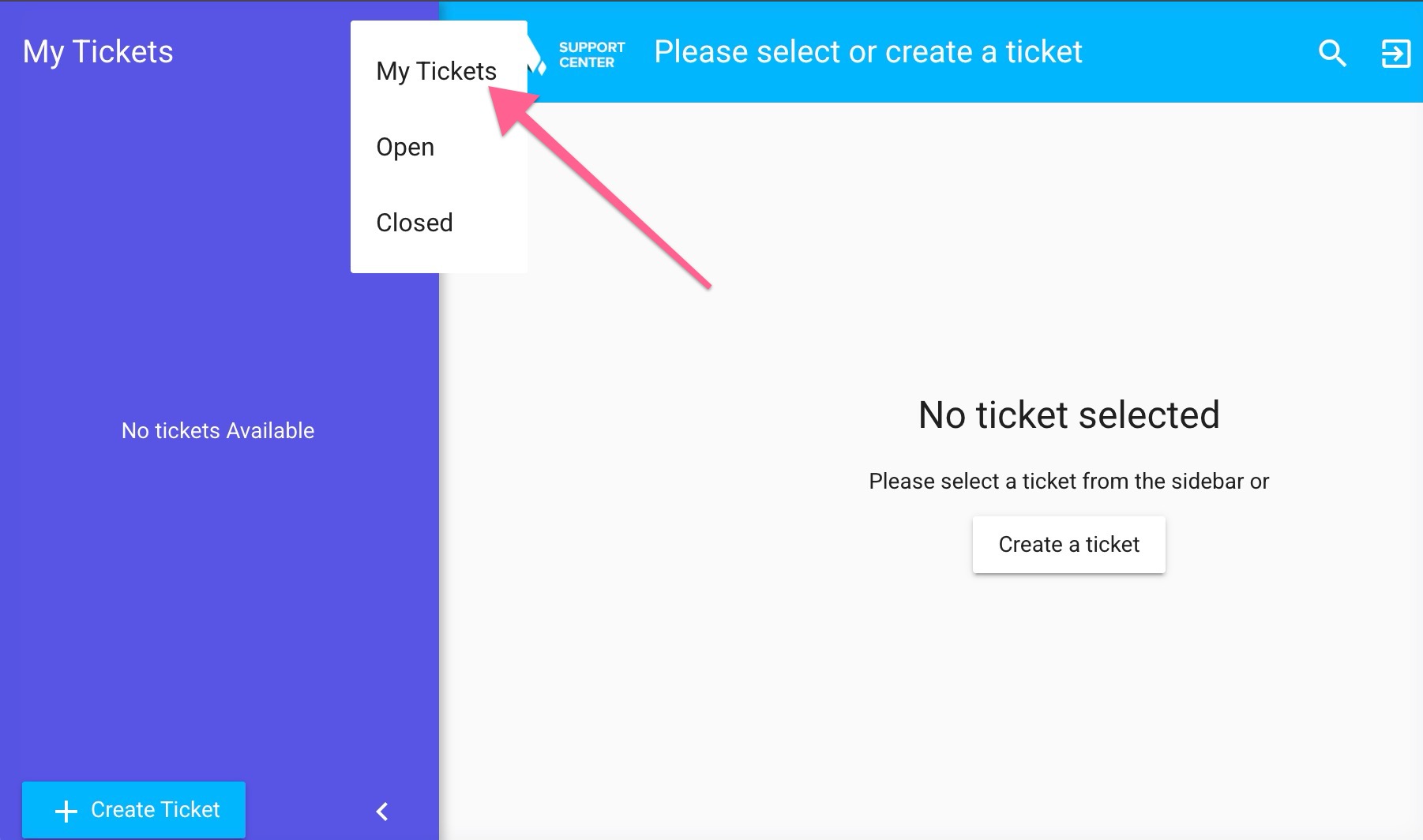
View all previous tickets
To view all your closed and open tickets, click on ‘My Tickets’ from the sidebar menu.