Taxonomies are how you organise your sermon library into meaningful groups. iSermons supports five built-in taxonomies that you can assign to each sermon directly from the sermon editor.
The Five Taxonomies
| Taxonomy | Purpose |
|---|---|
| Categories | Broad groupings for your sermons, e.g. Sunday Service, Youth, Midweek Bible Study. |
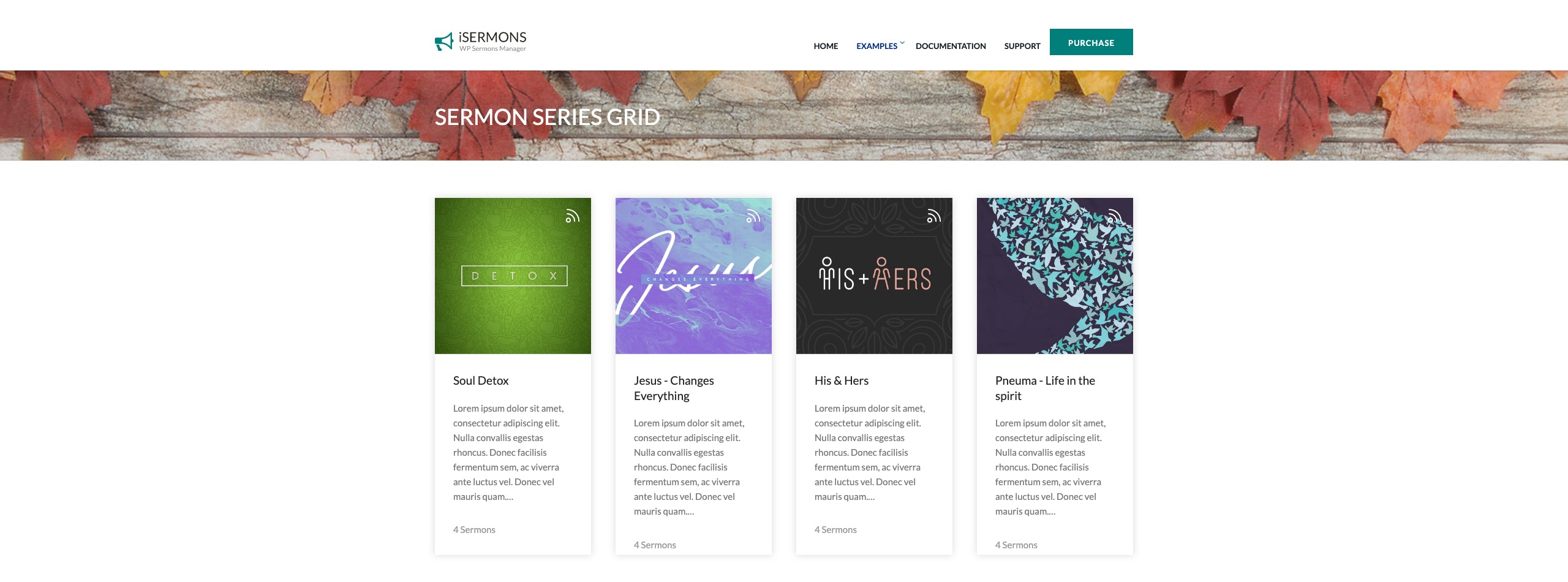
| Series | Sequential teaching series, e.g. “Life of Paul – Part 1, 2, 3.” Sermons in the same series are grouped together. |
| Books | Books of the Bible referenced in the sermon, e.g. Romans, John, Psalms. Allows visitors to find all sermons on a specific book. |
| Topics | Keyword-style thematic labels, e.g. Faith, Prayer, Salvation, Family. A sermon can have multiple topics. |
| Preachers | The preacher(s) who delivered the sermon. Each preacher can have a name, bio, and profile photo. |
Assigning Taxonomies to a Sermon
When editing a sermon, taxonomy assignment panels appear in the right-hand sidebar (or below the meta boxes on smaller screens). Each enabled taxonomy has its own panel:
- Open a sermon for editing (iSermons → Add New or click an existing sermon).
- In the right sidebar, locate the panel for the taxonomy you want to assign (e.g. Series).
- Check the box next to an existing term, or type a new term name and click Add New [Taxonomy] to create it on the fly.
- Repeat for any other taxonomies.
- Save or publish the sermon.
Which Taxonomies Are Available?
Only taxonomies that are enabled in iSermons → Settings → General will appear as sidebar panels in the sermon editor. If you do not see a taxonomy panel (e.g. Books), go to Settings → General and check the Enable Books option.
Managing Taxonomy Terms
To create, edit, or delete taxonomy terms in bulk — or to add term images (thumbnails) and descriptions — use the dedicated taxonomy management pages accessible from the iSermons admin menu:
- iSermons → Categories
- iSermons → Series
- iSermons → Books
- iSermons → Topics
- iSermons → Preachers
See the Taxonomies section for full details on managing each taxonomy.
[Screenshot: The sermon editor right sidebar showing the Categories, Series, Books, Topics, and Preachers taxonomy assignment panels with checkboxes and Add New fields]