First step of getting started with the iSermons plugin is creating sermons for your website. To do this go to your WP Dashboard => iSermons => Add New.
To publish a new sermon just need a title, content and a featured image as minimum requirement but to fully utilise the plugin feature more input like video/audio should be added. These points are described in the next articles.
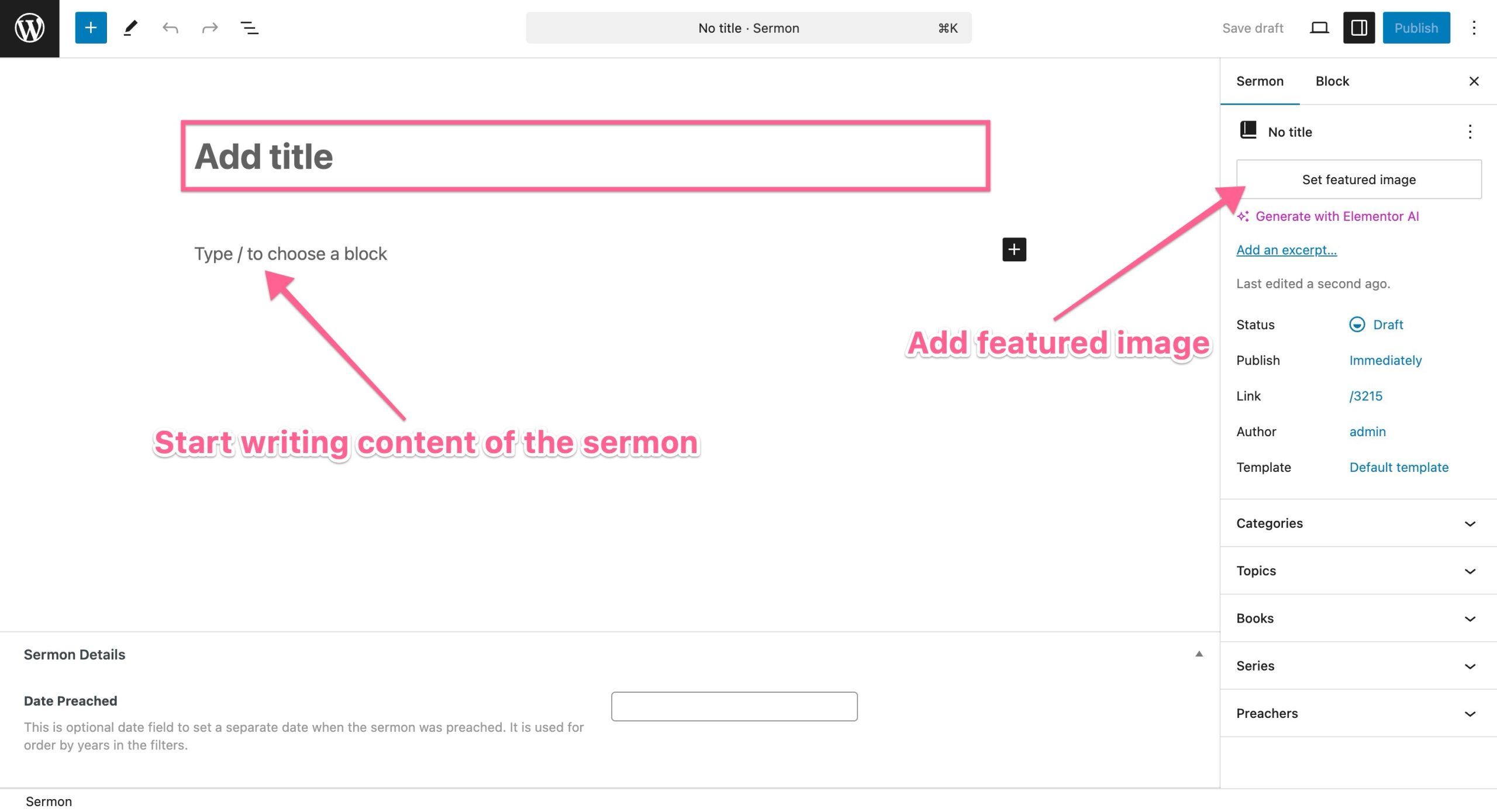
There is no recommended size for the featured image since this plugin offers selecting the desired thumbnail size for the listings. But to be safe we recommend any image larger than 600px wide and 400px high or in ratio of 4:3.