You can upload your logo image in the Theme Options. If the logo is not uploaded, then your site name will be used.
Step 1 : Log into your WordPress Dashboard and navigate to Theme Options > Header Options > Upload Logo .
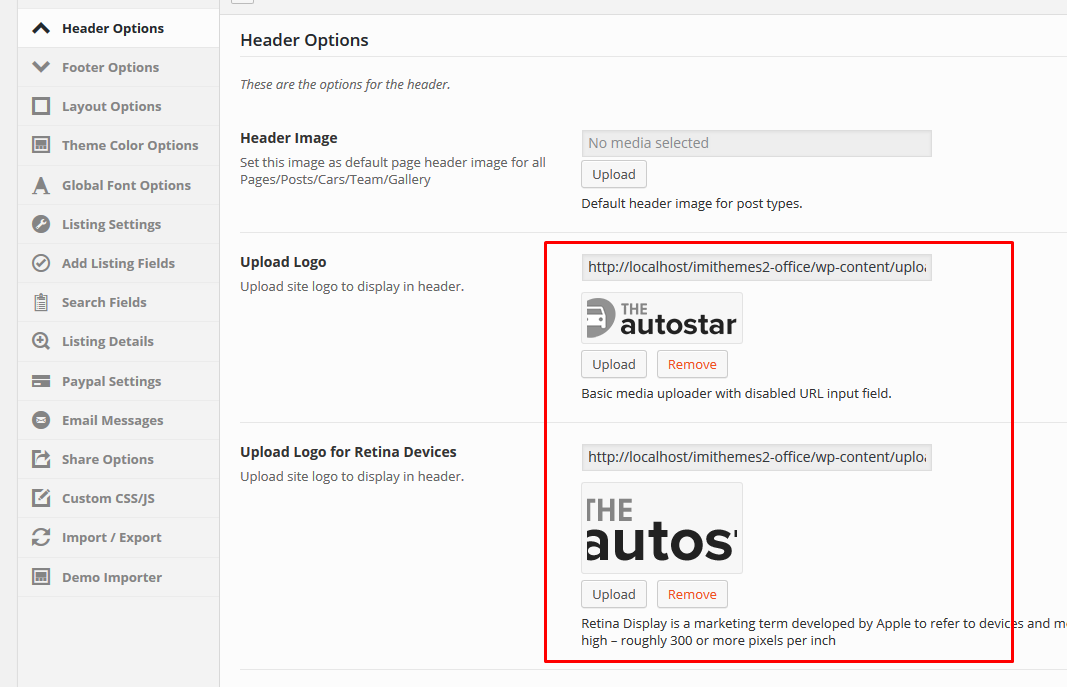
Step 2 : Upload a Logo ( Logo used by most of the devices including desktops and not retina devices ) or a Retina logo ( Retina Display is a marketing term developed by Apple to refer to devices and monitors that have a resolution and pixel density so high ). Size doesn’t matter but if you want to make logo retina use a bigger size ( roughly 300 or more pixels per inch ).
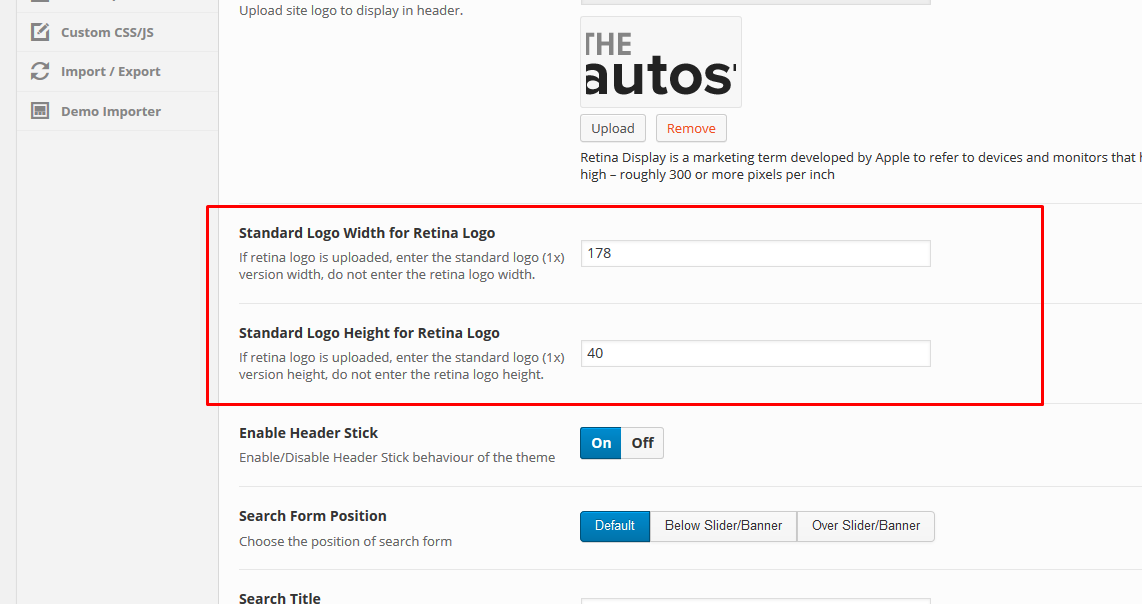
Step 3 : If a retina logo is used, you may want to adjust the width or height options provided.
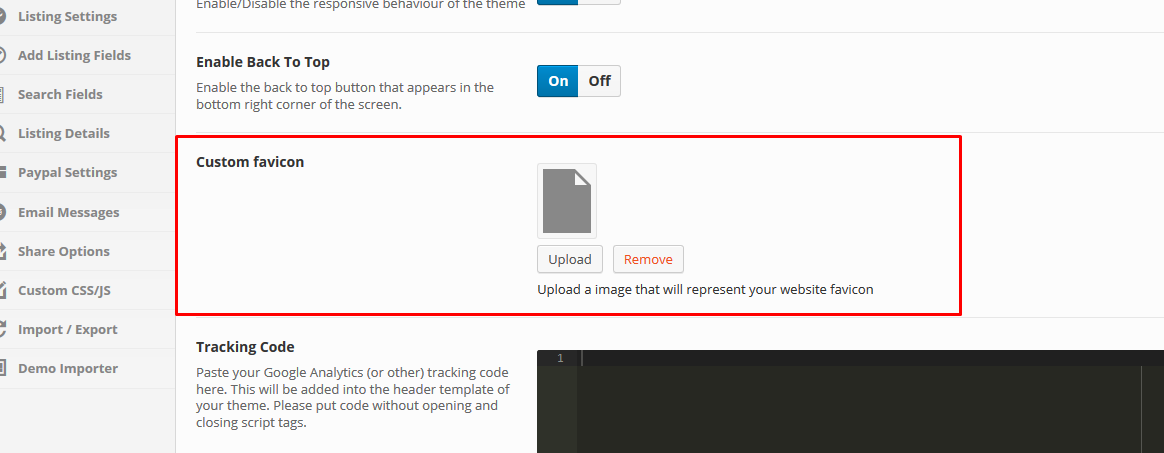
Step 4 : To Upload your favicon, navigate to Theme Options > General Options > Custom favicon . Your favicon should be a 32px x 32px Png/Gif image.