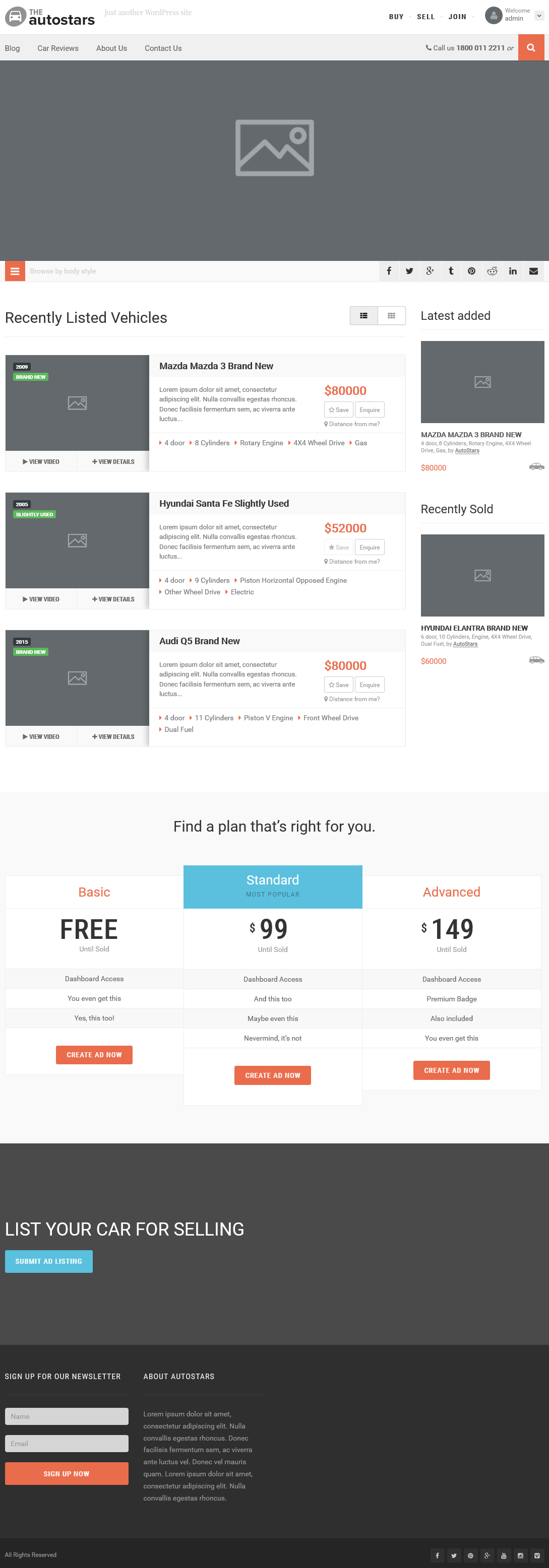
This template will display a custom home layout
Step 1 : Log into your WordPress Dashboard and navigate to Pages > Add New
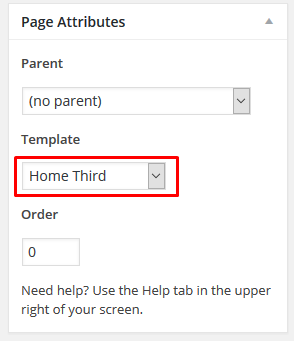
Step 2 : Locate the Template and in the dropdown menu, select Home Third.
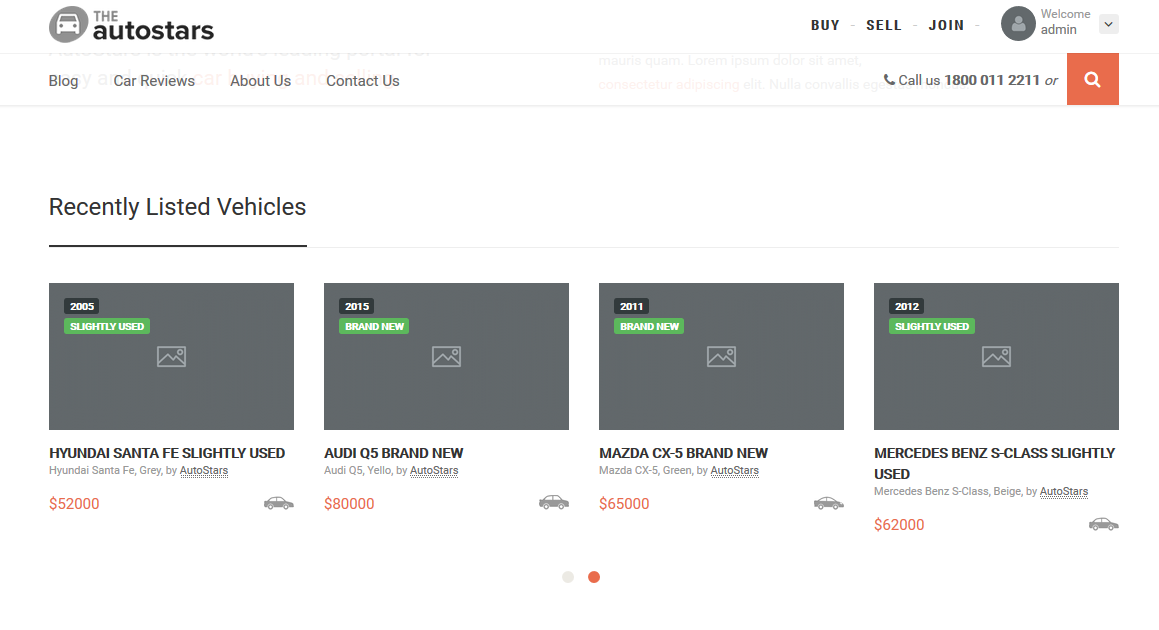
Step 3 : Vehicle Section
Please check Create Listings for more information.
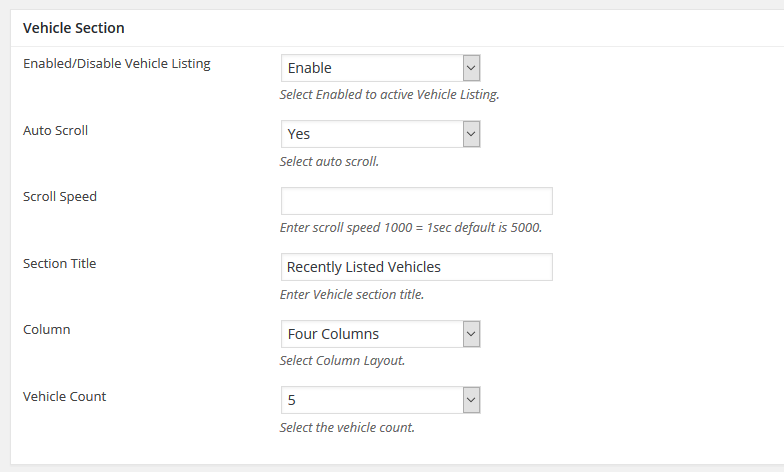
Enabled/Disable Vehicle Listing : Enable or disable Vehicle listing section.
Auto Scroll : Enable or disable Vehicle listing auto scroll.
Scroll Speed : Insert the scroll speed. Leave empty for default.
Section Title : Insert the section title
Column : Select how many columns to display per scroll
Vehicle Count : Limit Vehicles to be displayed.
Step 4 : Pricing Options
Please check Create Plans for more information.
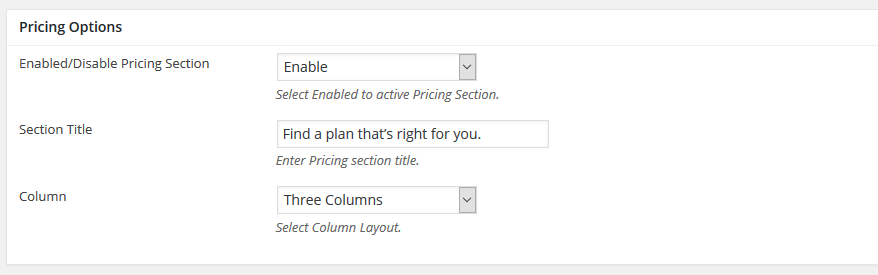
Enabled/Disable Pricing Section : Enable or disable Pricing section.
Section Title : Insert a title for Pricing Section
Column : Select your preferred column layout.
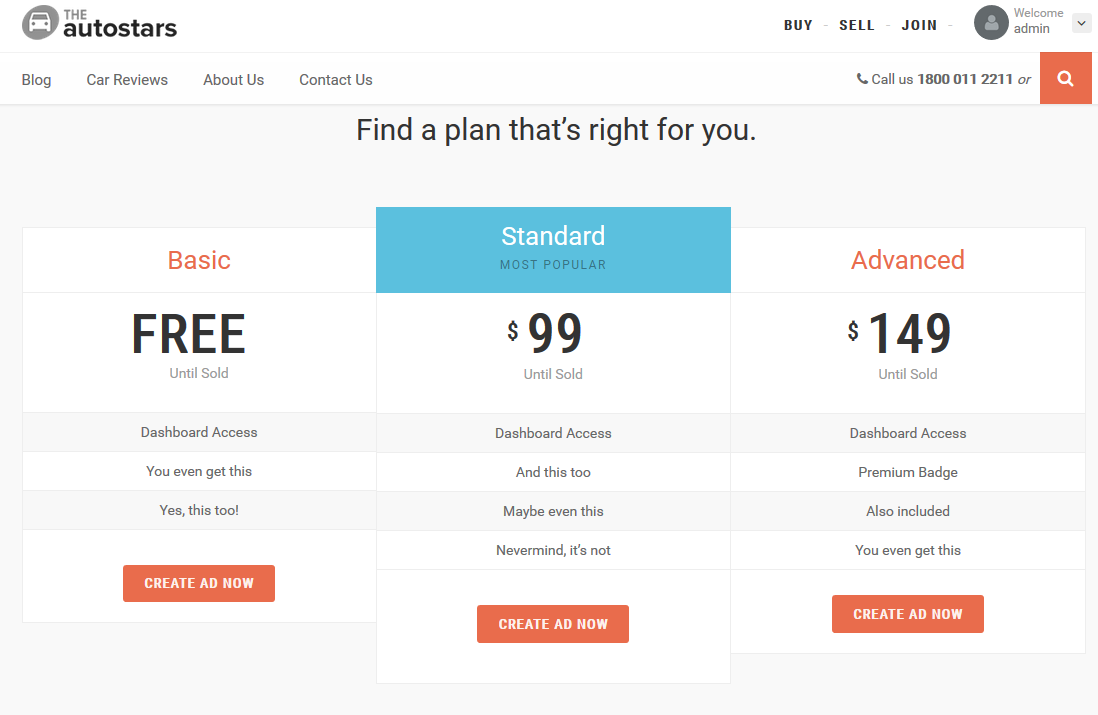
Step 5 : Parallax Section
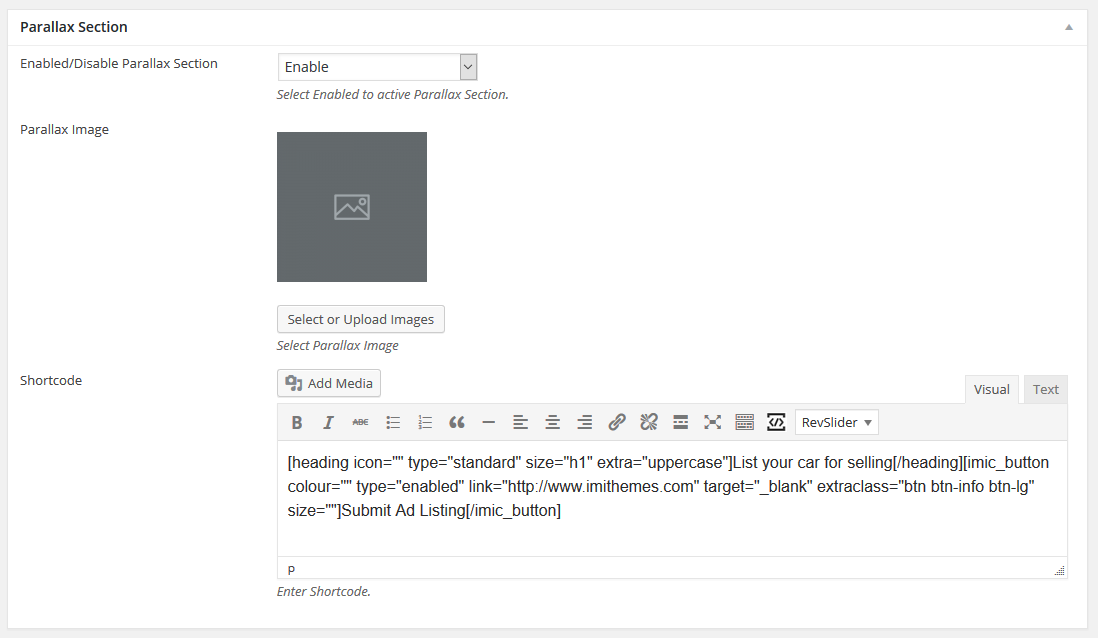
Enabled/Disable Parallax Section : Enable or disable Parallax section.
Parallax Image : Upload a parallax background image.
Shortcode : Insert Shortcodes.
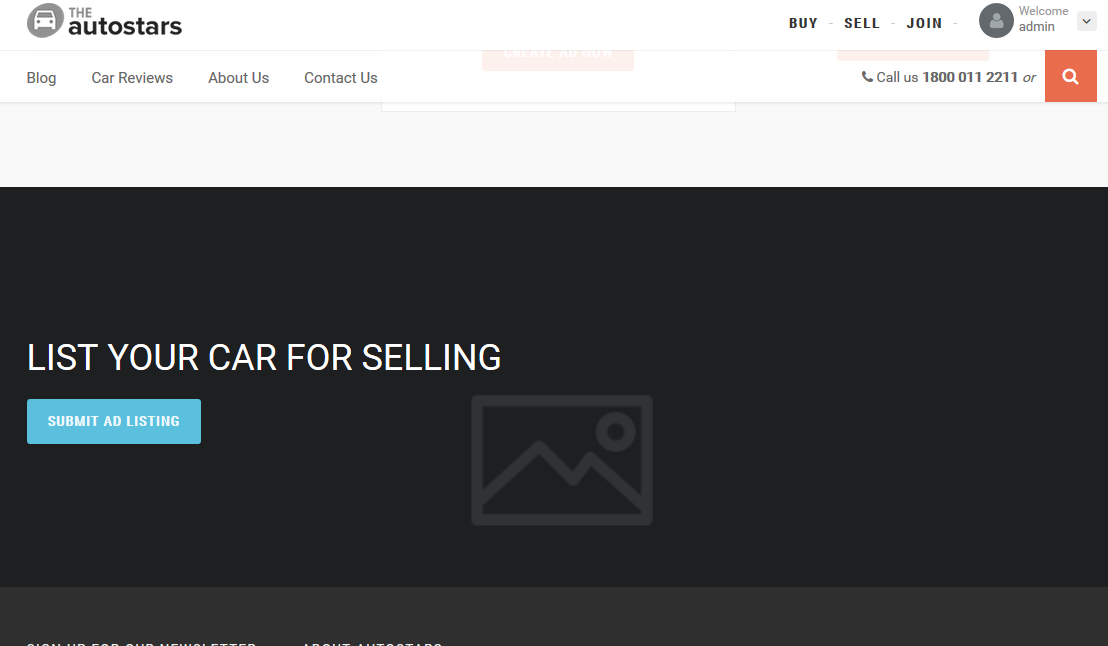
Step 6 : Select your preferred sidebar in the dropdown list and layout for the sidebar and content.

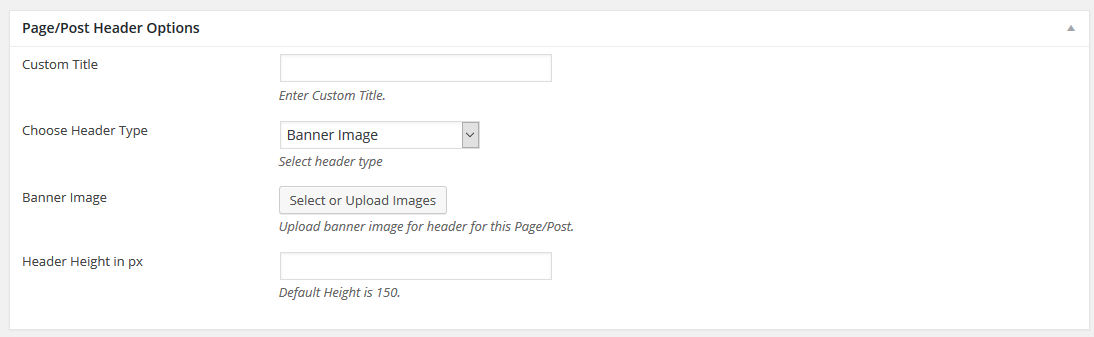
Step 7 : To customize the Page/Post Header Options. Please check Page / Post Header Options for more information.
Step 8 : To customize the Secondary Bar. Please check Secondary Bar for more information.
Step 9 : When you are finished, Update your page, it should looks like this.