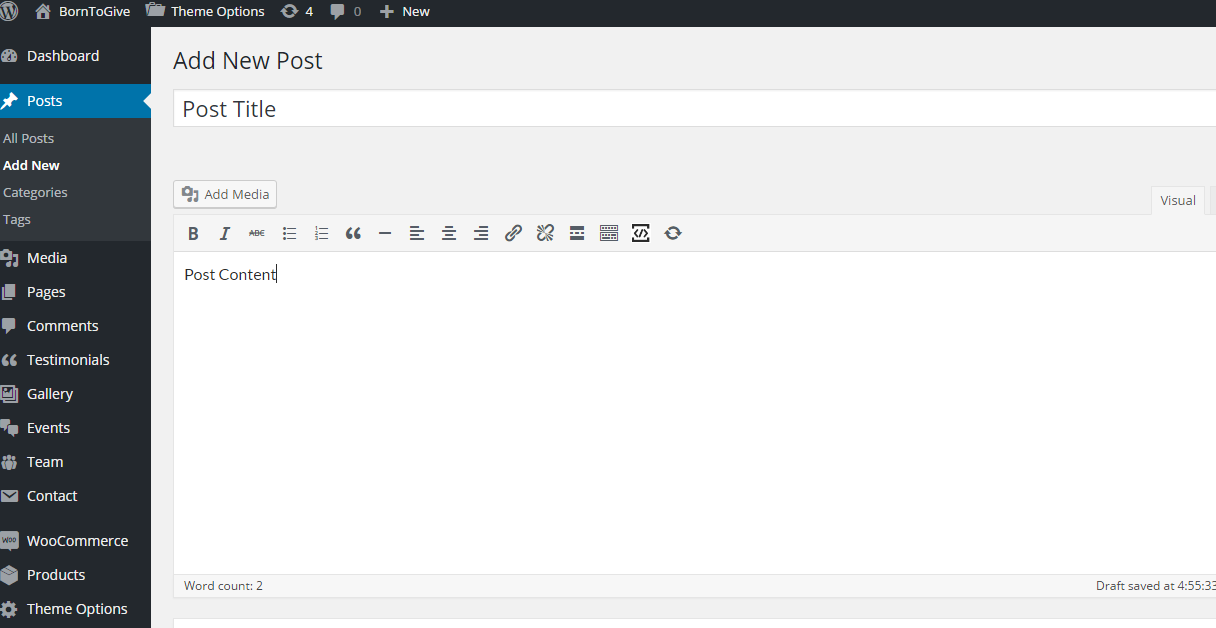
Step 1 : Log into your WordPress Dashboard and navigate to Posts > Add New
Step 2 : Enter your post title in the upper field, and enter your post body content in the main post editing box below it.
Step 3 : Select or create a category, add tags, and upload a featured image for your Post

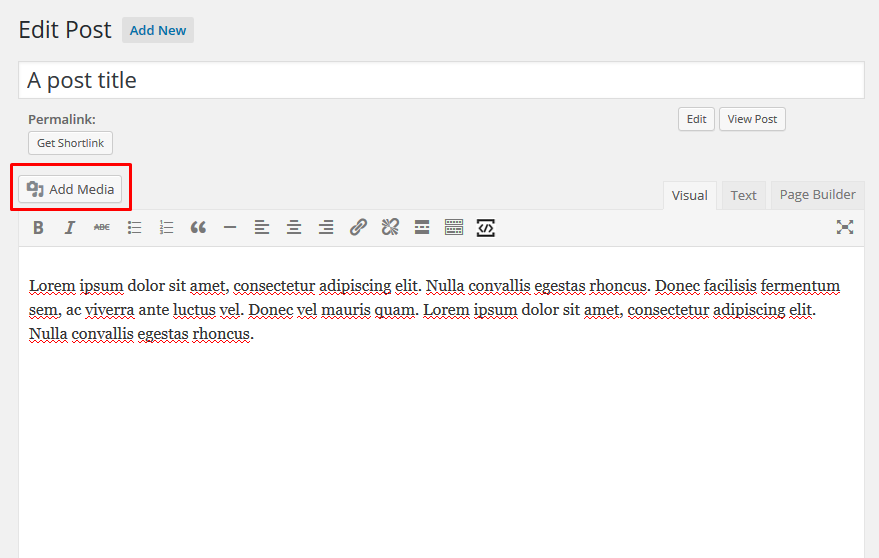
Step 4 : Upload images into Post by clicking on the “Add Media”.
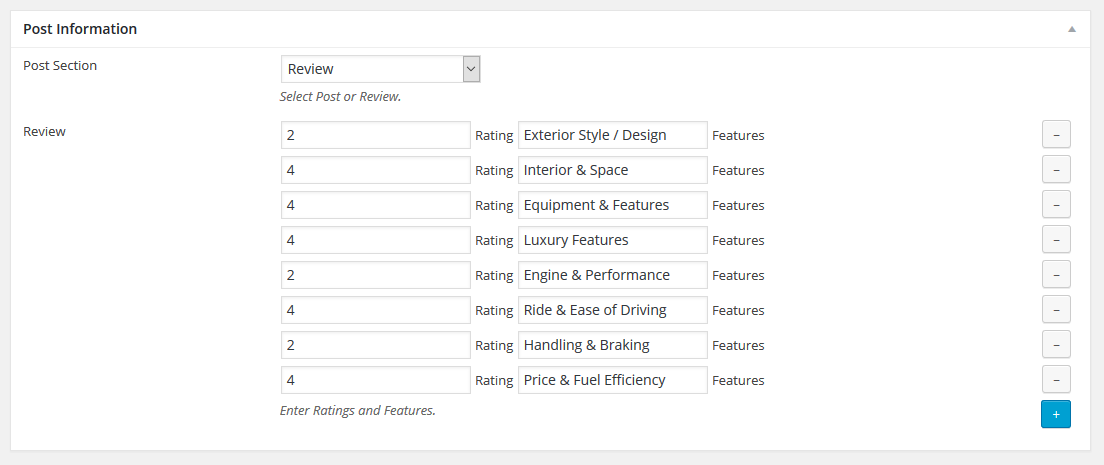
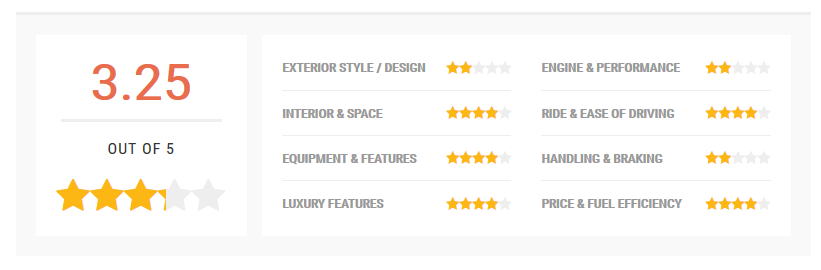
Step 5 : Select Post Information. Choose between post or review. Select post to show the default post and review will allow you to display multiple reviews with ratings and features.
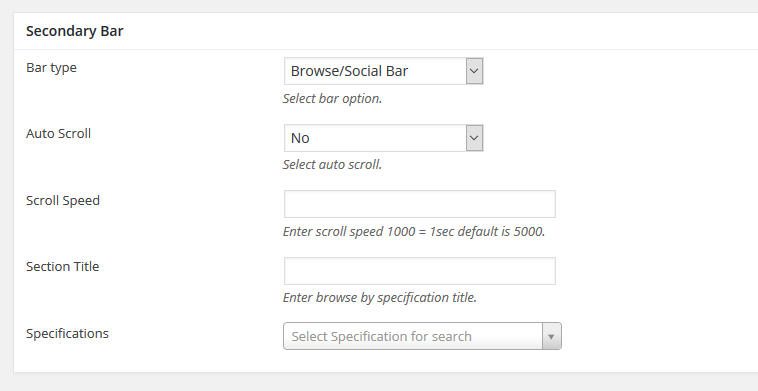
Step 6 : Secondary Bar. Please check Secondary Bar for more information.
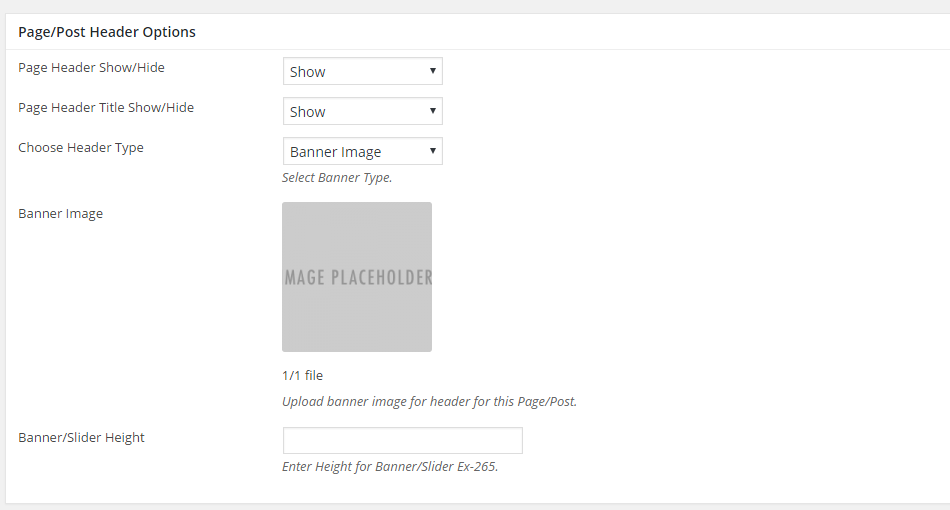
Step 7 : Page/Post Header Options. Please check Page / Post Header Options for more information.
Step 8 : Select your preferred sidebar in the dropdown list and layout for the sidebar and content.
