This section of the documentation will guide you on how to create a Testimonial.
Step 1 : Log into your WordPress Dashboard and navigate to Testimonials > Add New
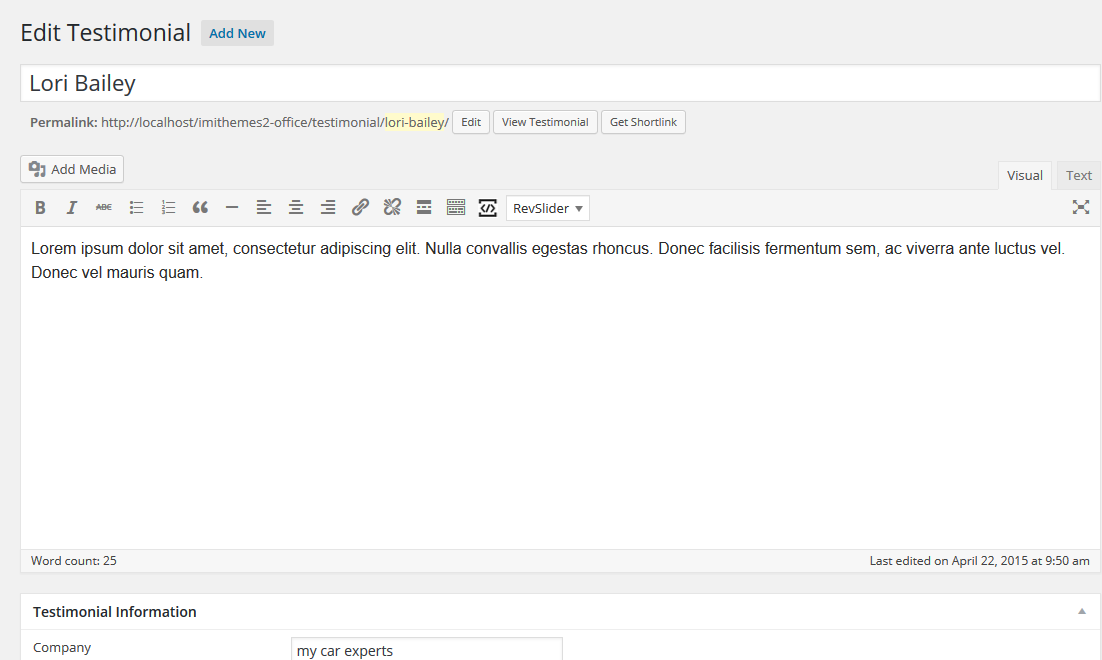
Step 2 : Enter the name of the user in the upper field, and insert the testimonial on body content in the main page editing box below it.
Step 3 : Upload an image for the testimonial.

Step 4 : Testimonial Information

Company : Insert company name.
Company URL : Insert company Website URL.
Step 5 : To display the testimonials, refer to Page Template : Home section of the documentation.