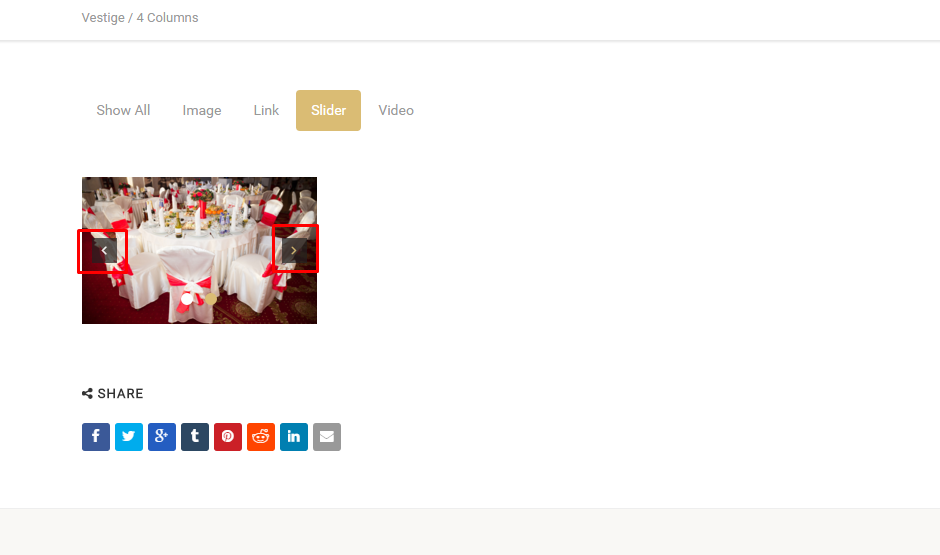
This section of the documentation will guide you on how to create a Gallery.
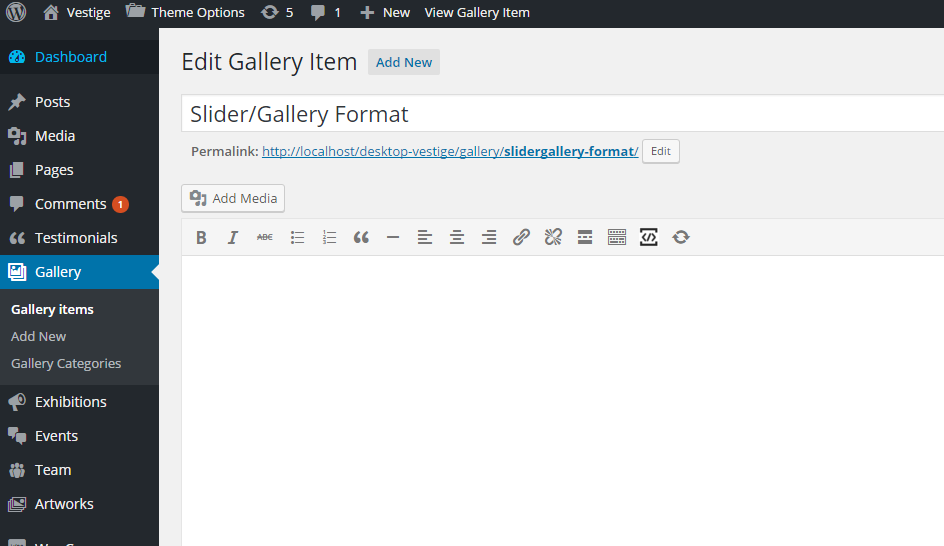
Step 1 : Log into your WordPress Dashboard and navigate to Gallery > Add New
Step 2 : Enter your gallery name on upper field
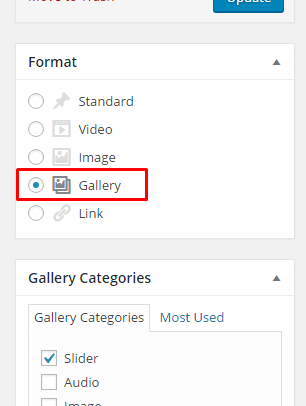
Step 3 : Change the Post format to Gallery
Step 4 : Post Meta Box
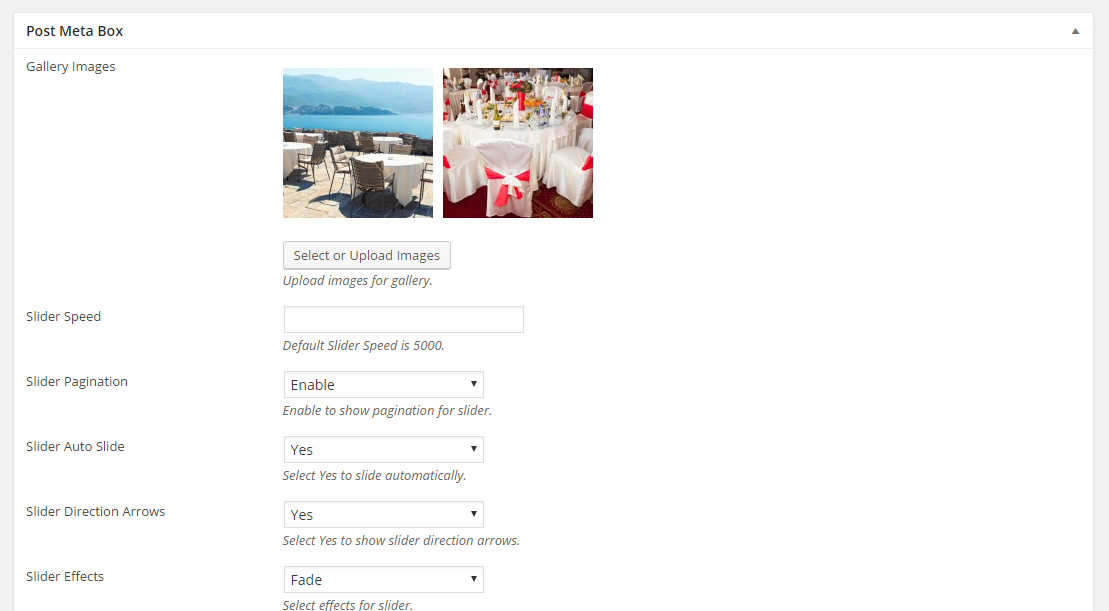
Gallery Images : Upload images for gallery.
Slider Speed : Set the slider speed.
Slider Pagination : Enable to show pagination for slider.
Slider Auto Slide : Select Yes to slide automatically.
Slider Direction Arrows : Select Yes to show slider direction arrows.
Slider Effects : Select effects for slider.
Step 5 : When you are done, go ahead and update your page and it should look like this.