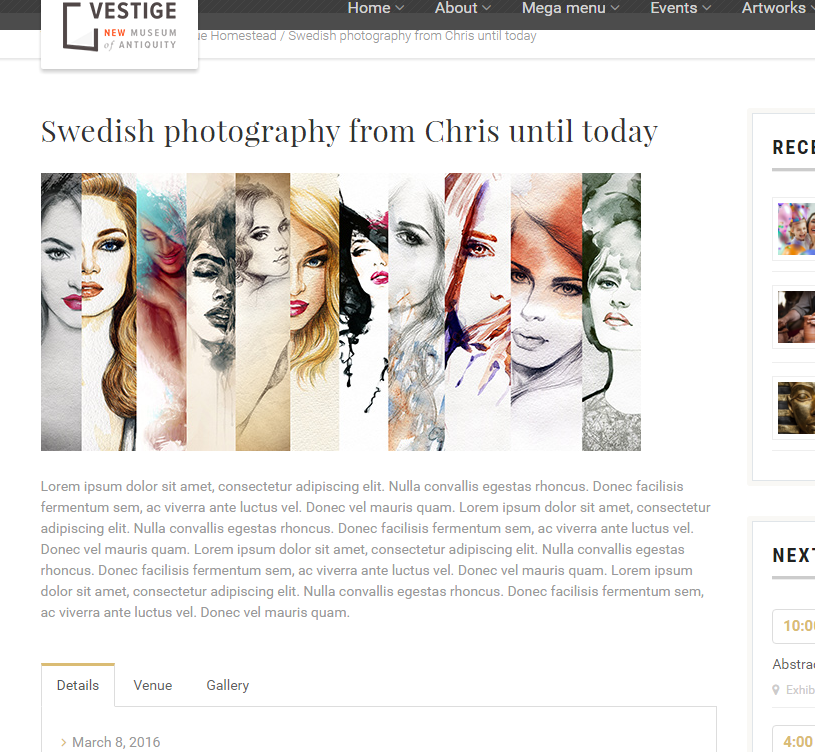
This section of the documentation will guide you on how to create an Event.
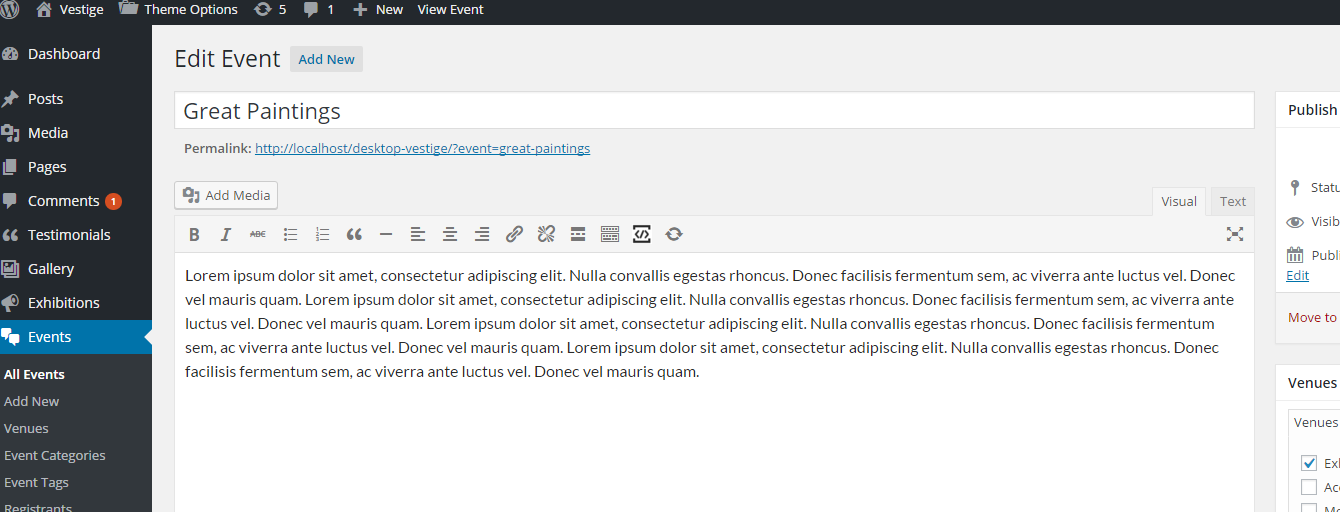
Step 1 : Log into your WordPress Dashboard and navigate to Events > Add New
Step 2 : Enter your Event name on upper field
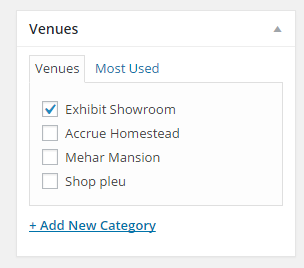
Step 3 : Add New Venue
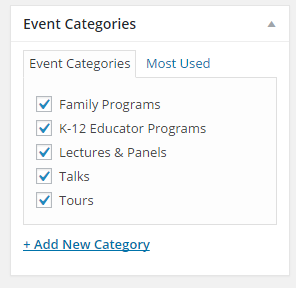
Step 4 : Add Event Categories
Step 5 : Add Event Tags
Step 6 : Featured Image
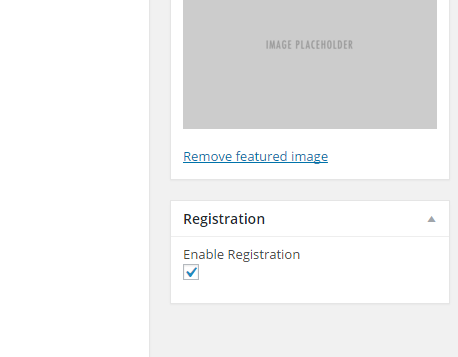
Step 7 : Registration
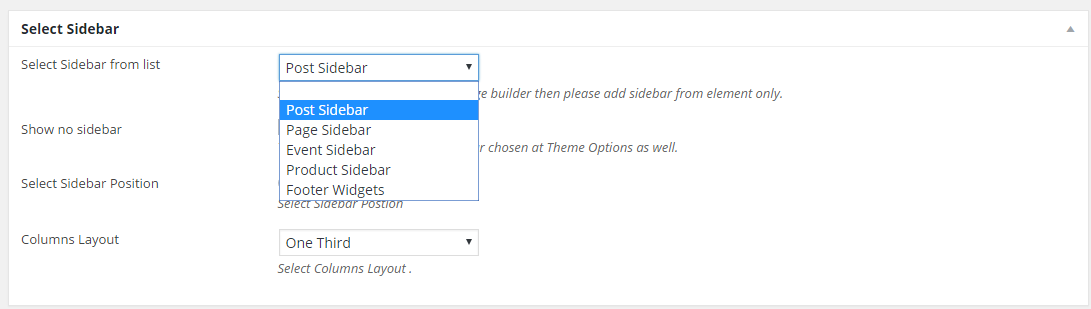
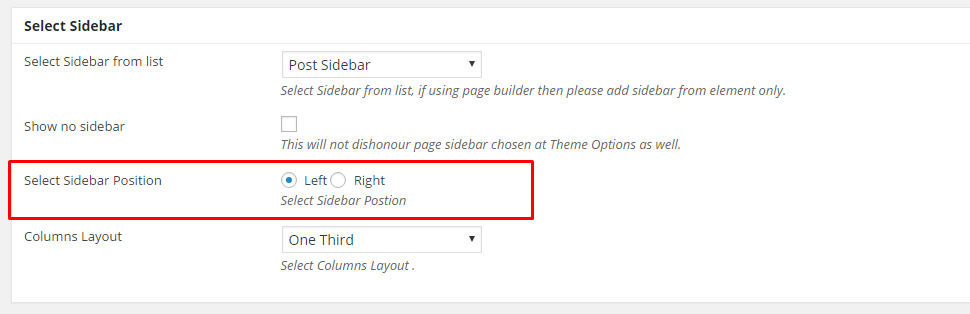
Step 8 : Select Sidebar
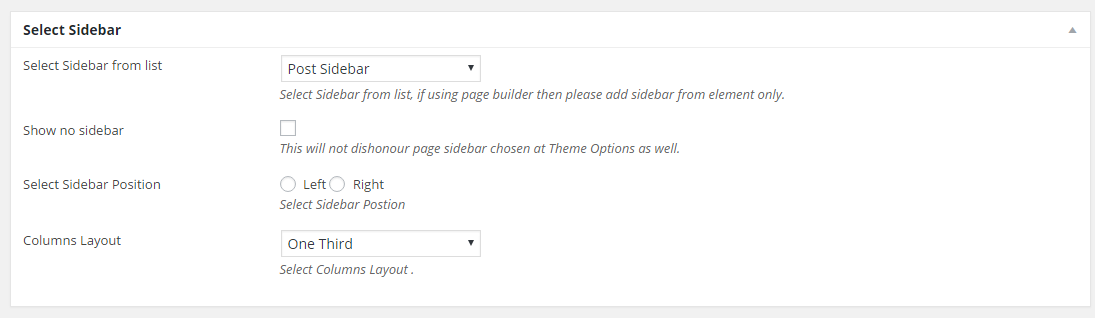
Select Sidebar from list : Select Sidebar from list, if using page builder then please add sidebar from element only.
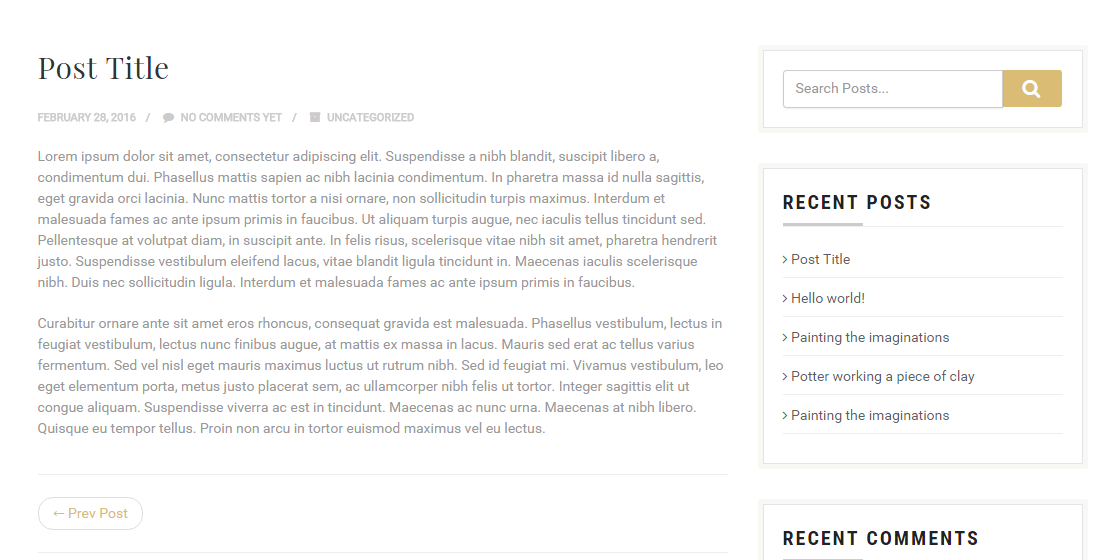
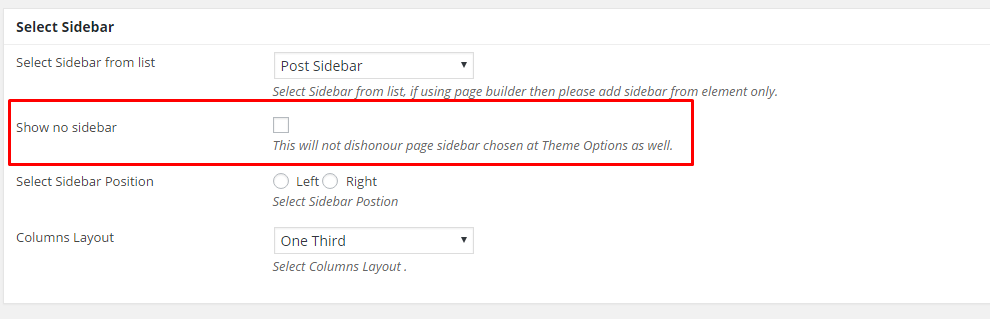
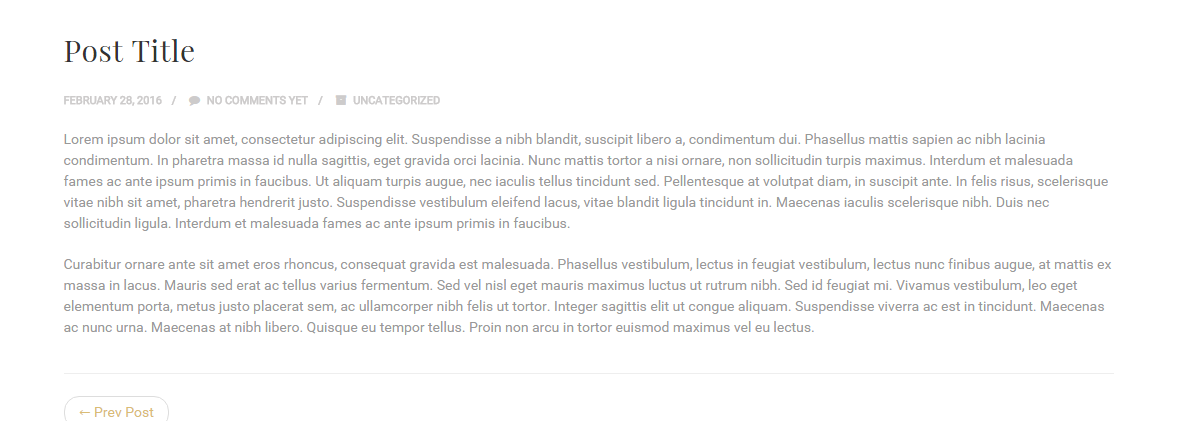
Show no sidebar : This will not dishonour page sidebar chosen at Theme Options as well.
Select Sidebar Position : Select Sidebar Postion
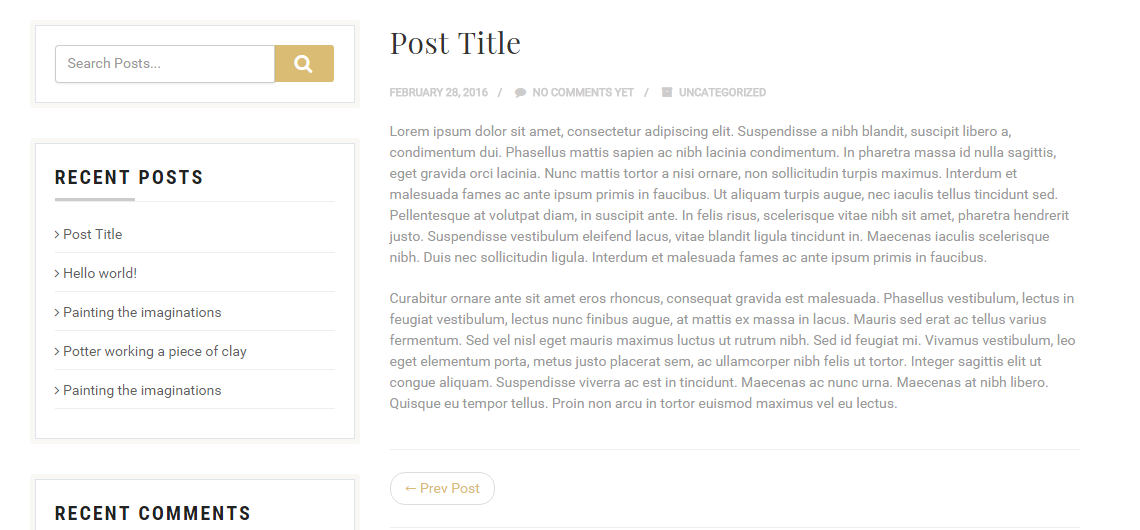
Columns Layout : Select Columns Layout .
One Fourth
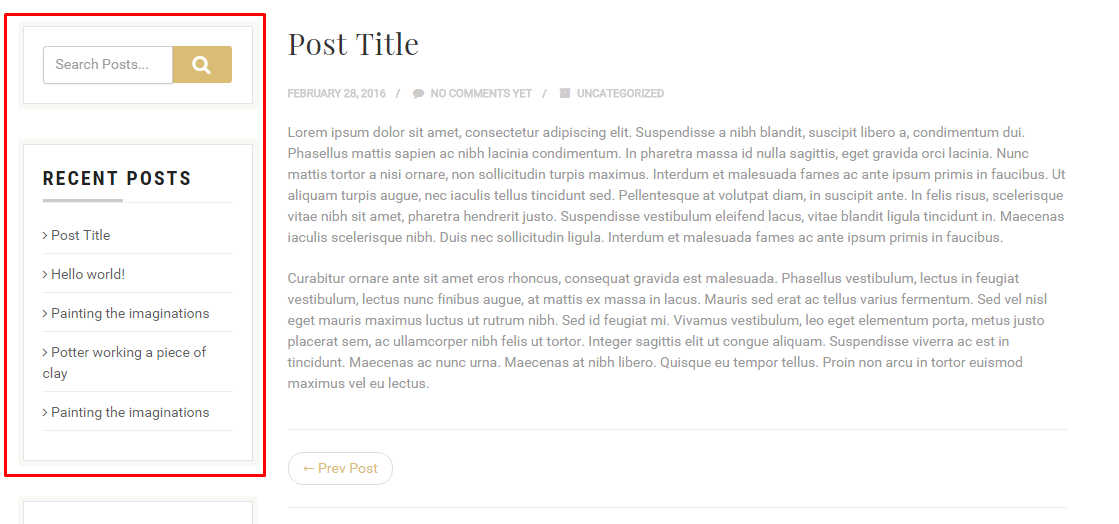
One Third
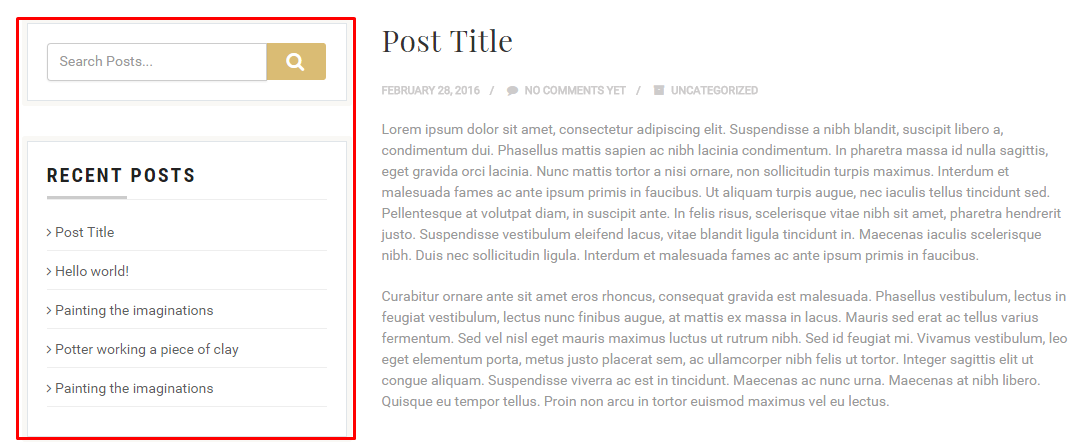
Half

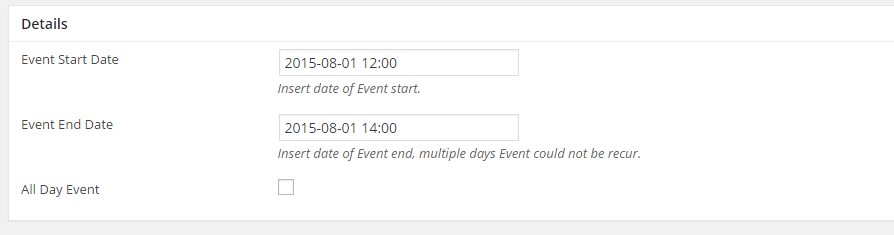
Step 9 : Details
Event Start Date : Insert date of Event start
Event End Date : Insert date of Event end, multiple days Event could not be recur.
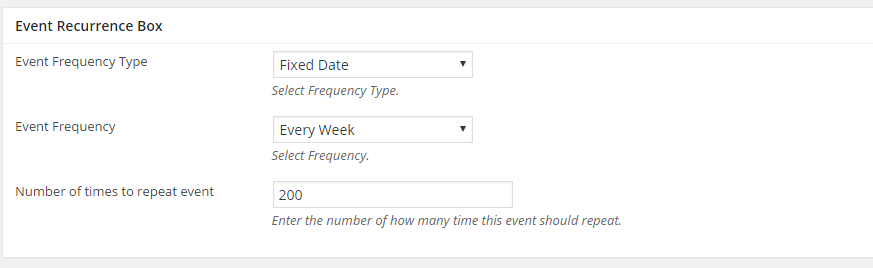
Step 10 : Event Recurrence Box
Event Frequency Type : Select Frequency Type.
Event Frequency : Select Frequency.
Number of times to repeat event : Enter the number of how many time this event should repeat.
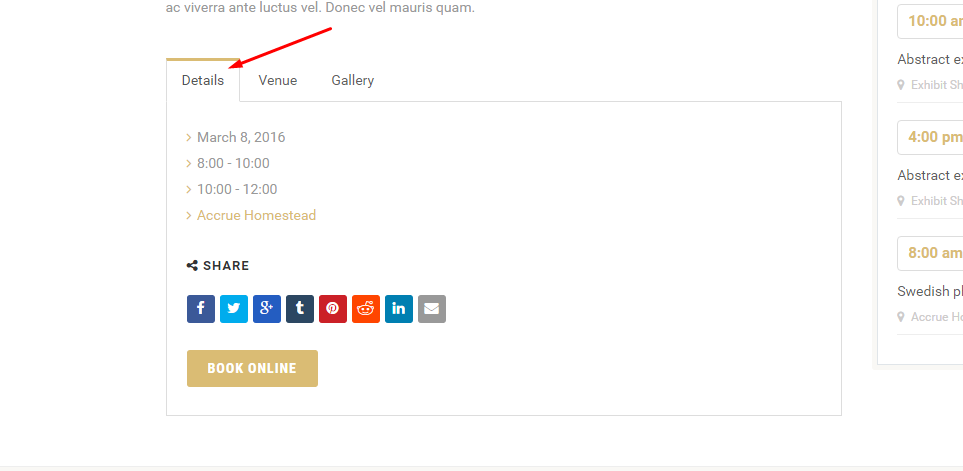
Step 11 : Event Details Box
Details : Enable Details Tab.
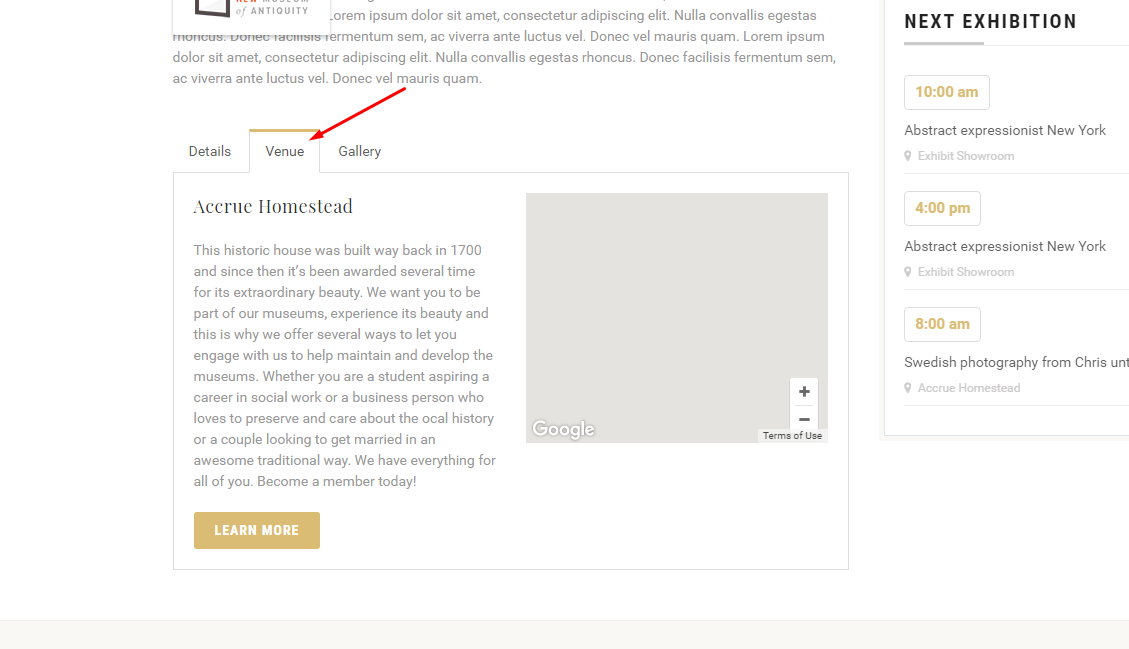
Venue : Enable Venue Tab.
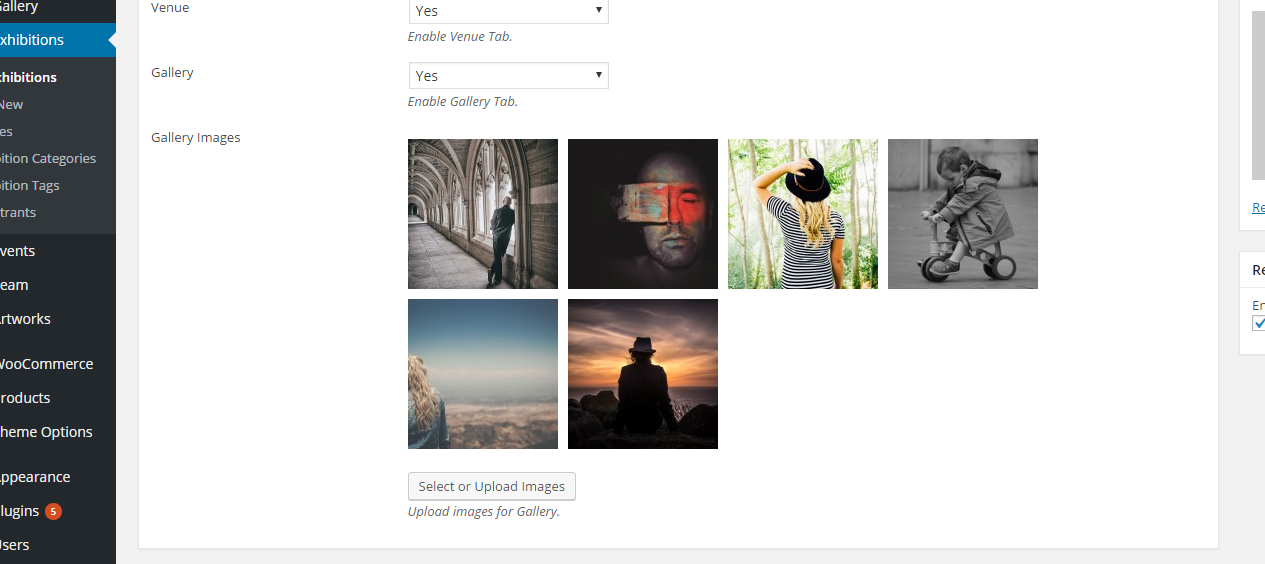
Gallery : Enable Gallery Tab.
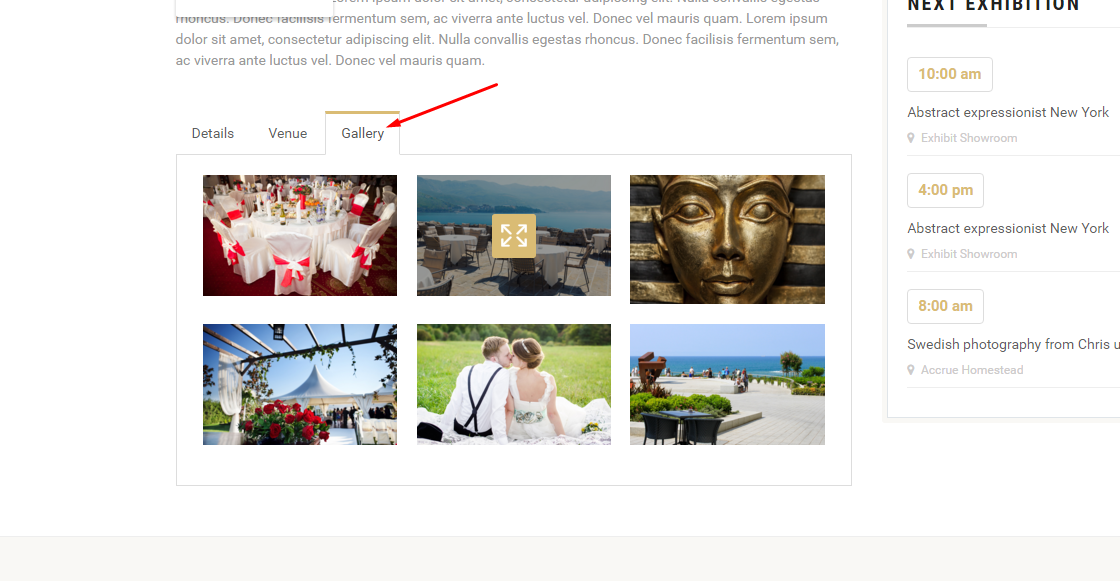
Gallery Images : Upload images for Gallery.
Event End Date : Insert date of Event end, multiple days Event could not be recur.
Gallery Images : Upload images for Gallery.
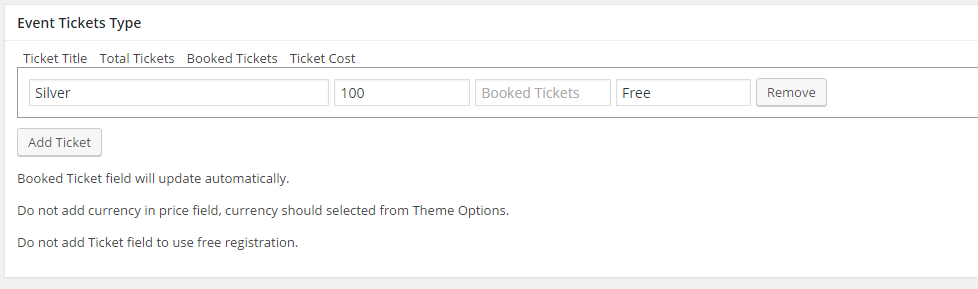
Step 12 : Event Tickets Type
Add Ticket : Insert the information required
Step 13 : Page/Post Header Options. Please check Page / Post Header Options for more information.
Step 14 : When you are done, go ahead and update your page and it should look like this.