Step 1 : Log into your WordPress Dashboard and navigate to Pages > Add New
Step 2 : Enter your page title in the upper field, and enter your page body content in the main page editing box below it.

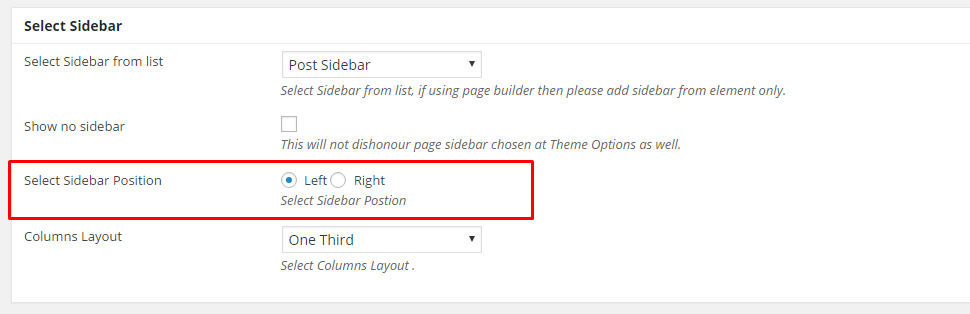
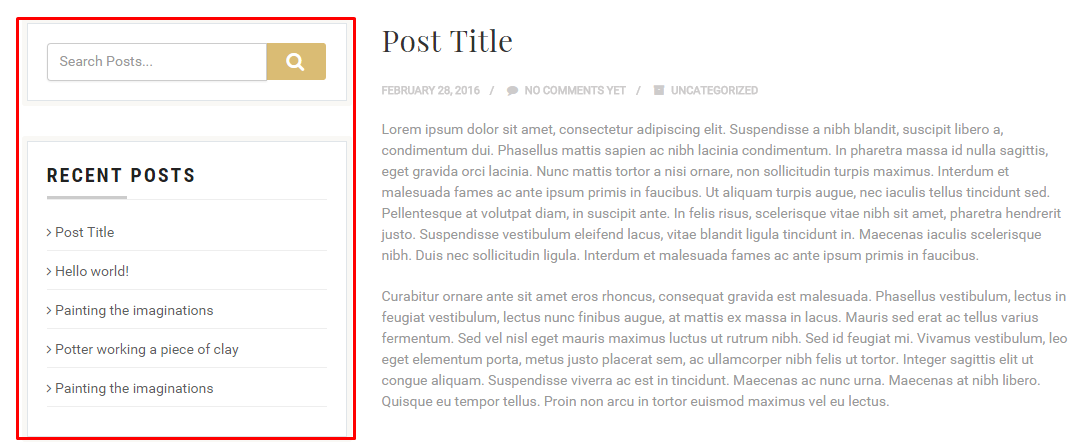
Step 3 : Select Sidebar
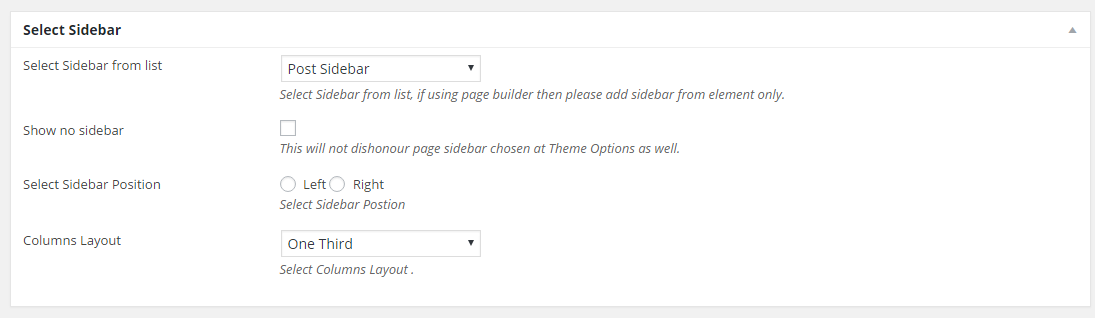
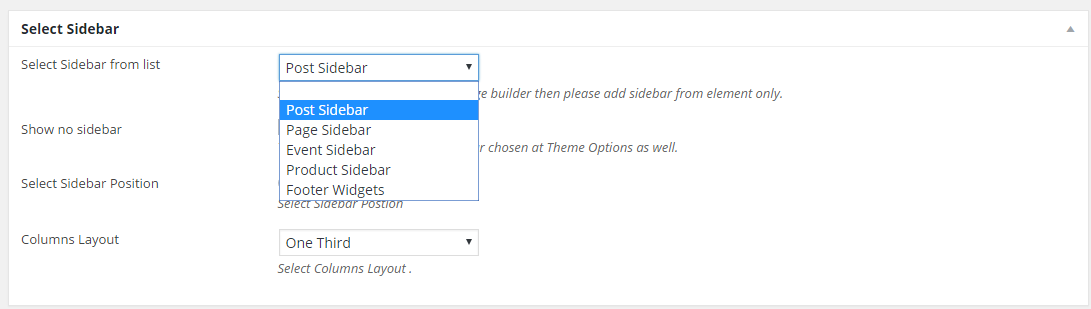
Select Sidebar from list : Select Sidebar from list, if using page builder then please add sidebar from element only.
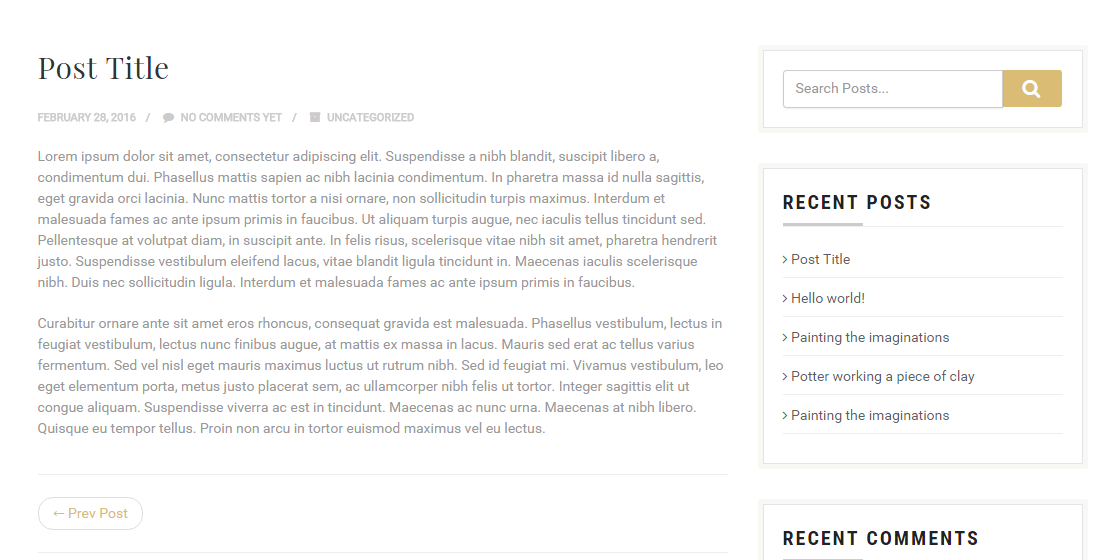
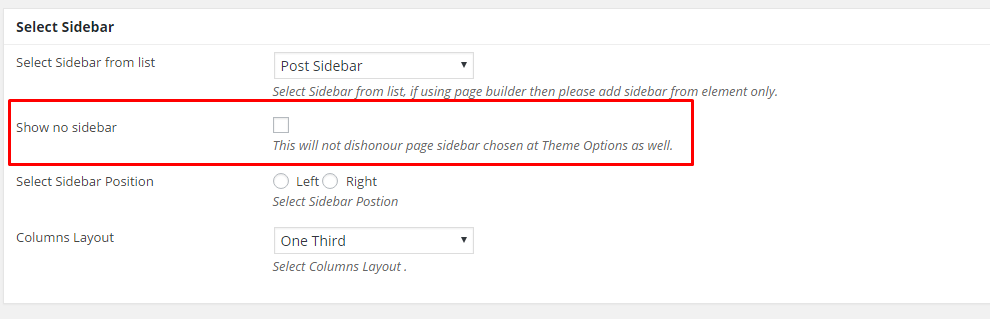
Show no sidebar : This will not dishonour page sidebar chosen at Theme Options as well.
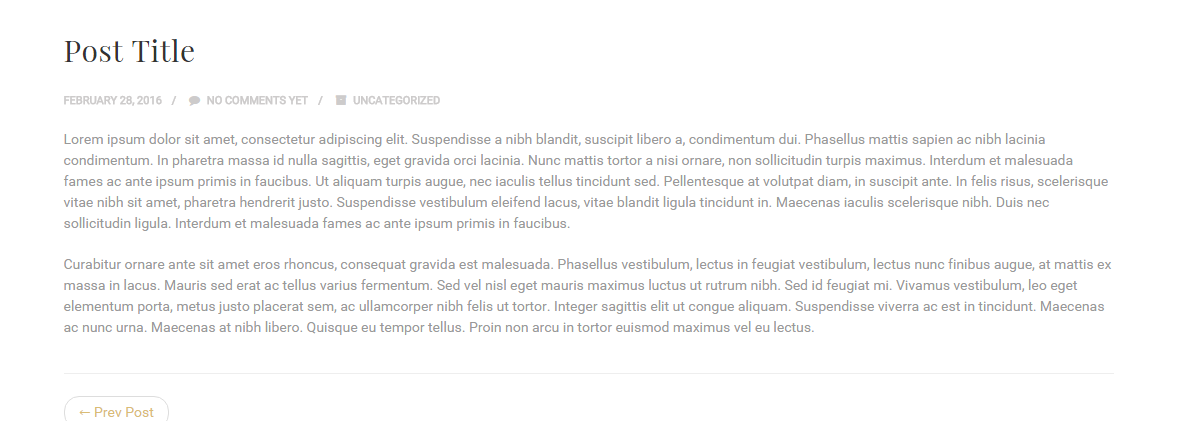
Select Sidebar Position : Select Sidebar Postion
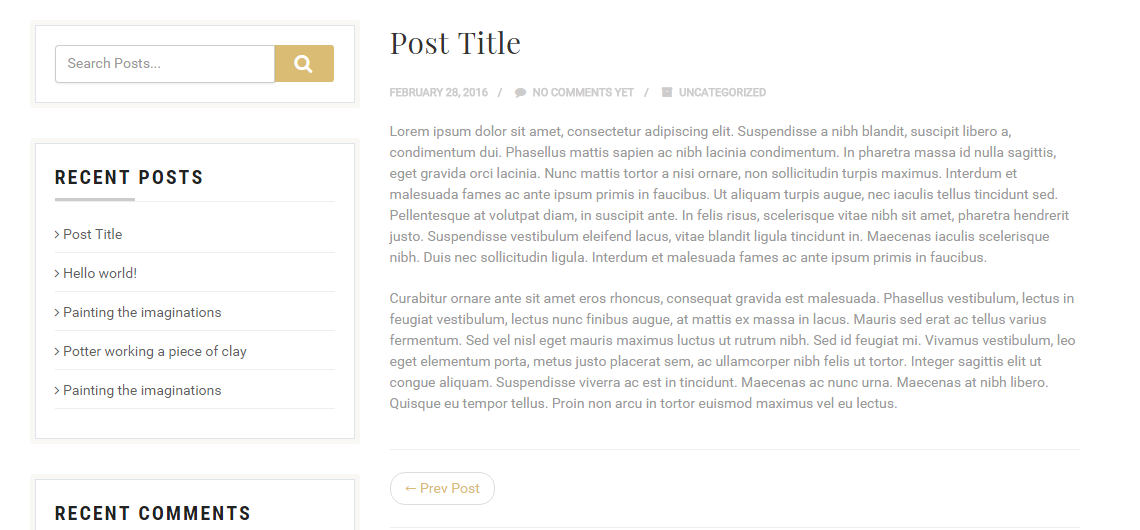
Columns Layout : Select Columns Layout .
One Fourth
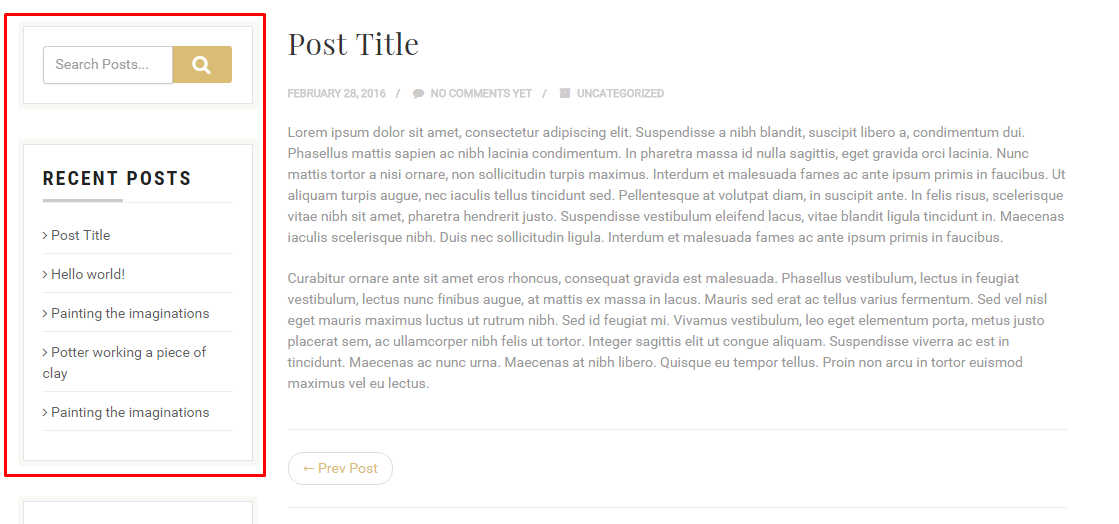
One Third
Half

Step 4 : Page/Post Header Options. Please check Page / Post Header Options for more information.