Vestige Museum Theme comes with some interesting options to customize the header.
Follow the steps below to find out how to customize the navigation / header
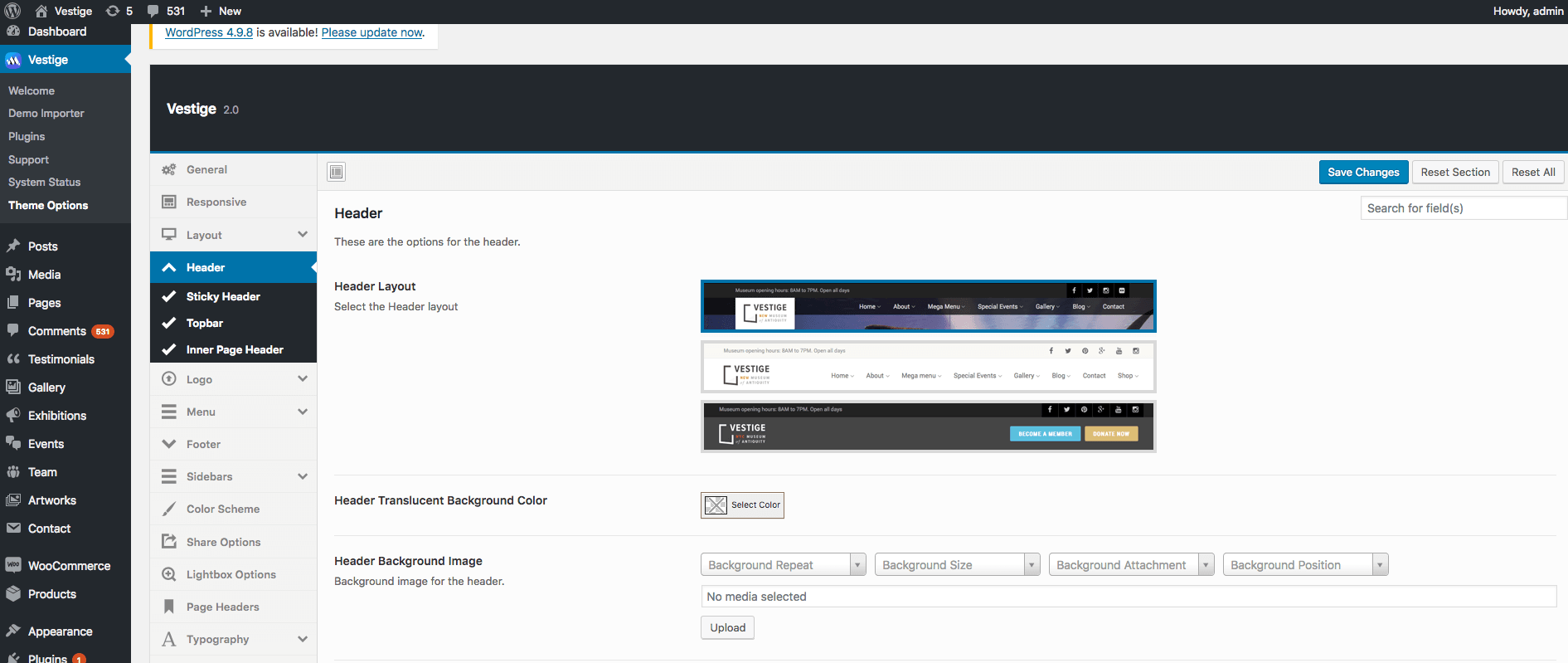
Step 1 : Navigate to Theme Options > Header Options > Header Layout . Choose any of these available header layouts you prefer.
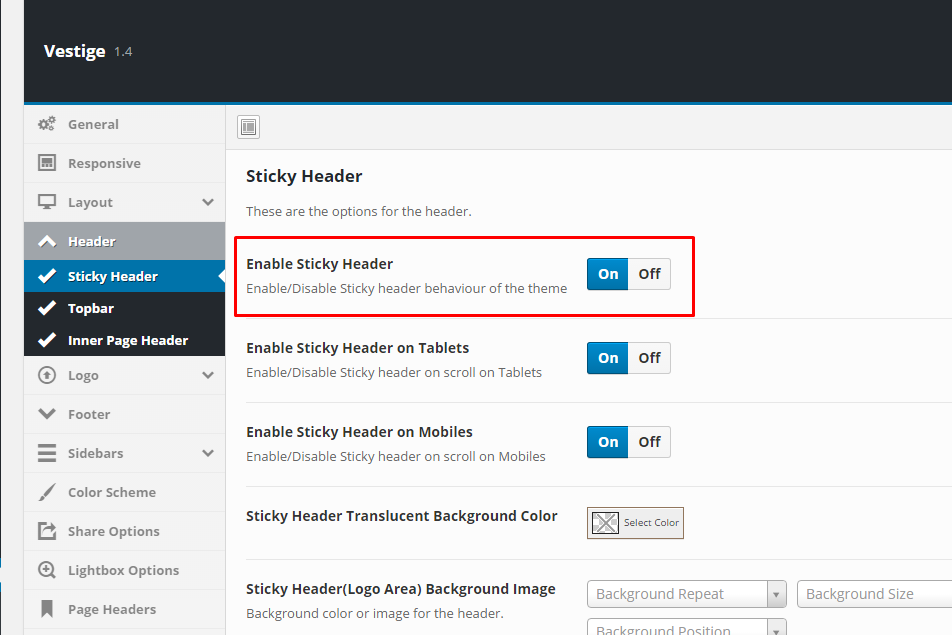
Step 2 : Enable or disable Header Sticky. Navigate to Theme Options > Header > Sticky Header > Enable Sticky Header.
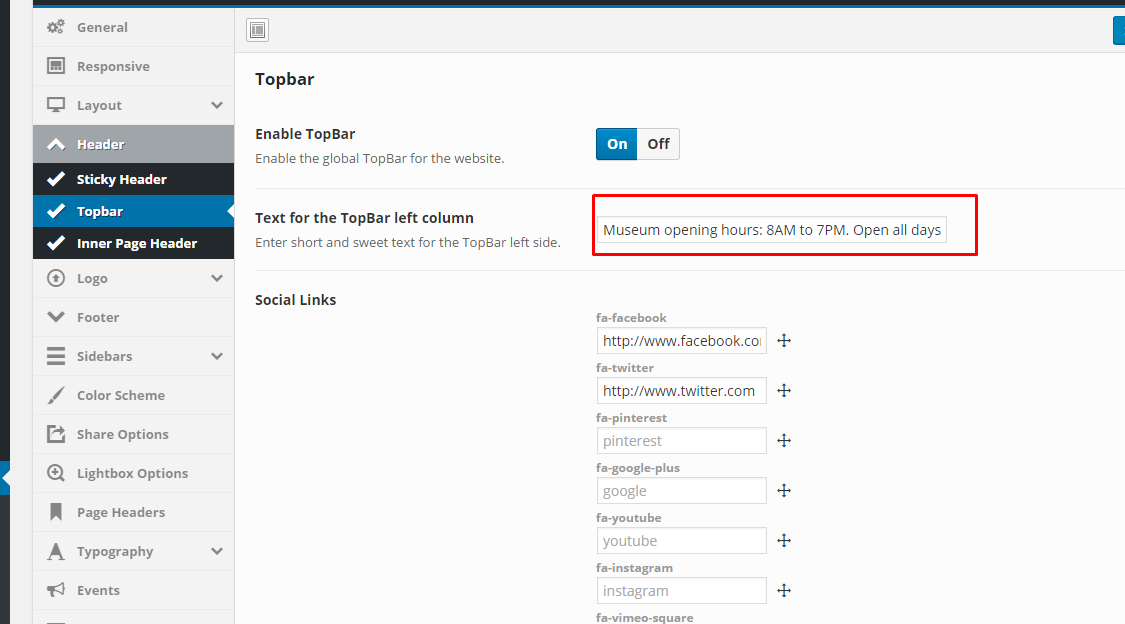
Step 3 : Customize the header info area. Navigate to Theme Options > Header > Topbar > Text for the Topbar left column.