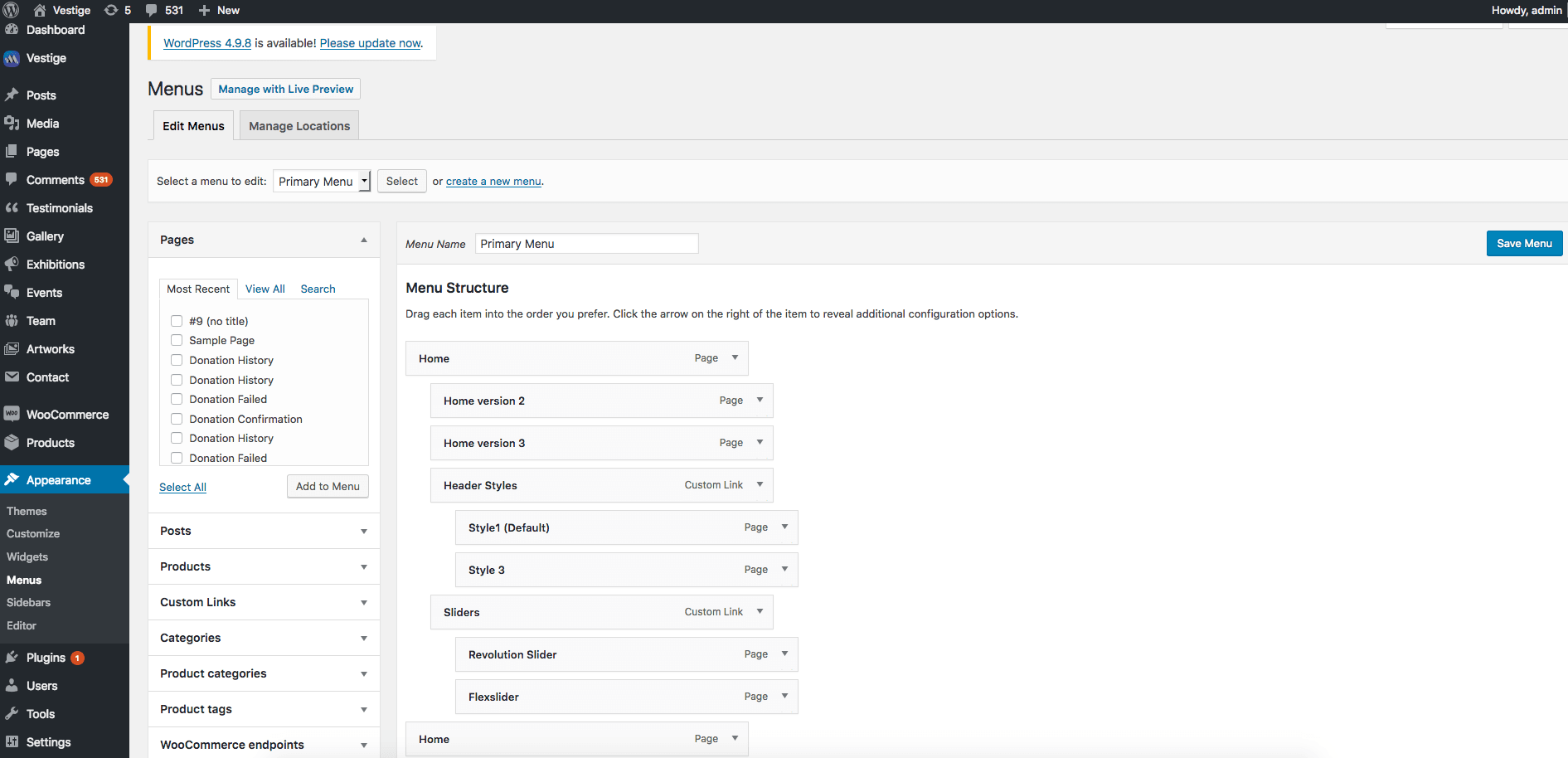
Step 1 : Log into your WordPress Dashboard and navigate to Appearance > Menus
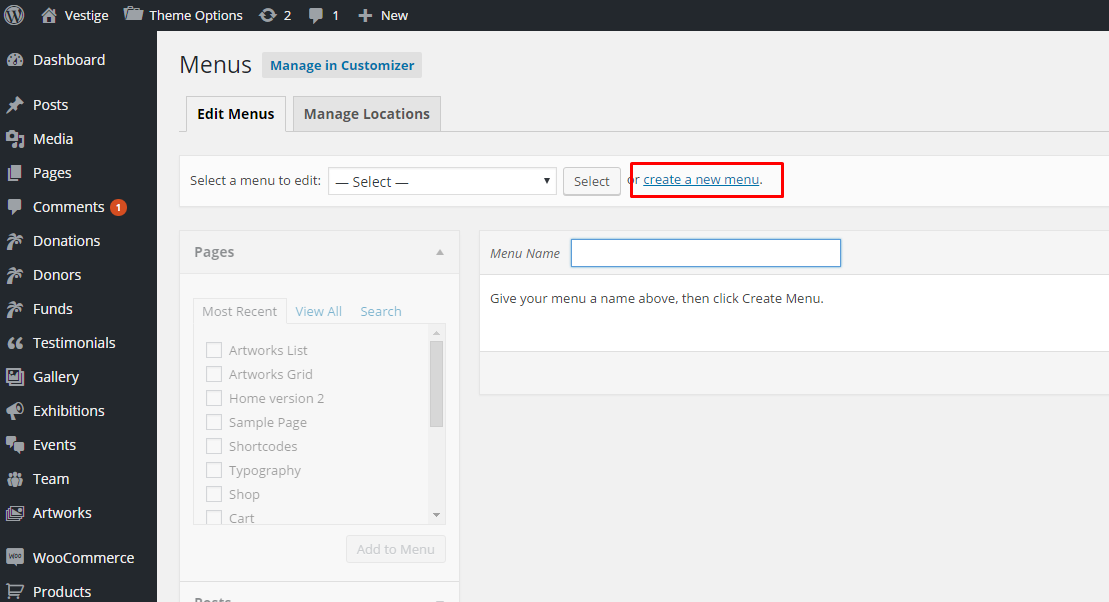
Step 2 : Select Create a new menu at the top of the page.
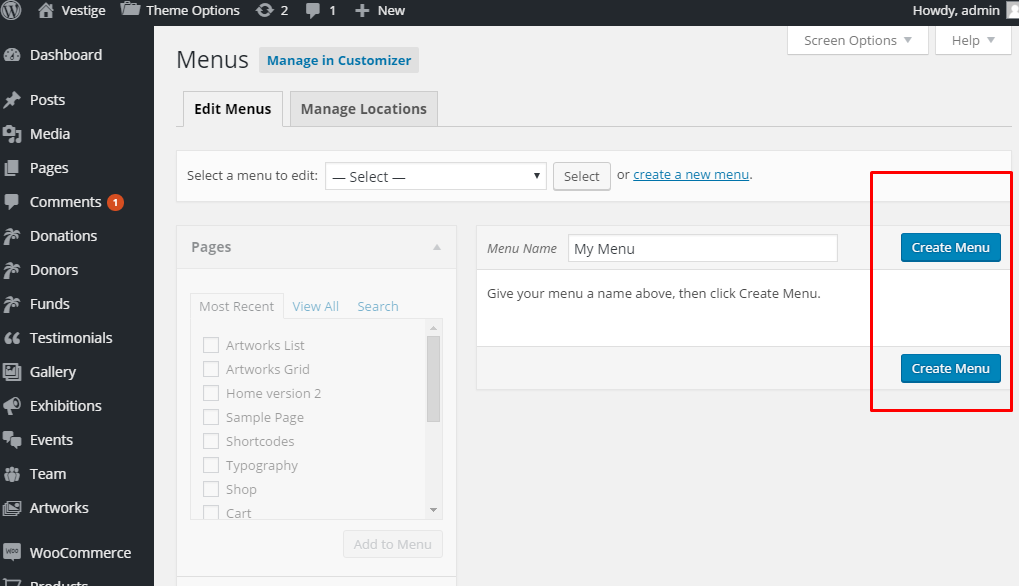
Step 3 : Enter a name for your new menu in the Menu Name box and click create menu.
Step 4 : Your menu is now defined, and you can now add pages to it.