This section of the documentation will guide you on how to create a Team Member.
Step 1 : Log into yourWordPress Dashboard and navigate to Team > Add New Member
Step 2 : Enter your Member name on upper field
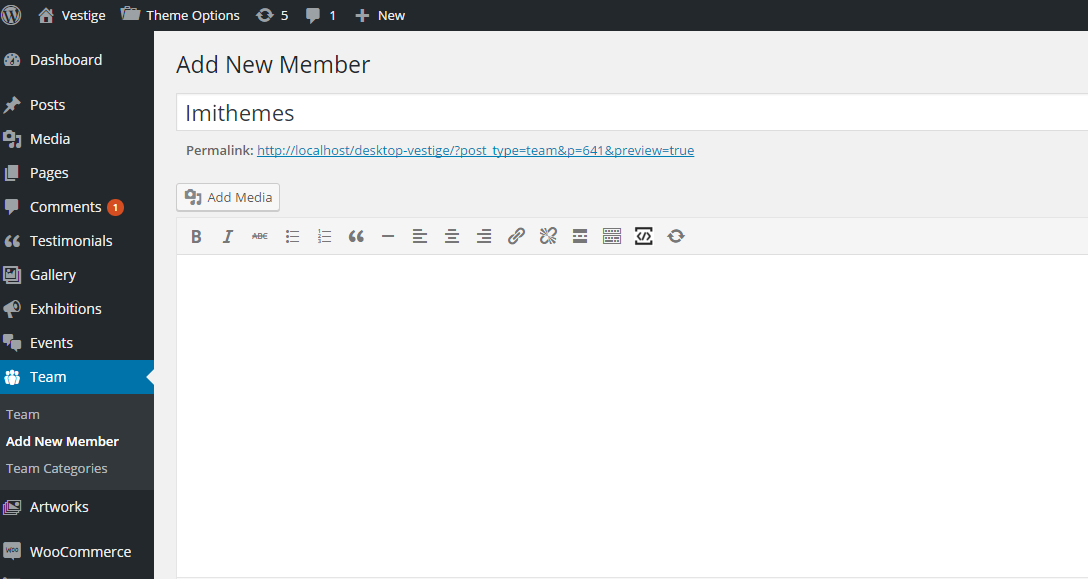
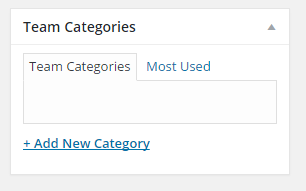
Step 3 : Add Team Categories
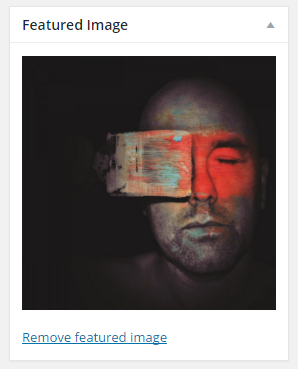
Step 4 : Featured Image
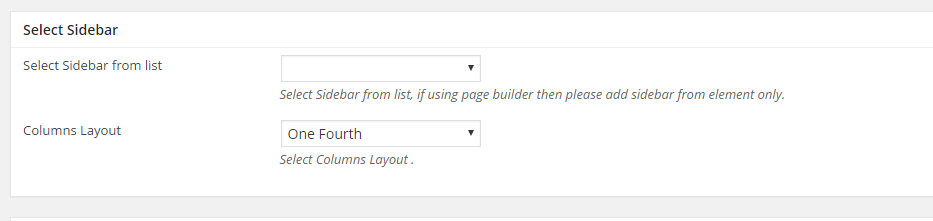
Step 5 : Select Sidebar
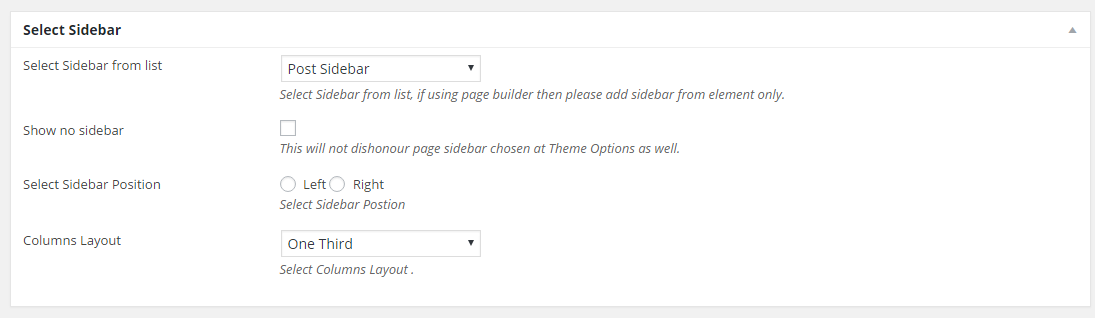
Select Sidebar from list : Select Sidebar from list, if using page builder then please add sidebar from element only.
Step 6 : Member Details
Position : Enter the staff job title.
Email : Enter the staff member’s Email.
Social Icon : Enter Social Icon and Url.
Step 7 : When you are done, go ahead and update your page and it should look like this.