This theme comes with an in built option for you to put your website into the maintenance mode. By default when you activate the theme, this mode is enabled which can be disabled from your WP Dashboard => Born To Give => Theme Options => General

If it is already disabled but the website is still showing in Maintenance mode, then enable it once and save the options. Now disable it again and save the options.
Maintenance mode is always disabled for the logged-in administrator account users.
Here’s how it will look for the non logged-in users when the mode is enabled.
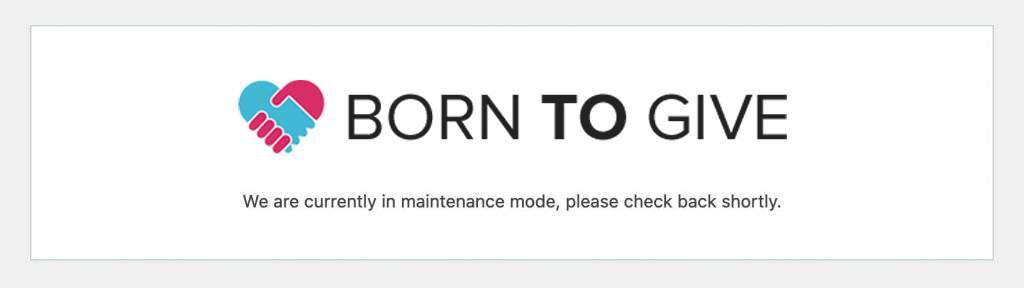
How to change the logo of the maintenance mode:
You can change the logo of here from your WP Dashboard => Born To Give => Theme Options => Logo => Admin Logo
This same logo is also used for the WP Login page.
How to change the text of the maintenance mode:
The text shown for the maintenance mode is part of the theme itself and can be translated by using the Loco Translate plugin. Info about using the Loco Translate plugin