This theme offers 2 different type of layouts for your website. The default is ‘Wide’ and the other is ‘Boxed’. In the wide(Full width) option all the backgrounds color/images will stretch upto the edges of the browser but still keeping the content in the centre whereas the ‘Boxed’ option will keep the whole website with in a limited width at the centre of the browser. To change the layout of the website and to change the width of the content part; move to your WP Dashboard => Born To Give => Theme Options => Layout
Wide/Full Width Layout

Boxed Layout

In the “Boxed” layout option, you have several option for the background of the page. You can choose from a wide range of repeatable pattern image option or can upload your own repeatable image or a full size image. These options will work as the background of your website area which is outside of the content width.
Content Area
Content area is the part of your website’s pages/posts which are just between the header and footer. This follows the width which is set in the above options however you may change some other options for this area. To do so move to your WP Dashboard => Born To Give => Theme Options => Layout => Content

Here you can define:
- Global vertical spacing for the page content area
- Set a minimum height of the content area, in case there is no or very less text on the page even then the content area remains properly sized.
- Make only the content area of the website to use the 100% width of the browser(With some spacing at the left/right)
- Set a different image for only the content area of the all the pages/posts.
Page specific content area options:
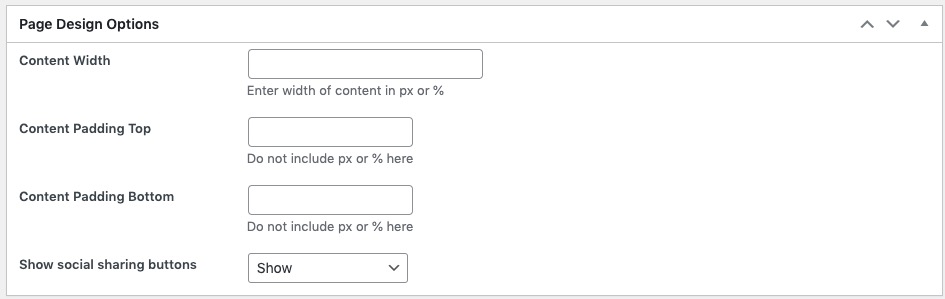
The above options defined are used globally by all the pages/posts of your website; however you may set them differently for specific page/post. For this check out below section while creating/editing your post/page: