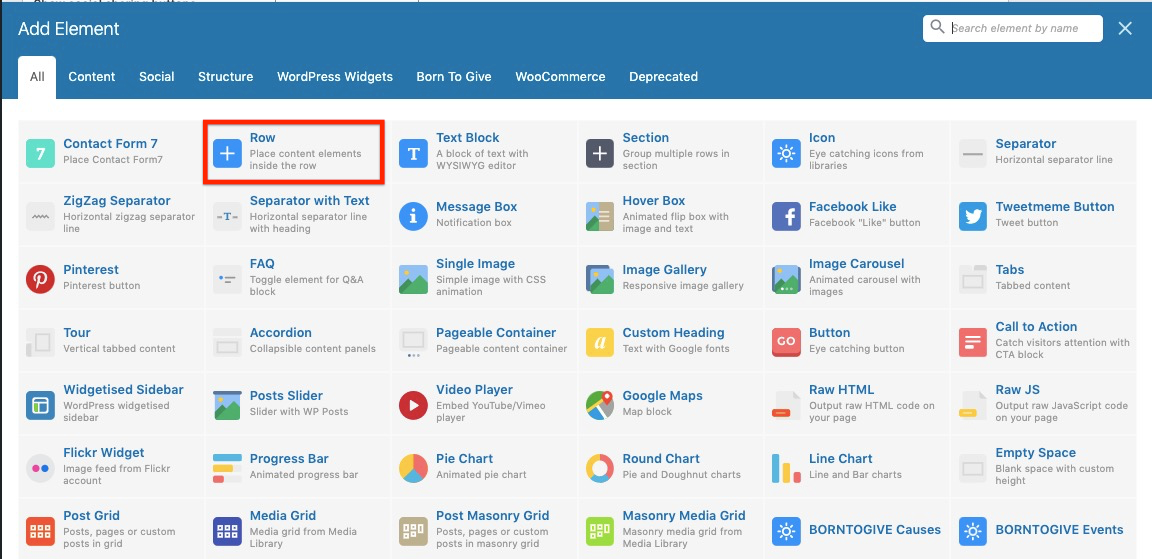
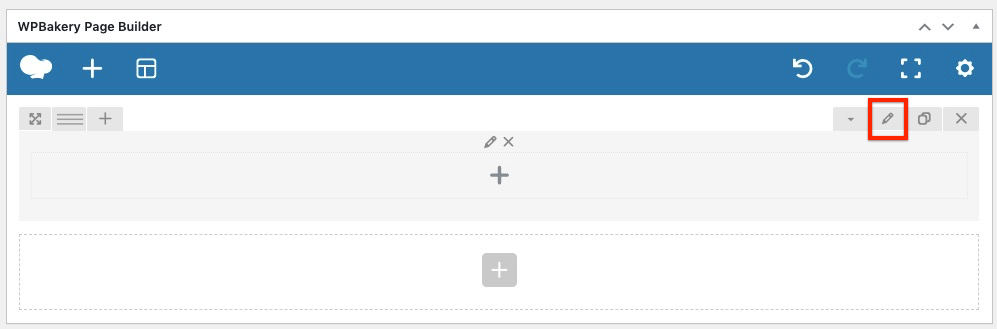
We have opted WpBakery Page Builder for this theme, its a premium drag drop page builder which is regularly updated with new features and bug fixes and quite easy to use for everyone. So it’s like placing widgets in the pages to create a new one. We will be adding more and more widgets for our themes with every coming updates to make them all purpose themes.
Steps to get started with the page builder:
– First thing before using the page builder is to install the plugin on your website. The required plugins are: WP Bakery Page Builder
All of these plugins are required before you start using the page builder widgets of our themes. You can install them from the message comes in your dashboard as soon as you update to the latest version of theme which comes with page builder addition. These plugins can also be installed and activated from your WP Dashboard => Born To Give => Plugins
– Start building a page using the page builder widgets. Move to your WP Dashboard => Pages > Add new where you will see an additional toggle tab at the content editor:
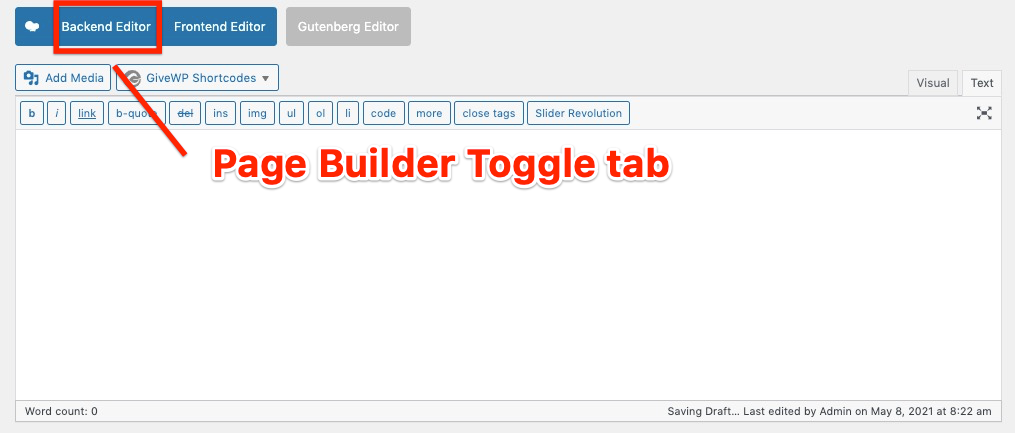
Choose the page builder tab and you can now start using the page builder widgets.
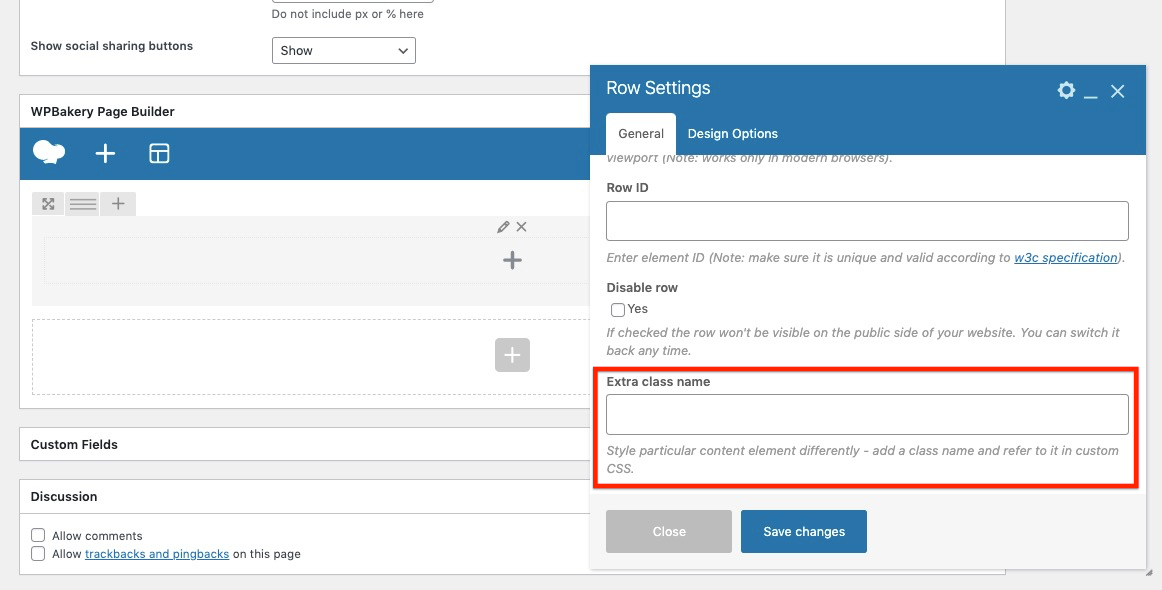
– Theme’s specific classes can be attached to your page builder rows like shown below: