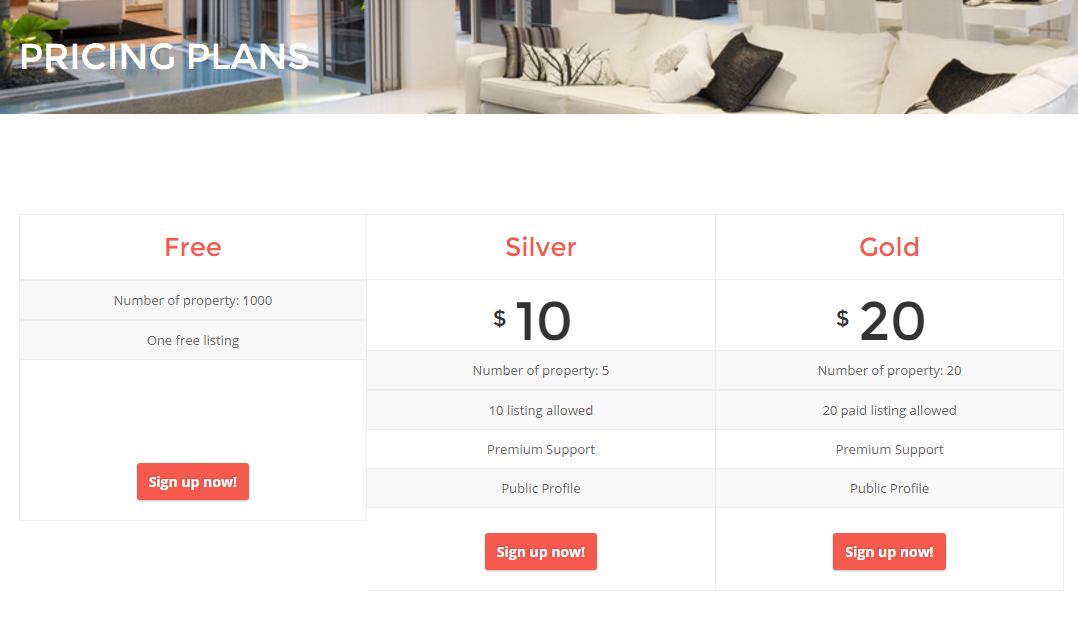
This template will display the price listing
Step 1 : Log into your WordPress Dashboard and navigate to Pages > Add New
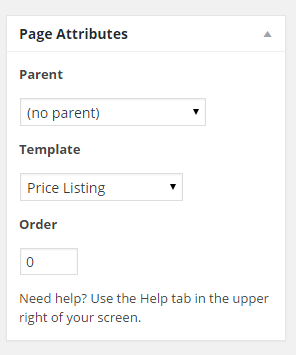
Step 2 : Locate the Template and in the dropdown menu, select Price Listing.
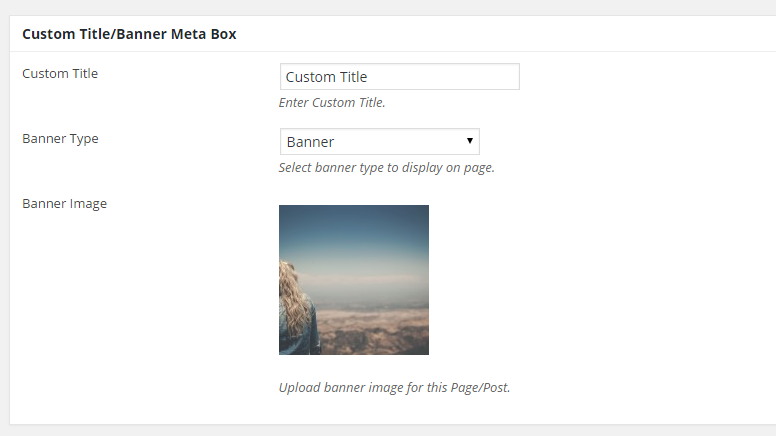
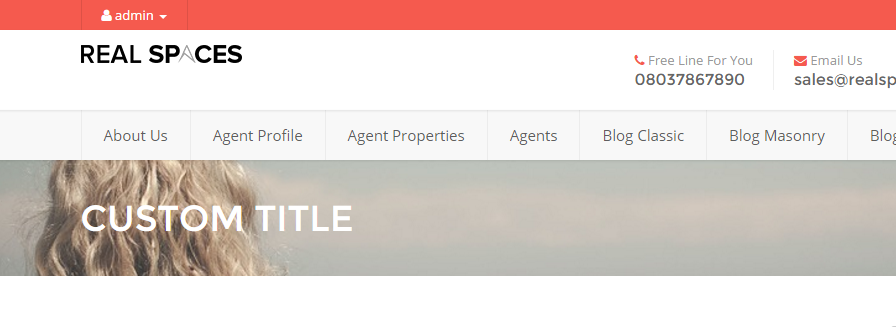
Step 3 : Insert a custom title and choose a banner type.
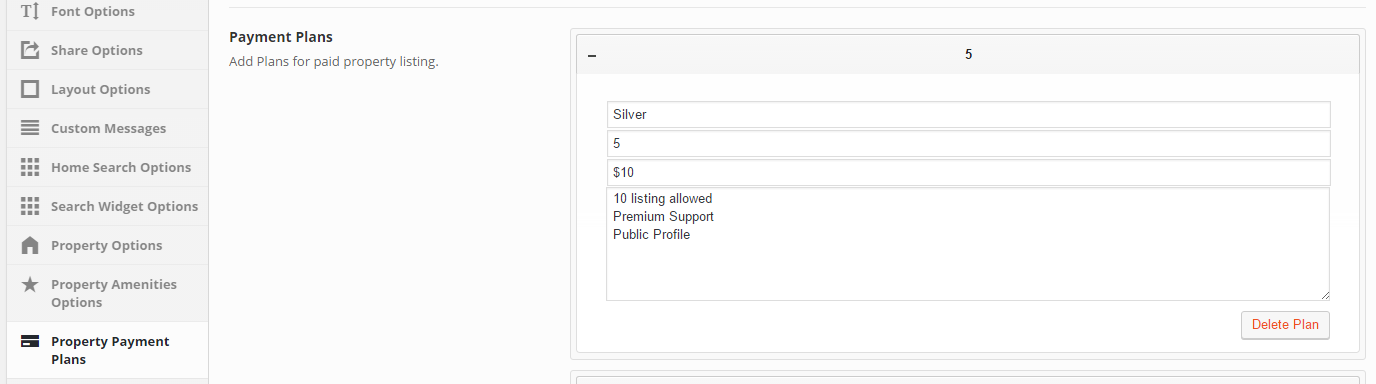
Step 4 : Navigate to Theme Options > Property Payment Plans > Payment Plans > Add Plans.
Step 5 : When you are done, go ahead and update your page and it should look like this.