This template will display the property listing.
Step 1 : Log into your WordPress Dashboard and navigate to Pages > Add New
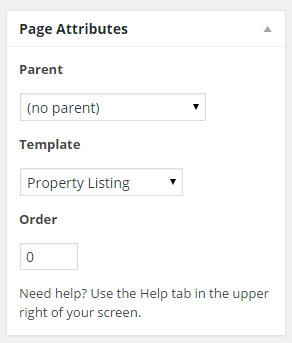
Step 2 : Locate the Template and in the dropdown menu, select Property Listing.
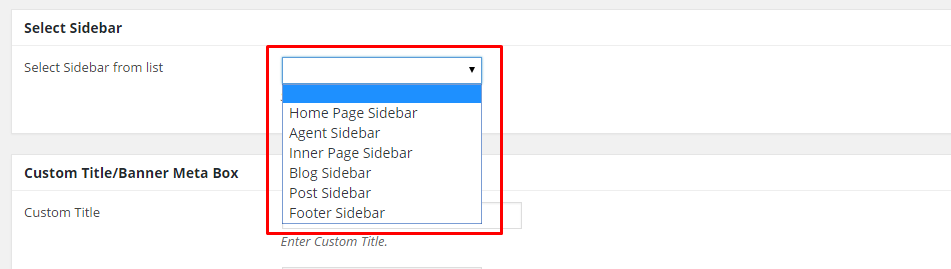
Step 3 : Select your preferred sidebar in the dropdown list and position to show on your post. Leave empty for default settings
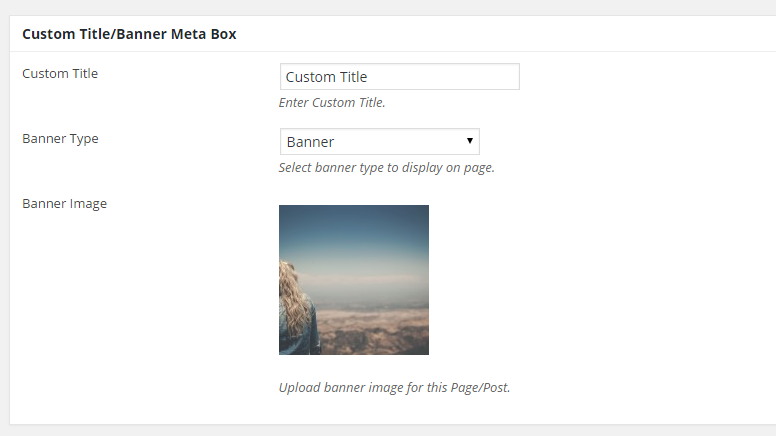
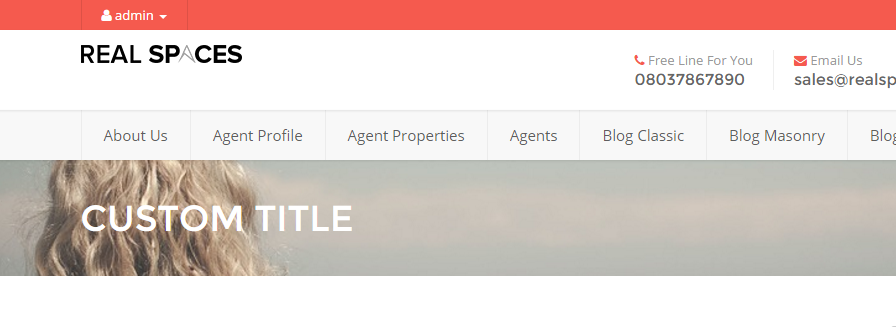
Step 4 : Insert a custom title and choose a banner type.
Step 5 : Property Layout Options
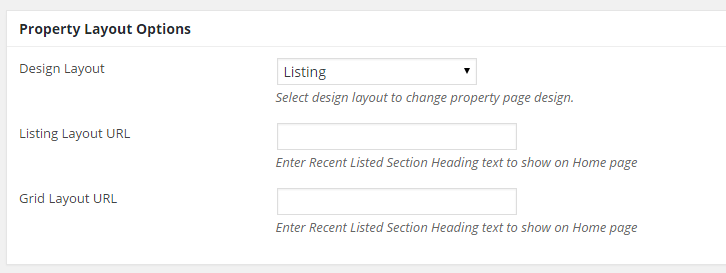
Design Layout : Choose between Listing and Grid.
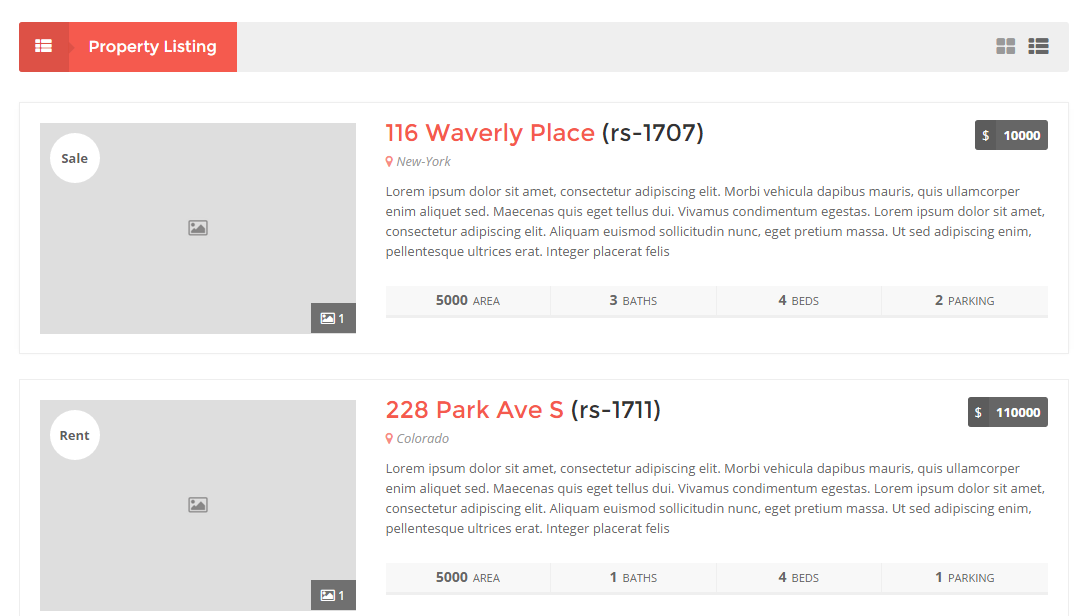
Design Layout : Listing
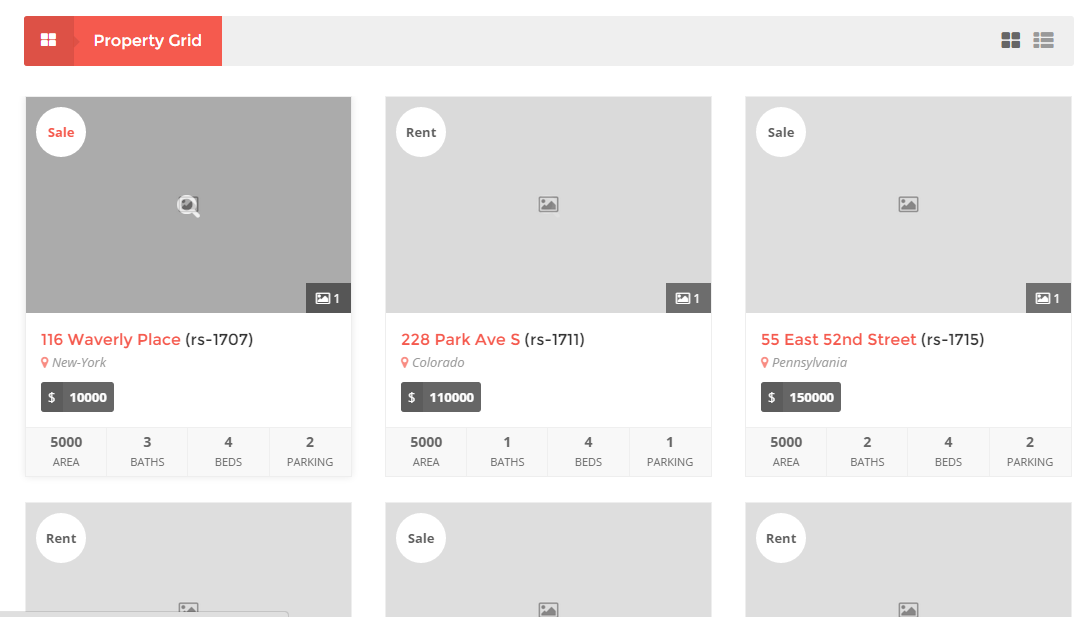
Design Layout : Grid
Listing Layout URL : Insert Recent Listed Section Heading text to show on Home page
Grid Layout URL : Insert Recent Listed Section Heading text to show on Home page