Tip: If you import the demo content along with the theme options backup then featured blocks will come by its own.
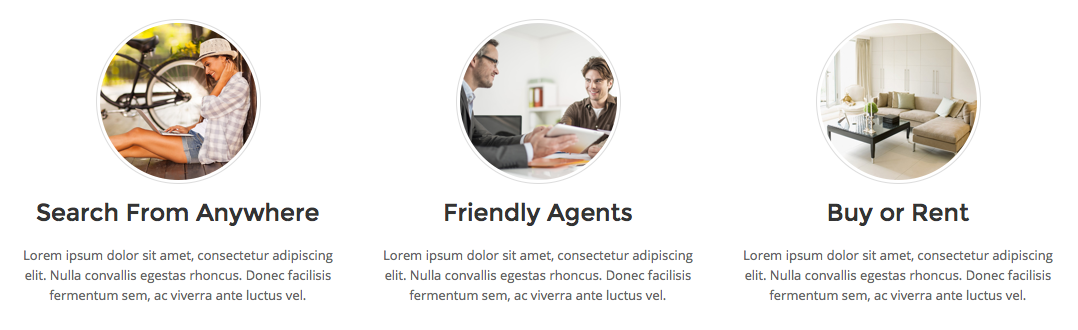
To create a block like the demo website (See below image) just go to Theme Options > Featured Block and click add slide then input heading, text and upload image.