This theme recommends or require several self built or third party plugins in order to enhance the theme features & functions. All these plugins can be found in your WP Dashboard => Native Church => Plugins. Also note that the bundled plugins can only be updated from the fore mentioned page only, it is always recommended to check this page every time you update your theme for any possible available updates.

Page Templates Demo
Required plugins:
- A Core Plugin (This plugin is always required to be activated in order to use the Native Church theme to full of it’s capability)
- Pojo Sidebars (This plugin is required for you to create new sidebars since the demo comes with multiple custom sidebars so it is necessary to keep it activated)
Page Builder Demo
Required plugins:
- A Core Plugin (This plugin is always required to be activated in order to use the Native Church theme to full of it’s capability)
- Pojo Sidebars (This plugin is required for you to create new sidebars since the demo comes with multiple custom sidebars so it is necessary to keep it activated)
- Black Studio Tiny MCE Widget (A content editor widget for the page builder)
- SiteOrigin Panels (Build your WordPress pages using a simple, intuitive drag and drop interface. It’s free, so you’ll never have to worry about anything ever.)
- SiteOrigin Widgets Bundle (A required plugin which works withe main SiteOrigin Panels plugin and provides some additional widgets for the builder)
Optional Plugins:
- Best Contact Forms(WP Forms) – A simple drag drop contact form builder plugin.
- Breadcrumb NavXT (A simple yet powerful plugin for the breadcrumbs, activate it to show breadcrumbs in your page header)
- Contact Form 7 (Most popular plugin to create your forms)
- Give (Easily create donation forms on your website or create campaigns with this feature rich free plugin)
- Loco Translate (If you would like to translate theme, plugins to your website language then use this easy to use plugin)
- Payments imithemes (This plugin will add more functionality to your Native Church theme, like the causes with PayPal donations and functionality for paid events)
- Regenerate Thumbnails (Sometimes it is required to recreate your all thumbnails, this plugin comes handy for this job)
- Revolution Slider (A premium and versatile slider plugin which comes bundled with your theme)
- SiteOrigin CSS (A simple, yet powerful CSS editor for WordPress. It gives you visual controls that let you edit the look and feel of your site in real-time)
- Woocommerce ( A plugin developed in accordance with core of the WordPress, create your own working online shop with this)
- iPray (Our own prayer wall plugin which comes free with the Native Church theme)
Slider Revolution:
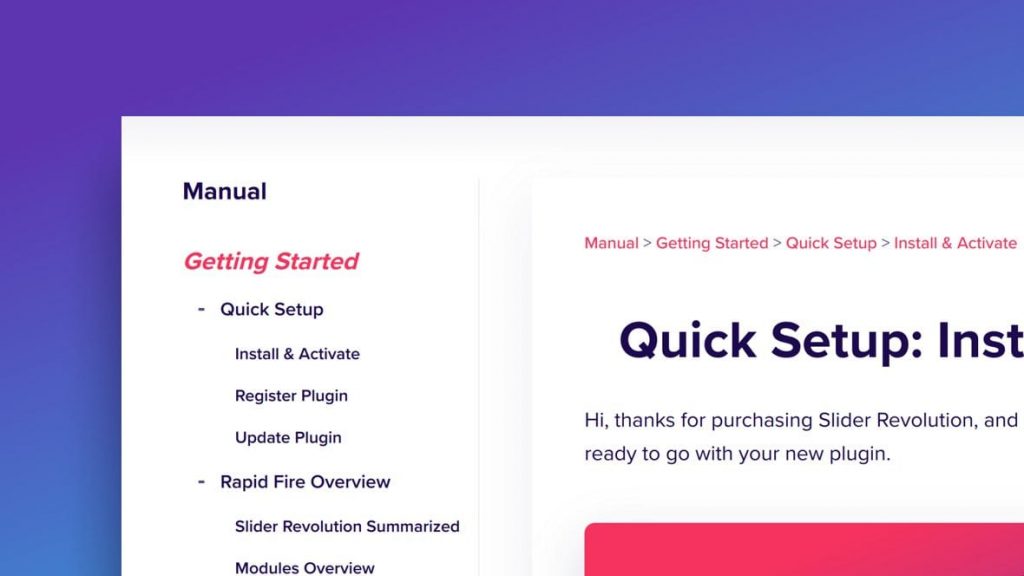 This is a bundled plugin of theme which means you don’t have to register it to be able to use it on your website. It gets updated along with the theme updates, you may consider purchasing your own copy of this plugin for some additional features like direct updates, templates library etc. You can purchase it from here
Check documentation of the plugin
Pojo Sidebars
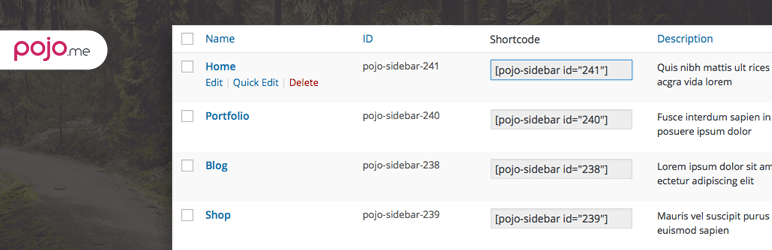
Plugin’s URL: https://wordpress.org/plugins/pojo-sidebars/
New sidebars with this Pojo Sidebars plugin can be created from your WP Dashboard => Appearance => Sidebars
Black Studio Tiny MCE Widget

Plugin’s URL: https://wordpress.org/plugins/black-studio-tinymce-widget/
This plugin adds a new Visual Editor widget type that allows you to insert rich text and media objects in your sidebars with no hassle. With Black Studio TinyMCE Widget you will be able to edit your widgets in a WYSIWYG manner using the native WordPress TinyMCE editor, just like you do in posts and pages. And if you are a developer you may still switch back and forth from Visual to HTML mode.
SiteOrigin Panels
Plugin’s URL: https://wordpress.org/plugins/siteorigin-panels/
SiteOrigin Page Builder is the most popular page creation plugin for WordPress. It makes it easy to create responsive column based content, using the widgets you know and love. Your content will accurately adapt to all mobile devices, ensuring your site is mobile-ready. Read more on SiteOrigin.
SiteOrigin Widgets Bundle
Plugin’s URL: https://wordpress.org/plugins/so-widgets-bundle/
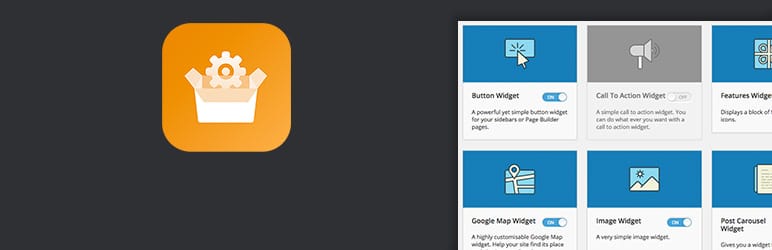
The SiteOrigin Widgets Bundle gives you a collection of widgets that you can use and customize. All the widgets are built on our powerful framework, giving you advanced forms, unlimited colours and 1500+ icons.
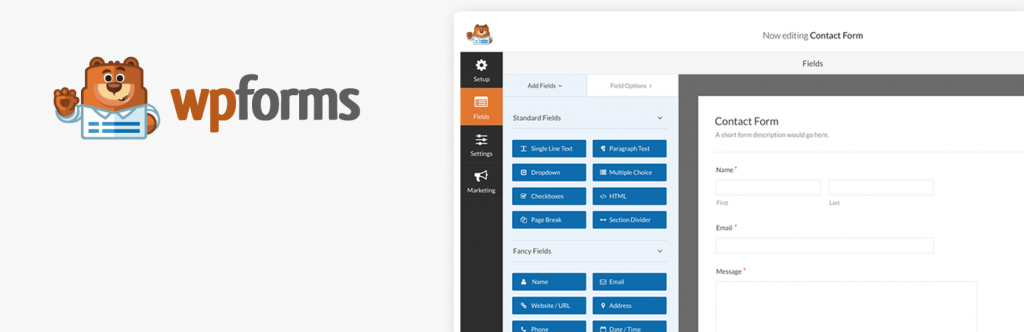
WP Forms
Plugin’s URL: https://wordpress.org/plugins/wpforms-lite/
WPForms allows you to create beautiful contact forms, feedback form, subscription forms, payment forms, and other types of forms for your site in minutes, not hours!
Breadcrumb NavXT

Plugin’s URL: https://wordpress.org/plugins/breadcrumb-navxt/
Contact Form 7

Plugin’s URL: https://wordpress.org/plugins/contact-form-7/
Contact Form 7 can manage multiple contact forms, plus you can customize the form and the mail contents flexibly with simple markup. The form supports Ajax-powered submitting, CAPTCHA, Akismet spam filtering and so on.
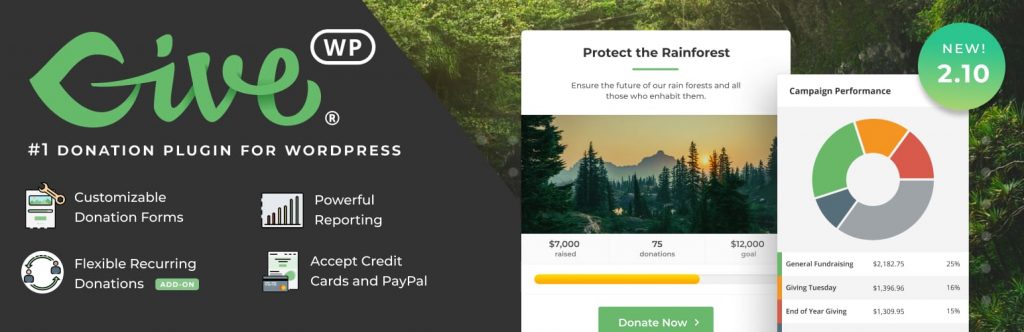
Give
Plugin’s URL: https://wordpress.org/plugins/give/
GiveWP is the highest rated, most downloaded, and best supported donation plugin for WordPress. Built from the ground up for all your fundraising needs, GiveWP provides you with a powerful donation platform optimized for online giving.
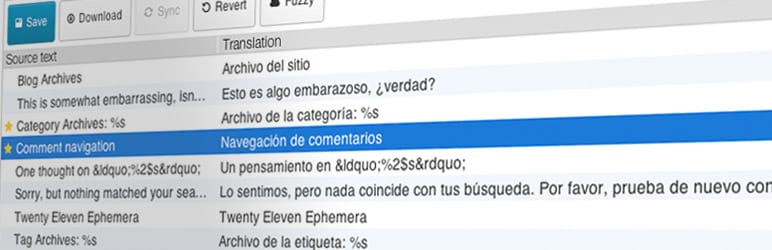
Loco Translate
Plugin’s URL: https://wordpress.org/plugins/loco-translate/
Regenerate Thumbnails

Plugin’s URL: https://wordpress.org/plugins/regenerate-thumbnails/
Regenerate Thumbnails allows you to regenerate all thumbnail sizes for one or more images that have been uploaded to your Media Library.
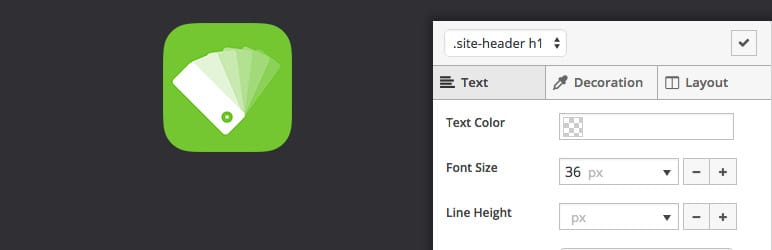
SiteOrigin CSS
Plugin’s URL: https://wordpress.org/plugins/so-css/
Documentation: https://siteorigin.com/css/getting-started/
SiteOrigin CSS is the simple, yet powerful CSS editor for WordPress. It gives you visual controls that let you edit the look and feel of your site in real-time.
WooCommerce

Plugin’s URL: https://wordpress.org/plugins/woocommerce/