New events can be created from your WP Dashboard => Events => Add New Event. Below video describes every aspect of the event creation process. Watch now
Important points to keep in mind while creating an event:
- Use event recurring option carefully and only as required. The max. number of times you can recur an event is 999 but this only applies when you input this value for only couple of events of your total events. Since each recurrence of the event is treated as separate event in the database, so using the max. value for every event will put a lot of load on your hosting server which can result in “500 Internal Server” error if you are using a shared hosting plan.
- To use event registration functionality, you must enable the ‘Payments imithemes’ plugin. Note, that this plugin is also couple with the ‘Causes’ functionality of the theme.
- Event booking use PayPal as payment processor for the paid tickets, you must input your PayPal information and currency info at your WP Dashboard => Appearance => Payment Options in order to use the event booking functionality.
Event Categories
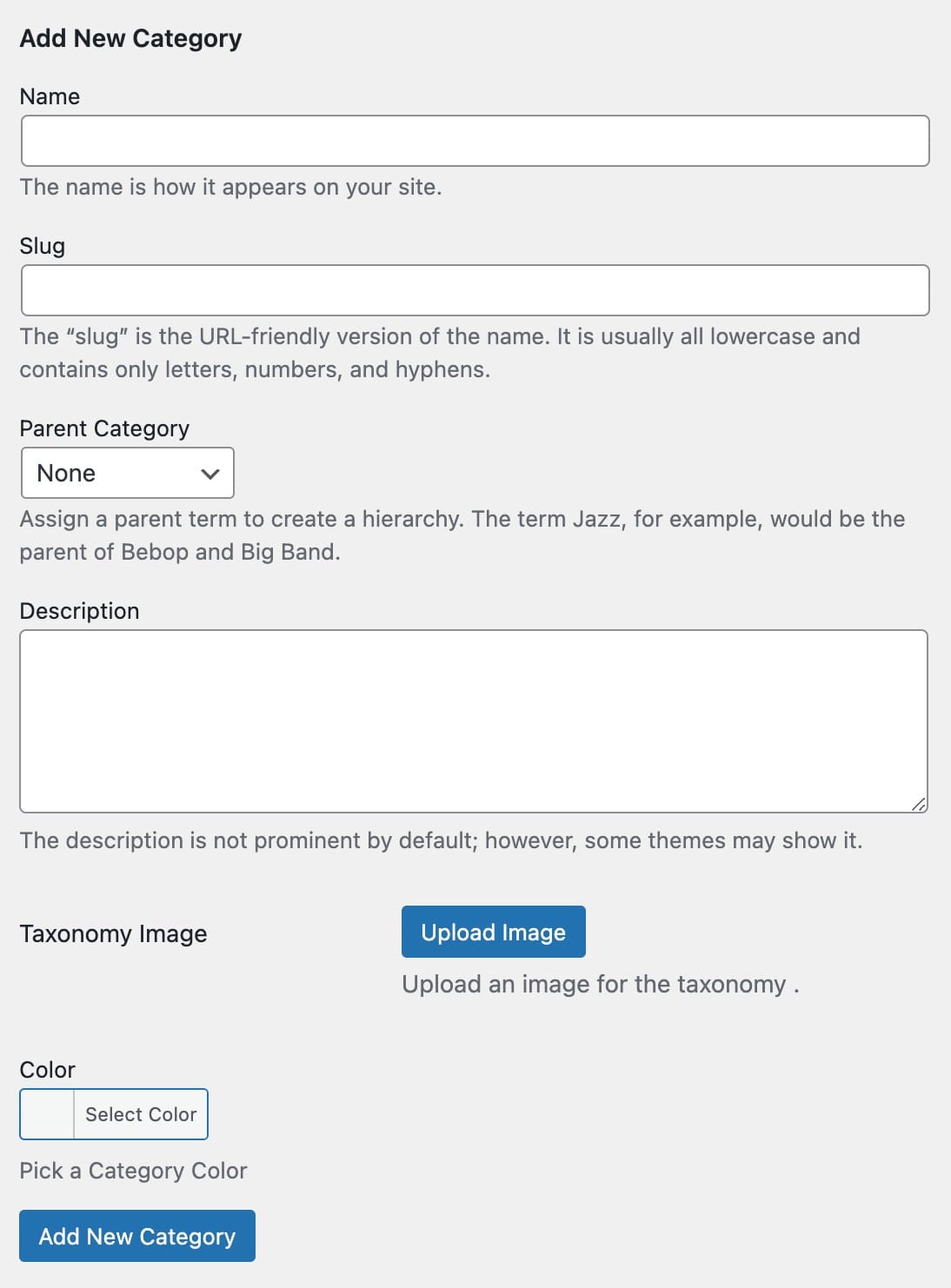
The only taxonomy available for the event posts is ‘Event Category’. New categories can always be created while adding a new event or from your WP Dashboard => Events => Event Categories. Along with regular fields for any other taxonomy, event category come along with 2 separate fields;
- Upload an image which is used as header image for the event category archive page.
- Option is to add color of the category, this color is used as background of the block when event is displayed on the Events Calendar. Events assigned to a category will use the category color as their background on events calendar.