There are 3 ways with which you can display events on your website. One is to use predefined ‘Page Templates’ , ‘Page Builder’ widgets or with ‘Shortcodes’. Also widgets can be added into any sidebar from your WP Dashboard => Appearance => Widgets.
Page Templates
Theme has several page templates available for different event display styles like list, grid, timeline etc.
When creating a new page choose your ‘Page Template’ from this meta box:
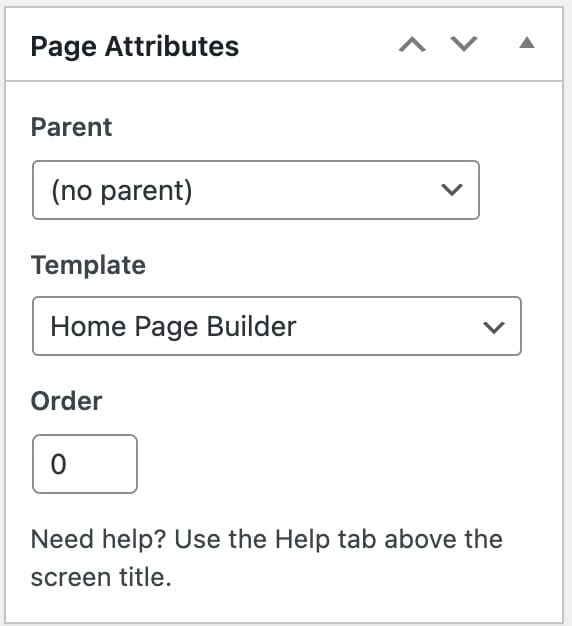
Available page templates for the events
- Event Category – To display your events with medium thumbnails
- Events Classic – Display events like normal blog posts with meta information like published date etc.
- Events Grid – Show a grid of events in multiple columns
- Events List – Display events with date and time
- Events Timeline- Show past or future events in a timeline view
Each of the above page template has it’s own separate options which can be found while creating/editing your page.

Page Builder
Similarly like the page templates, you can display events using the page builder
Available widgets for the events in the page builder
- Featured Event
- Upcoming Events
- Events Grid Minimal Style Widget
- Monthly Events Widget
- Upcoming Events Listing Widget
- imithemes – Event Grid and Timeline Style Widget