Since version 5.0 of the WordPress, the new Gutenberg editor/Block editor is now part of the WP core. This means you will see a new editor while creating your pages/posts. For some users this new editor can be troublesome; to overcome this problem you have 2 options to revert back to old classic editor.
Classic Editor Plugin
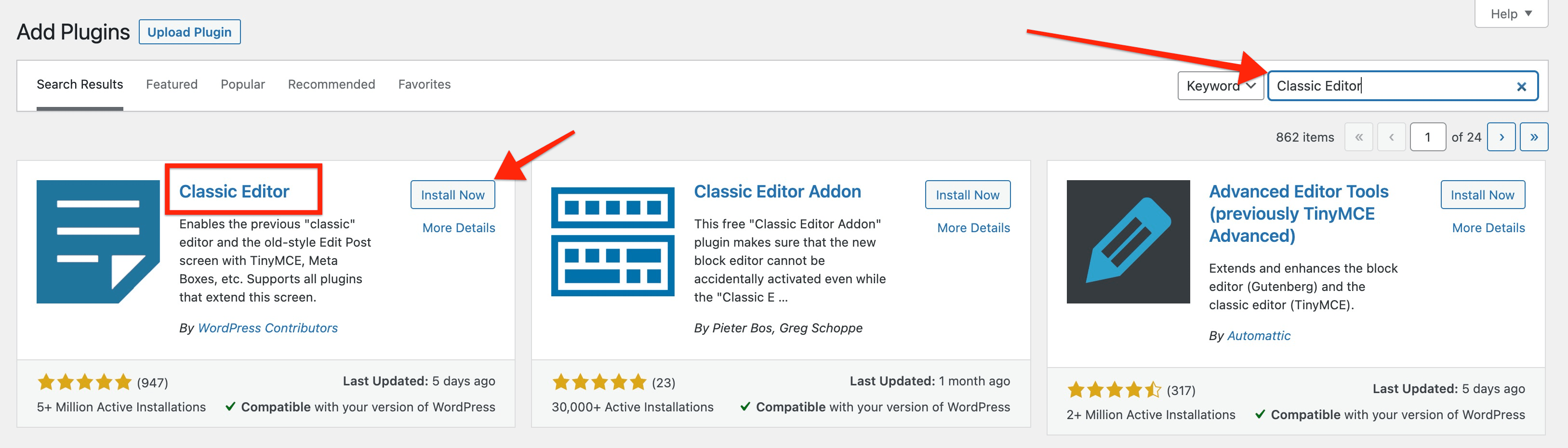
Install and activate the “Classic Editor” plugin To install the plugin move to your WP Dashboard => Plugins => Add New, Search for the ‘Classic Editor” and Install/Active the plugin.
SiteOrigin Panels Plugin
If you are already using the theme’s recommended page builder to create your website pages then you have an easy option to disable the default Gutenberg/Block editor. Go to your WP Dashboard => Settings => Page Builder and check this option:
