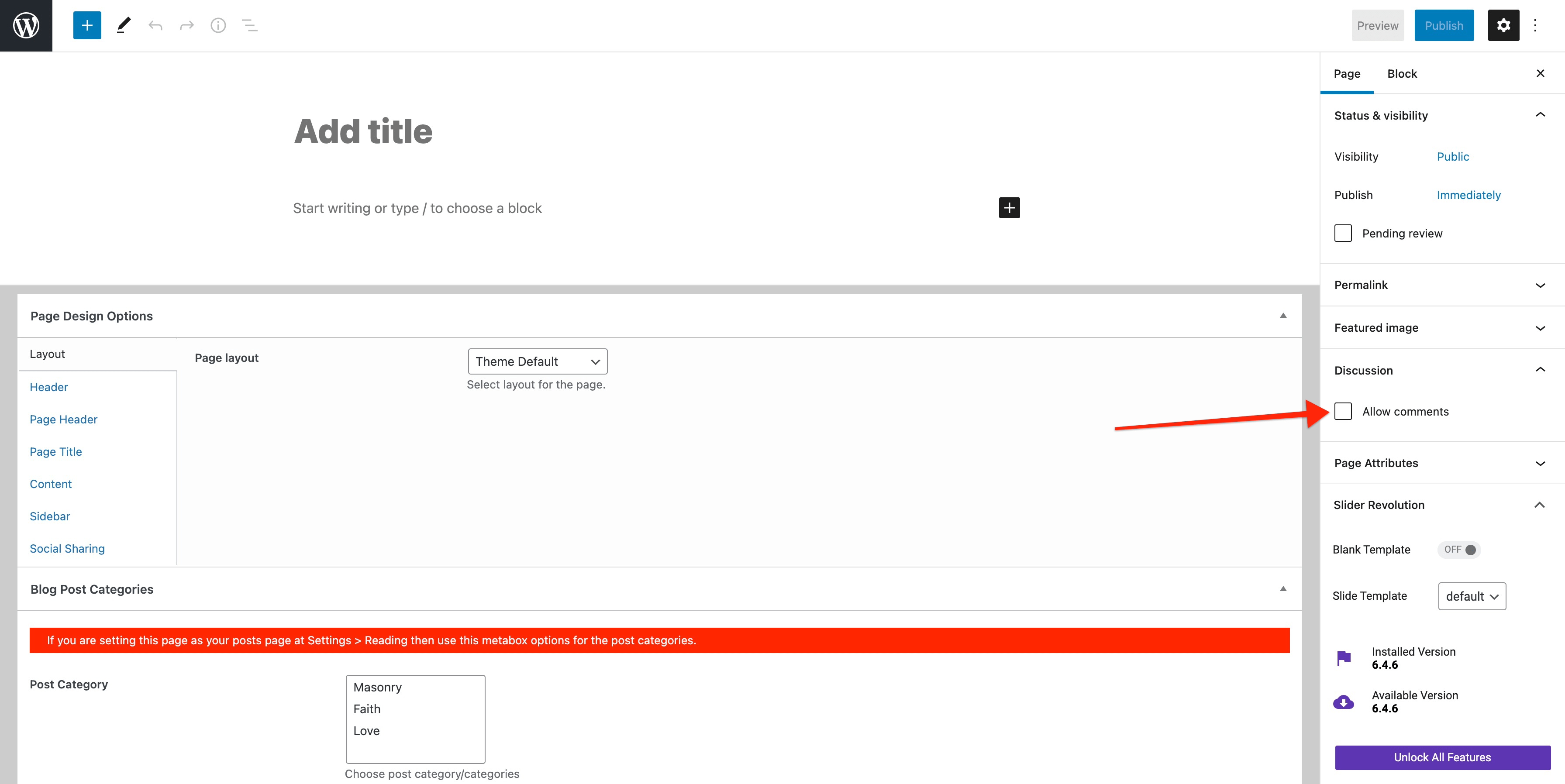
As per the latest WordPress development guidelines; the comments form must be enabled for all the pages along with other custom post types. For many website owners this must be disabled. For this comments can be disabled for specific page by unchecking below option while creating or editing the page:
When Gutenberg/Block Editor is enabled:
When Gutenberg/Block Editor is disabled:

If this option is not available while creating/editing your pages then you can enable this metabox by going to “Screen Options” which is available at the very top right of the page screen.
How to disable the comments for all the pages except the posts:
You can disable comments form for all the pages, this can be done from your WP Dashboard => Native Church => Theme Options => General
