This theme comes with an inbuilt functionality for post sharing on the social media websites. You can disable this option in case of any third party plugin you would like to use in place. Social media sharing options can be enabled/disabled for any post type of your choice. Social media sites can also be switched on/off as per your requirement. Social share options can be found at WP Dashboard => Native Church => Theme Options => Share Options
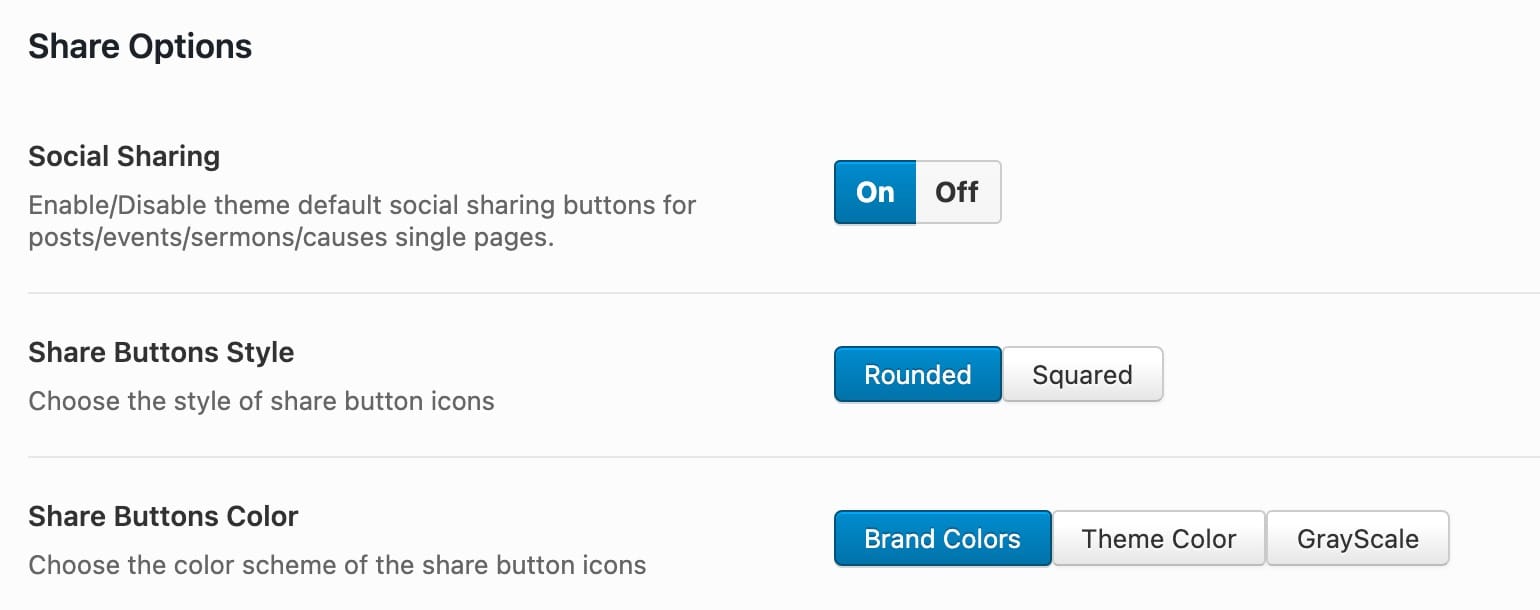
- To completely disable the inbuilt sharing option. Switch off the first option here.
- Choose shape of the sharing buttons, they can be slightly rounded or square.
- Choose the share icon color option,, they can use their own respective brand colors or your choose color scheme or completely greyscale
Social Media Options
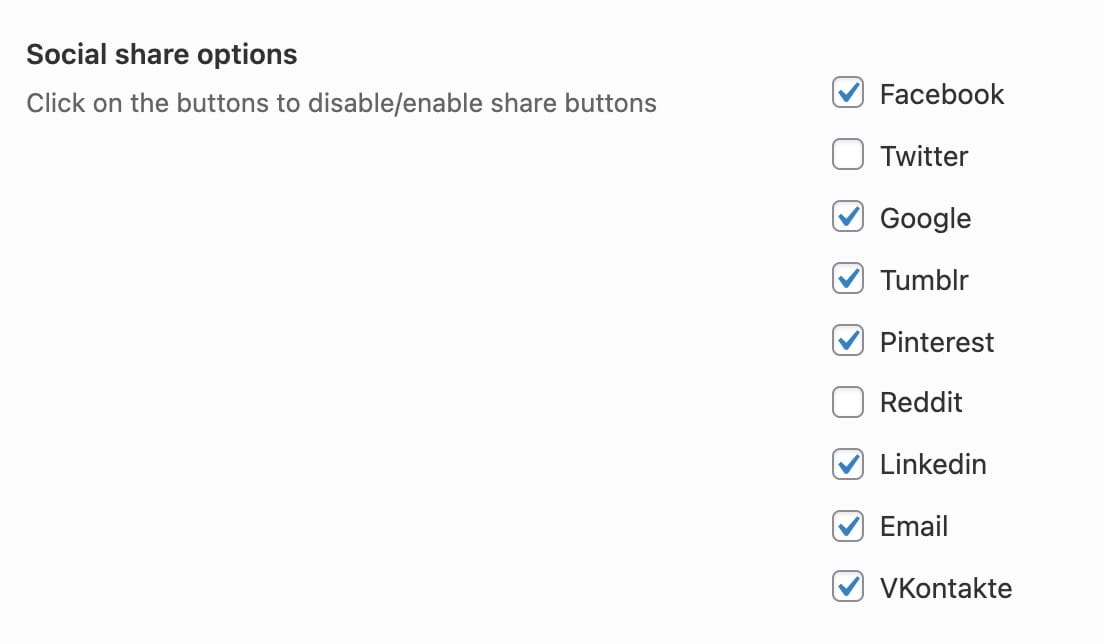
Check the available options for the social media websites. The checked options will be displayed for the sharing.
Post Type Selection
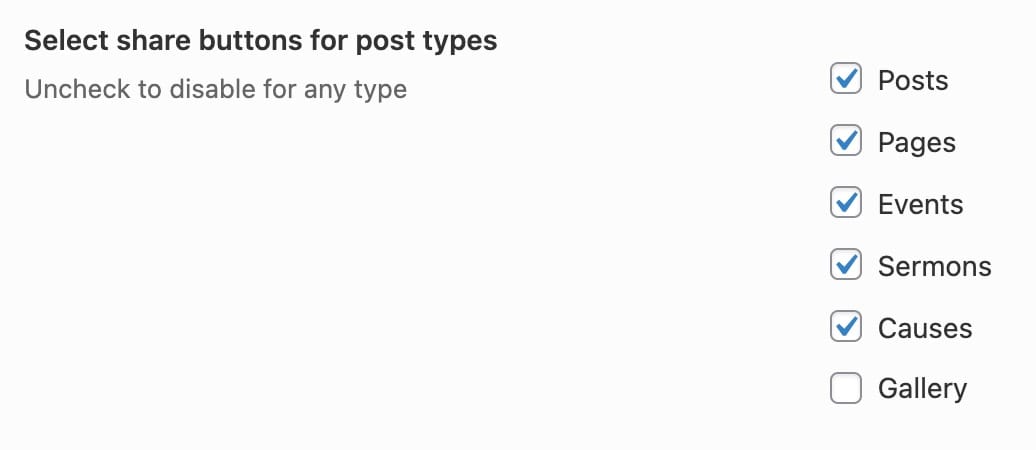
Select the post type here. The single post pages of the checked post types will show the social media buttons after the post content.