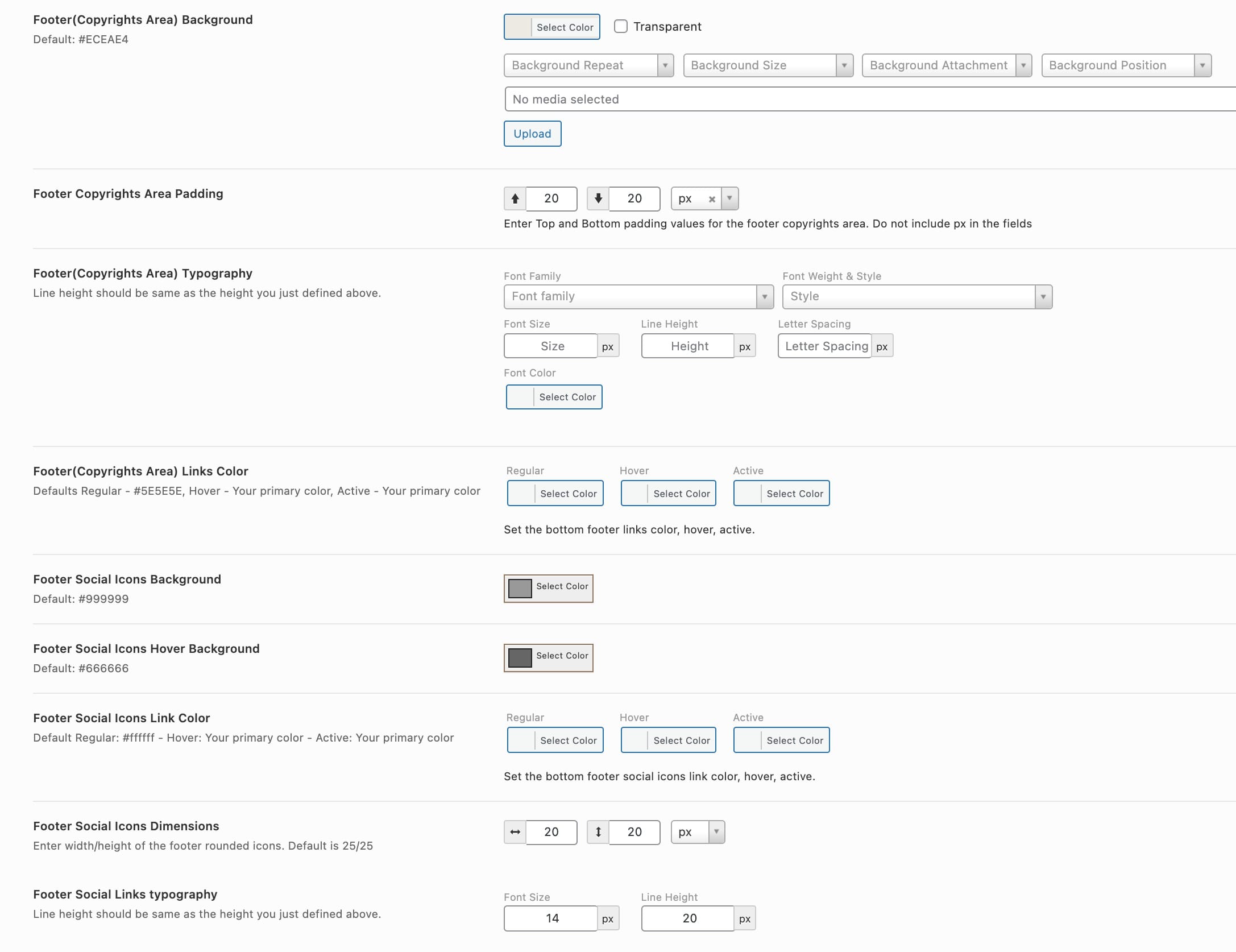
This theme’s footer consists 2 parts, one is where the widgets appear and other is for the copyrights message & social icons. Below are the details about both of these parts.
Footer Widgets Area
Footer widgets area can be divided into multiple columns as per the requirement. The columns settings and other styling options for this area can be found at your WP Dashboard => Native Church =>Theme Options => Footer

Managing Footer Widgets
Widgets for the footer can be managed from your WP Dashboard => Appearance => Widgets
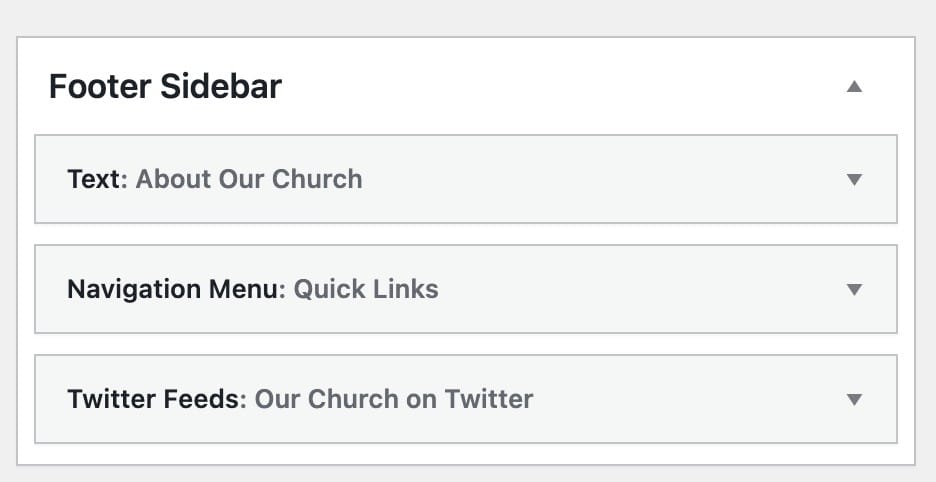
You can put any available widget in this area and they will show as per the selected columns structure selected at Theme Options. If the number of widgets are more than the selected columns the next widgets will appear beneath the first selected widgets. Here’s an article about “How to Add & Use Widgets in WordPress“.
Footer Copyrights Area
This area of the footer is divided in to 2 columns by default where;
The left column is used to show copyrights message which can be added from your WP Dashboard => Native Church =>Theme Options => Footer

You may use simple HTML tags in this field as well. For example to add a link in this area use below code:
<a href="YOUR URL HERE">Link Text Here</a>
The right column of the footer copyrights area can display social media icons with your URLs.

Social media icons for the footer right column can be sorted up/down using the icon(shown in point 3 of the above image), the field at the top will show first in the website frontend and so on. Social media website name can be seen in the icon class name(shown in point 1 of the above image) and the profile URLs can be inserted in the field(as shown in point 2 of the above image). Make sure that you input your full social media profile URL in the field to be able to show the icon on the frontend. For example: https://facebook.com/imithemes
Styling Footer Copyrights Area
All the options for the styling of this area can be found at WP Dashboard => Native Church =>Theme Options => Footer