There are 3 ways with which you can display staff on your website. One is to use predefined ‘Page Template’ , ‘Page Builder’ widgets or with ‘Shortcodes’. Also widgets can be added into any sidebar from your WP Dashboard => Appearance => Widgets.
Page Templates
Theme has one page templates available for staff posts grid display style.
When creating a new page choose your ‘Page Template’ from this meta box:
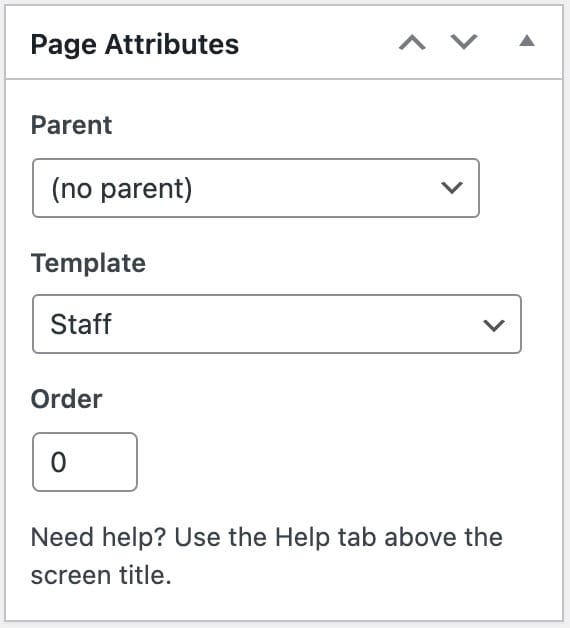
Available page templates for the events
- Staff – To display your staff posts in a grid view
Above page template has it’s own separate options which can be found while creating/editing your page.

Page Builder
Similarly like the page templates, you can display staff posts using the page builder
Available widgets for the staff in the page builder
- Staff Grid Widget