There are 2 ways with which you can display gallery on your website. One is to use predefined ‘Page Template’ or ‘Page Builder’ widgets. Also widgets can be added into any sidebar from your WP Dashboard => Appearance => Widgets.
Page Templates
Theme has one page templates available for gallery posts grid display style.
When creating a new page choose your ‘Page Template’ from this meta box:
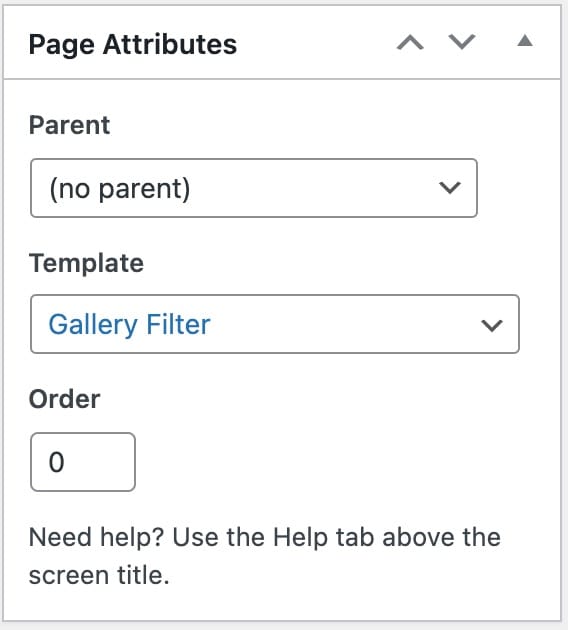
Available page templates for the events
- Gallery Filter – Display gallery posts with category filters
- Gallery Pagination – Show gallery posts with pagination
- Gallery Masonry – Show random height gallery posts
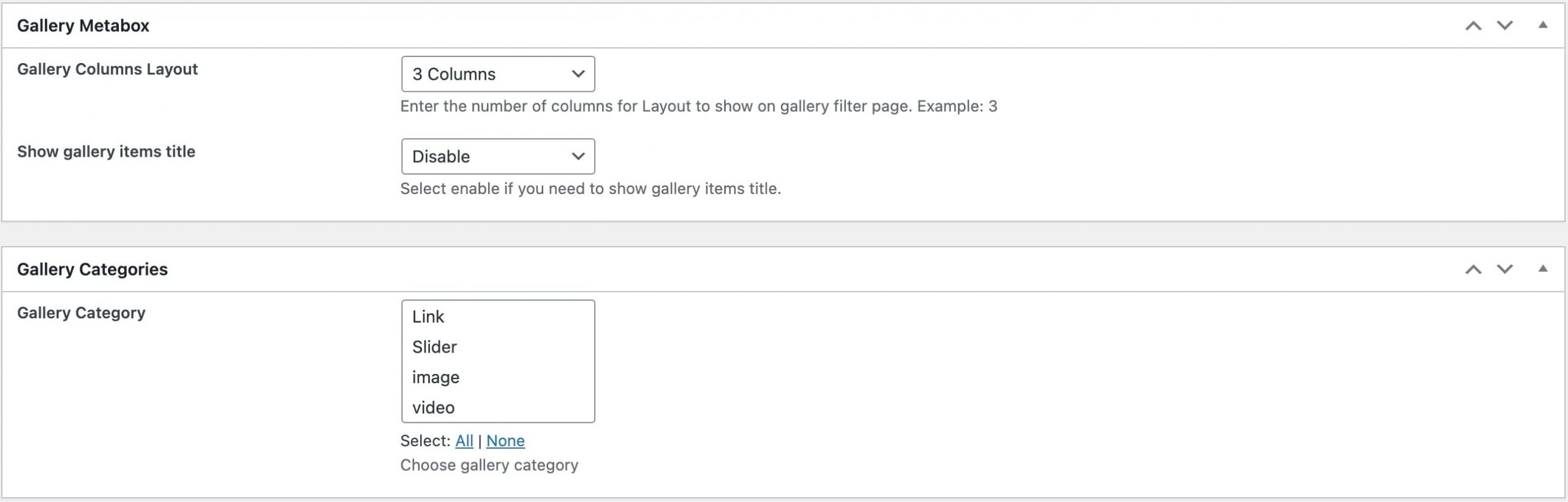
Above page template has it’s own separate options which can be found while creating/editing your page.
Page Builder
Similarly like the page templates, you can display gallery posts using the page builder
Available widgets for the gallery in the page builder
- Gallery Grid Widget
- Latest Gallery