This theme uses SiteOrigin Panels page builder which can be used to create the whole website as you see in the demo. A separate demo is also available for you to import which uses page builder.
See this article to get started with the page builder.
To use page builder to create your home page, the first you should do is to select ‘Home Page Builder’ as your page template.
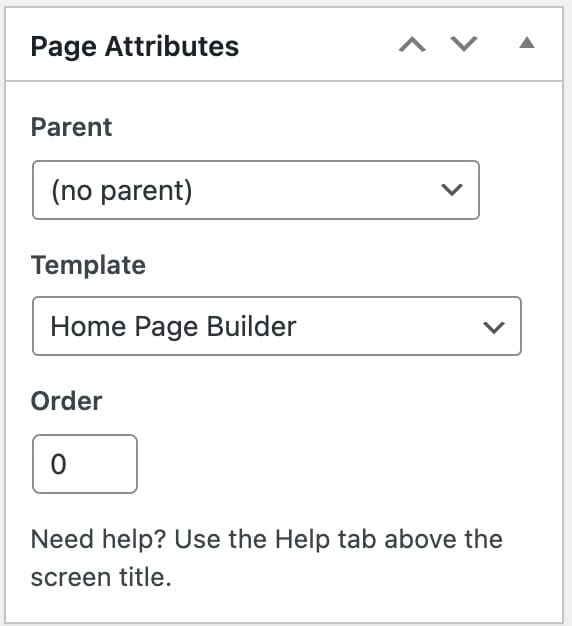
When using ‘Home Page Builder’ page template you will have 2 additional section, one is the slider and the other upcoming event countdown:
1. Slider
You can select main slider for this page from the available 2 types; ‘Slider Revolution’ and ‘Flexslider’
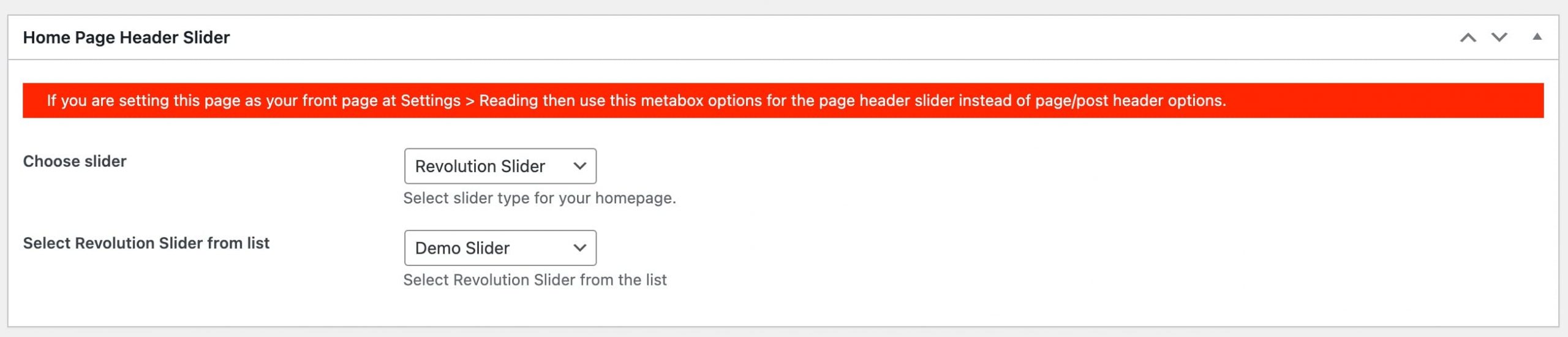
2. Notice Bar
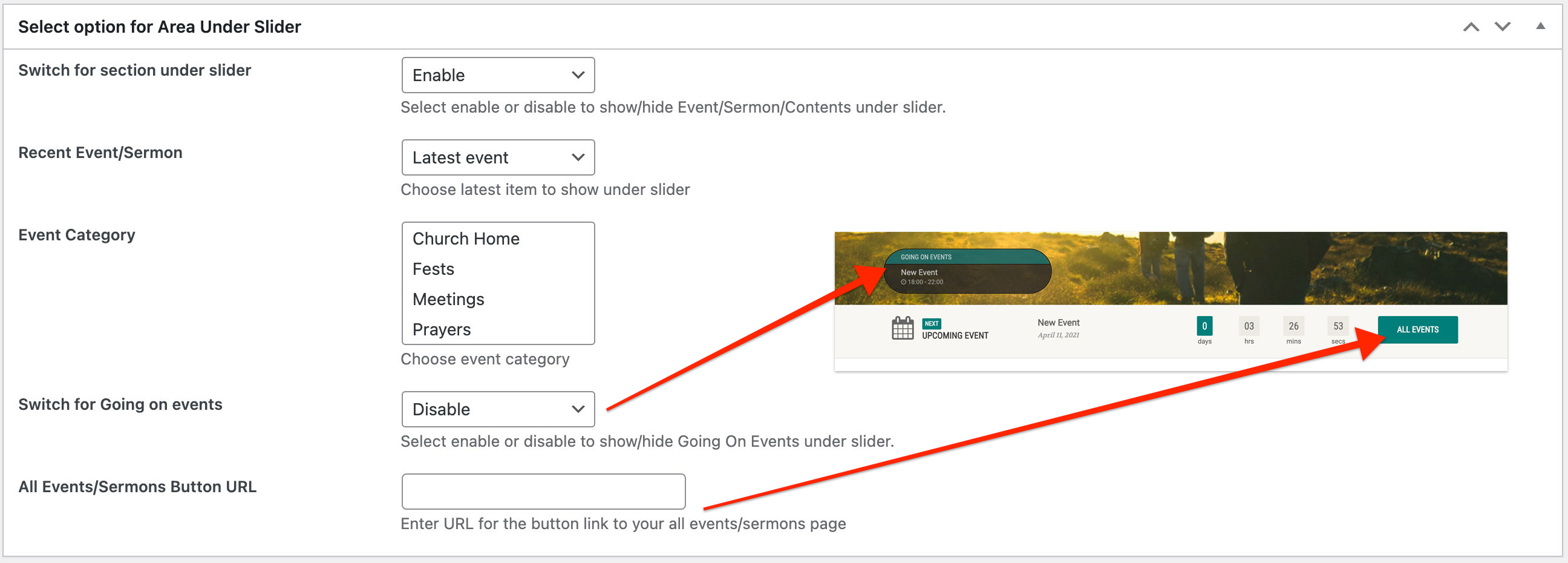
This area comes just under the slider of the page. Notice bar can show 3 types of content; Upcoming event countdown, Latest sermon or custom text.
How to create homepage using page builder
Theme comes with 2 prebuilt layouts for the ‘Home version 1’ and ‘Home version 4’ which can be imported directly without doing all things yourself. But before that make sure you have activated all the page builder & premium widgets