A blog page shows your regular WP ‘Posts’. You may create multiple pages to show blog posts but a page must be defined as ‘Posts page’ at your WP Dashboard => Settings => Reading

This theme comes with 2 different ways to create pages for posts. One is to use prebuilt layout ‘Page Templates’ and other is to use page builder widgets. Page builder widgets can also be added to any of your widgetized sidebar.
Page Templates
Theme has several page templates available for different posts display styles like list, grid, timeline etc.
When creating a new page choose your ‘Page Template’ from this meta box:
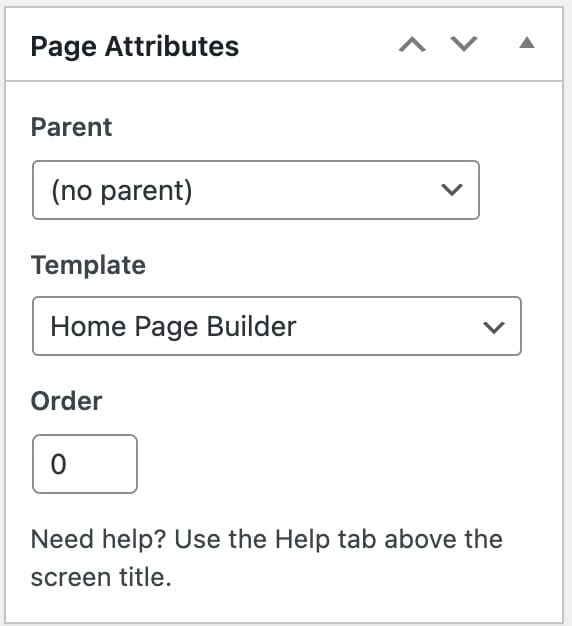
Available page templates for the blog posts
- Blog Full Width – Display posts in full width area of your content
- Blog Masonry – Display posts in grid view with variable height columns
- Blog Medium Thumbnails – Display posts with thumbnails at the left
- Blog Timeline – Display posts in timeline view separated by month/year
All the page templates how this metabox to choose category of posts which let you show posts from only the selected category’s:

For the page which is set as your ‘Posts Page’ at Settings => Reading use this metabox for category selection:

Page Builder
Similarly like the page templates, you can display blog posts using the page builder
Available widgets for the events in the page builder
- Recent Posts
- Selected Post
- Posts Full Width List Widget
- Posts List Widget
- Blog Timeline Widget