Create a Staff Post
This section of the documentation will guide you on how to create a Staff Post.
Step 1 : Log into your WordPress Dashboard and navigate to Staff > Add New
Step 2 : Enter your Staff title in the upper field, and enter your staff body content in the main page editing box below it.
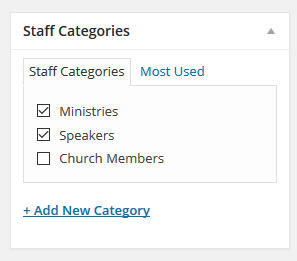
Step 3 : Create a category for your Staff
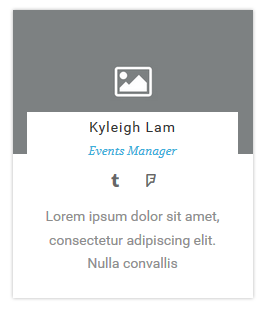
Step 4 : Upload an image for your Staff

Step 5 : Staff Member Meta
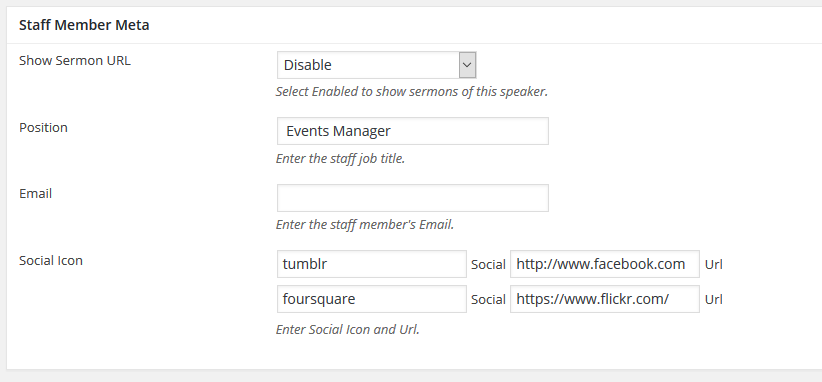
Show Sermon URL : Show or hide Sermon URL
Position : Enter the staff job title.
Email : Insert your staff email address.
Social Icon : Insert your staff social network informations. Click on the textbox provided and you will see a dropdown menu below to choose your social icon. Click on the + sign to add more social network informations.
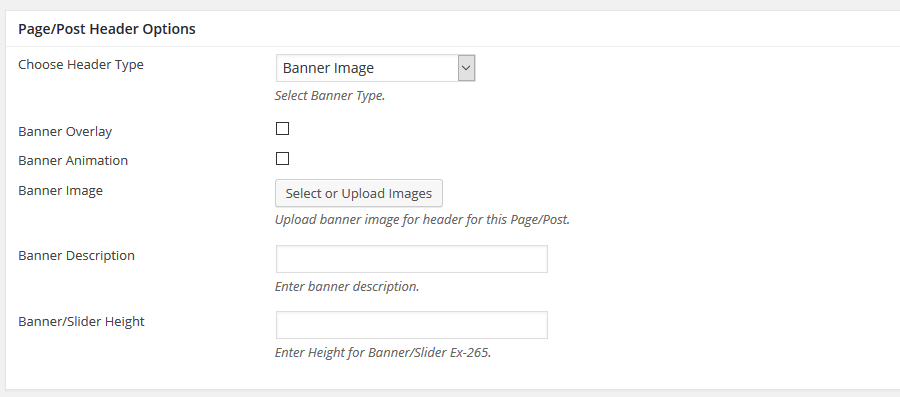
Step 6 : To customize the Page/Post Header Options. Please check Page / Post Header Options for more information.