Create an Event
This section of the documentation will guide you on how to create an Event.
Step 1 : Log into your WordPress Dashboard and navigate to Events > Add New
Step 2 : Enter your Event title in the upper field, and enter your Event body content in the main page editing box below it.
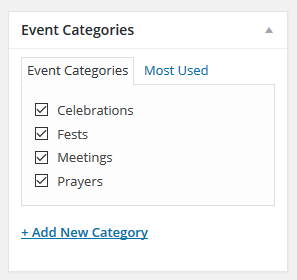
Step 3 : Create a category for your Event
Step 4 : Upload an image for your Event
Step 5 : Event Date
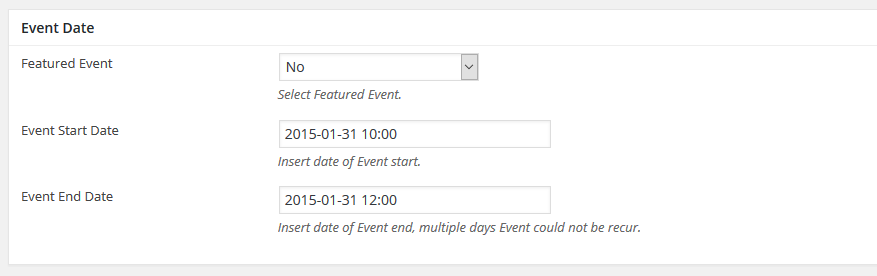
Featured Event : Select Featured Event.
Event Start Date : Insert date of Event start.
Event End Date : Insert date of Event end, multiple days Event could not be recur.
Step 6 : Event Details
Open map in Google Map : Check to open in Google Map
Address2 : This field should have real address to get GMap.
Location : Select your Location
Additional Information : Enter additional information.
Event Manager : Enter event manager email address for contact.
Enable Registration : Check to allow registration
Custom Registration Button URL : For example EventBrite Event page URL of yours.
Open custom URL in new Tab/Window : Check to open in new tab.
Step 7 : Recurring Events
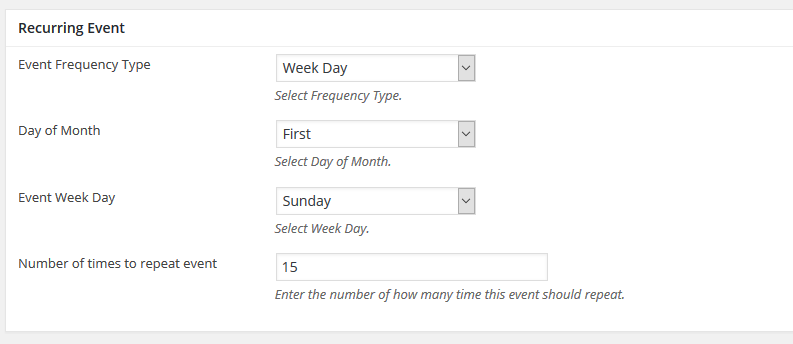
Event Frequency Type : Select Frequency Type.
Day of Month : Select Day of Month.
Event Week Day : Select Week Day.
Number of times to repeat event : Enter the number of how many time this event should repeat.
Step 8 : To customize the Page/Post Header Options. Please check Page / Post Header Options for more information.
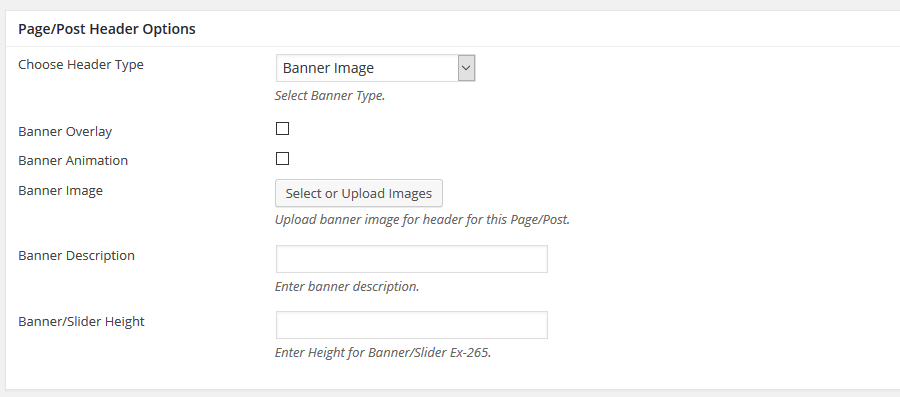
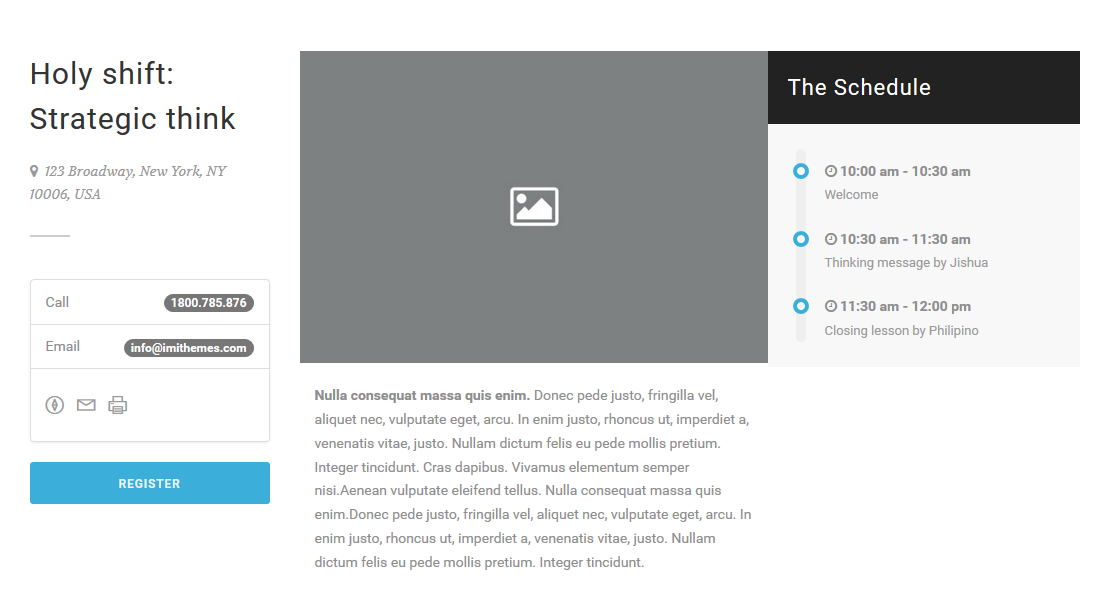
Step 9 : When you are finished, Update your post, it should looks like this.