Create a Sermon Post
This section of the documentation will guide you on how to create a Sermon Post.
Step 1 : Log into your WordPress Dashboard and navigate to Sermons > Add New
Step 2 : Enter your Sermon title in the upper field, and enter your Sermon body content in the main page editing box below it.
Step 3 : Create a category for your Sermon
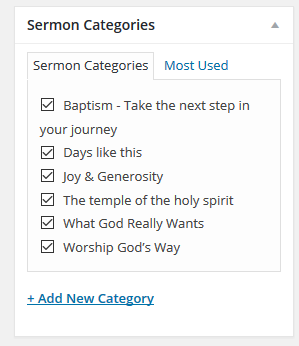
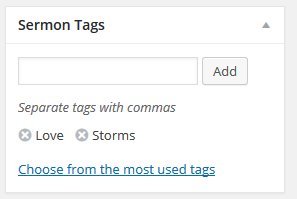
Step 4 : Insert Tags your Sermon
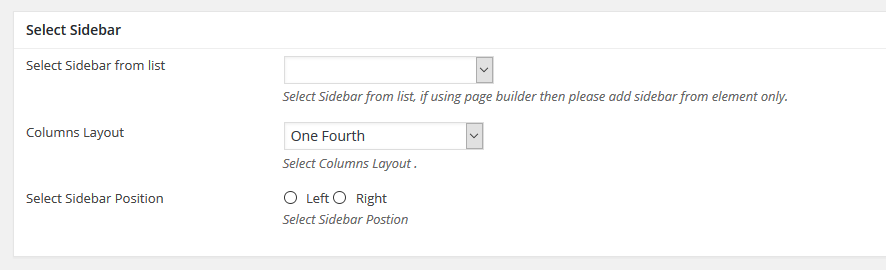
Step 5 : Select your preferred sidebar in the dropdown list and layout for the sidebar and content.
Step 6 : Sermons Details
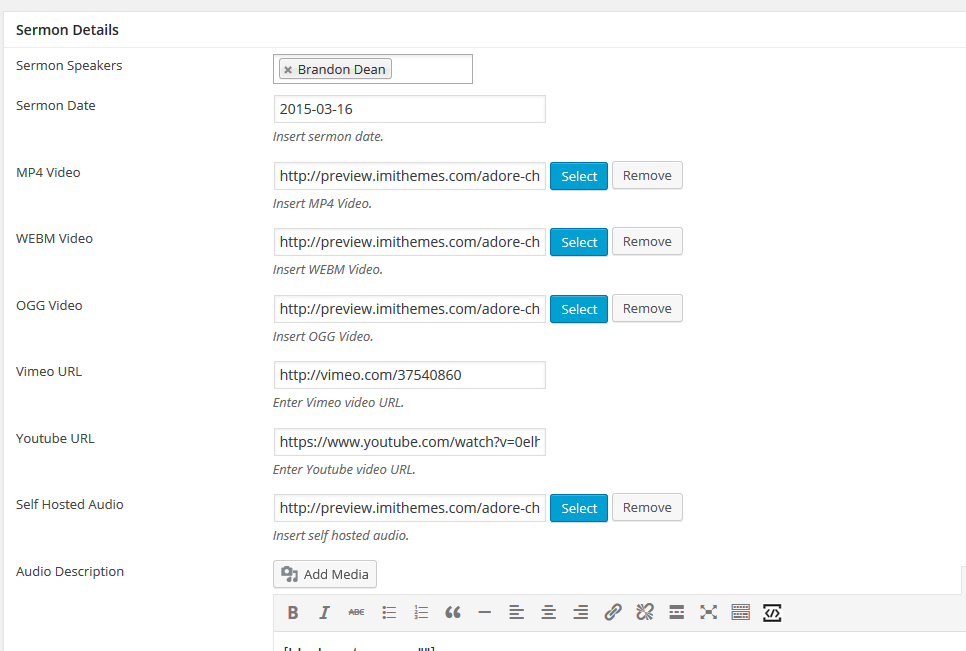
Sermon Speakers : Select Sermon Speaker
Sermon Date : Insert sermon date.
MP4 Video : Insert MP4 Video.
WEBM Video : Insert WEBM Video.
OGG Video : Insert OGG Video.
Vimeo URL : Enter Vimeo video URL.
Youtube URL : Enter Youtube video URL.
Self Hosted Audio : Insert self hosted audio.
Audio Description : Insert Audio Description
Soundcloud URL : Enter Soundcloud audio URL.
PDF : Insert PDF URL.
Step 7 : Sermon Podcast
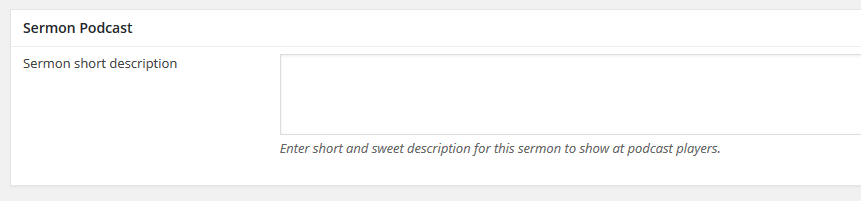
Sermon short description : Enter a short description to show at podcast players.
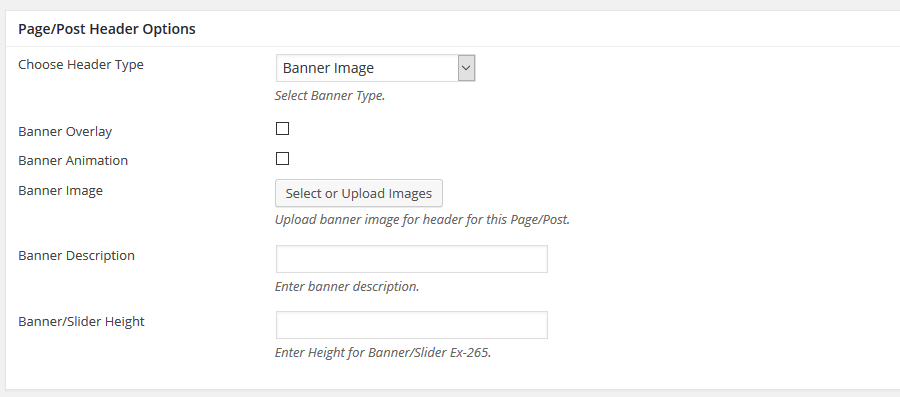
Step 8 : To customize the Page/Post Header Options. Please check Page / Post Header Options for more information.
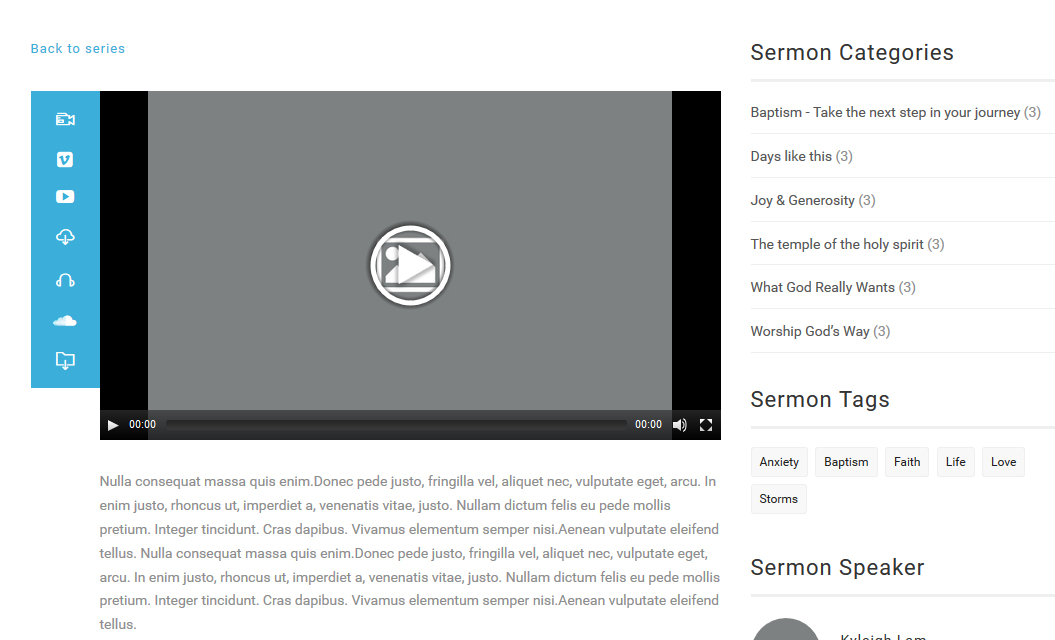
Step 9 : When you are finished, Update your post, it should looks like this.