This template will display the Contact page.
Step 1 : Log into your WordPress Dashboard and navigate to Pages > Add New
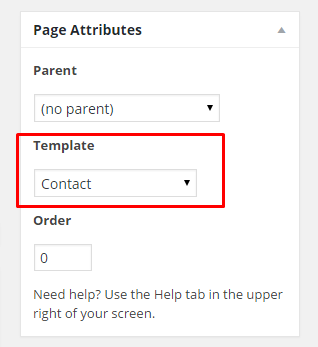
Step 2 : Locate the Template and in the dropdown menu, select Contact.
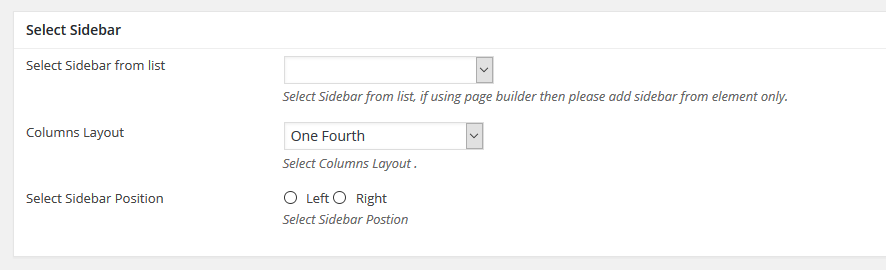
Step 3 : Select your preferred sidebar in the dropdown list and layout for the sidebar and content.
Step 4 : Banner Options
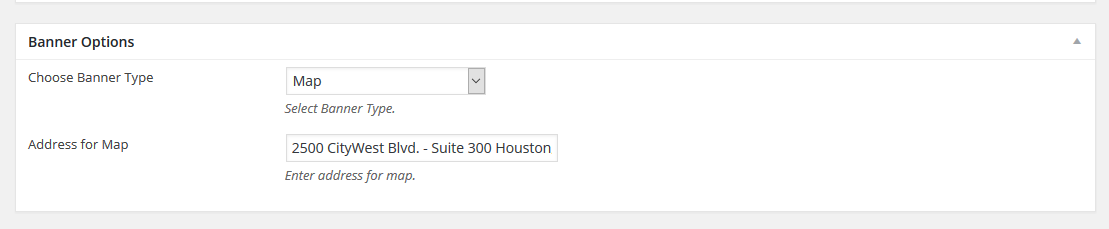
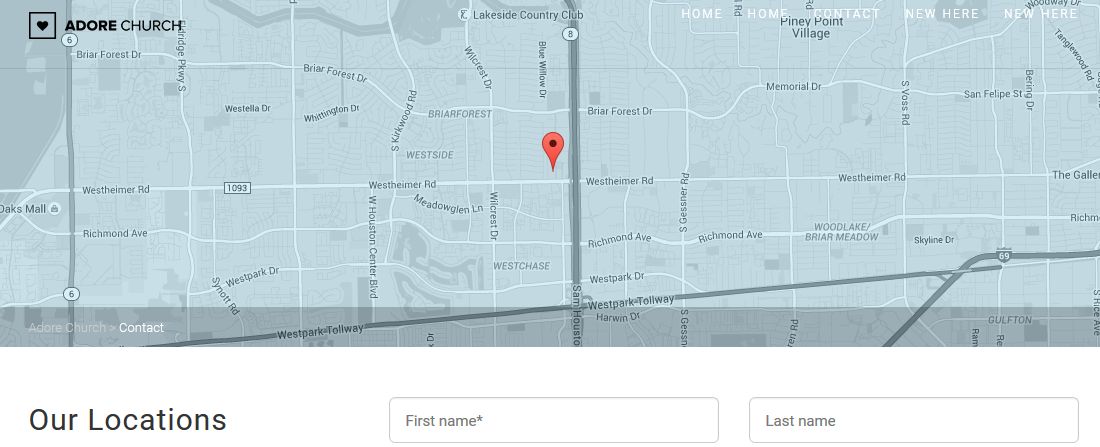
Choose Banner Type : Choose between Map or Banner Options
Address for Map : Enter address for map.
Step 5 : Contact Options

Contact Email : Enter contact email, if left blank admin email will be used.
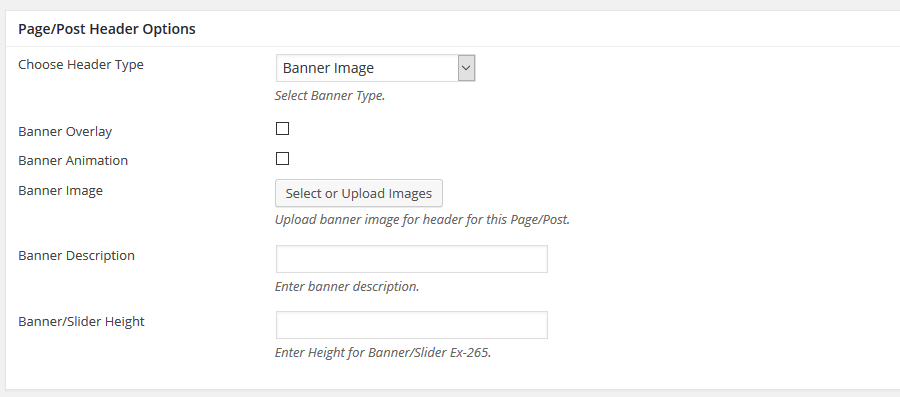
Step 6 : To customize the Page/Post Header Options. Please check Page / Post Header Options for more information.