iPray is a complete prayer request management system for WordPress. It allows visitors to submit prayer requests, view prayers from others, pray for them, subscribe to new prayer notifications, and keep track of their own submissions through a simple user dashboard.
The plugin is designed to be lightweight, fast, and fully AJAX-powered on the frontend. It works with any theme and requires no coding knowledge.
Overview
Here is the typical workflow:
1. A user submits a prayer request
-
Uses the frontend form
-
Can choose to post anonymously
-
Can choose to receive email notifications
-
Optional: allow comments on the prayer if enabled
When a prayer is submitted:
-
An email notification is sent to the submitter (if settings allow)
-
Admin receives a notification (optional)
2. Prayers appear on the frontend list
-
Displayed using shortcodes (e.g., [ipray_list])
-
Uses AJAX pagination for smooth loading
-
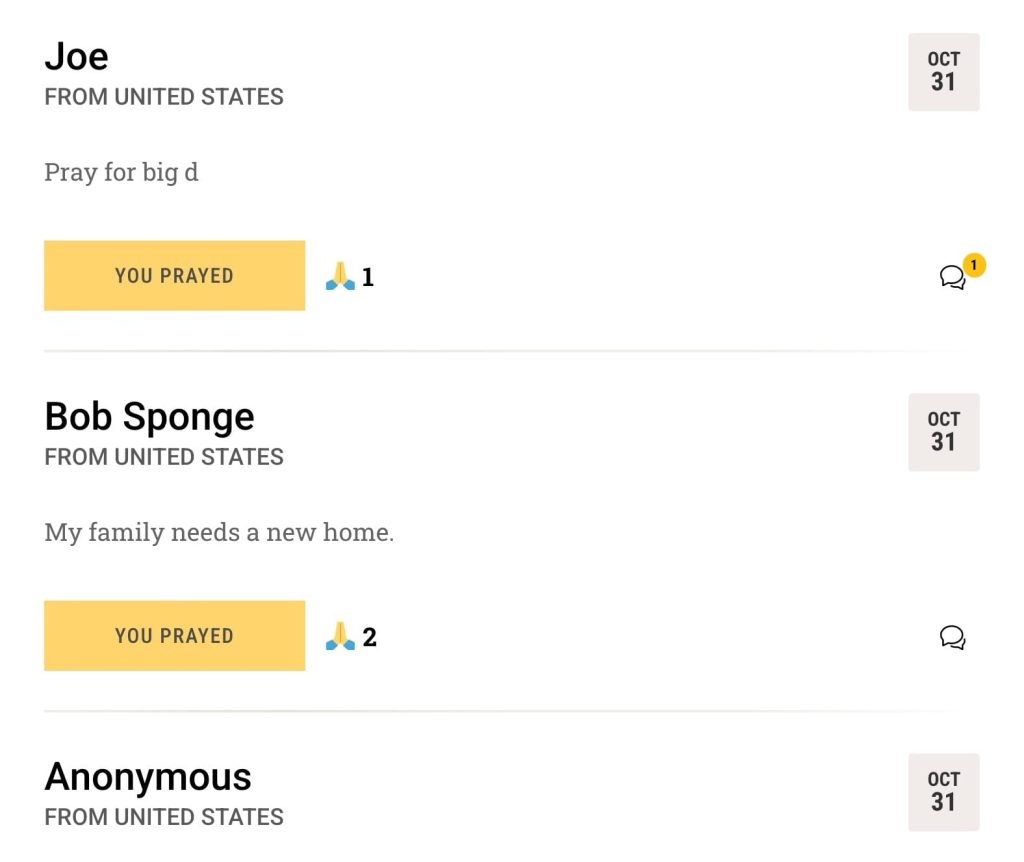
Includes buttons for “I prayed for this”, comments, and more
3. Visitors can pray for requests
-
Clicking the “Prayed” button increases the pray counter
-
Each user can pray once per request per browser session
-
The request’s submitter can be notified when someone prays for them (if enabled)

4. Users can subscribe to new prayers
-
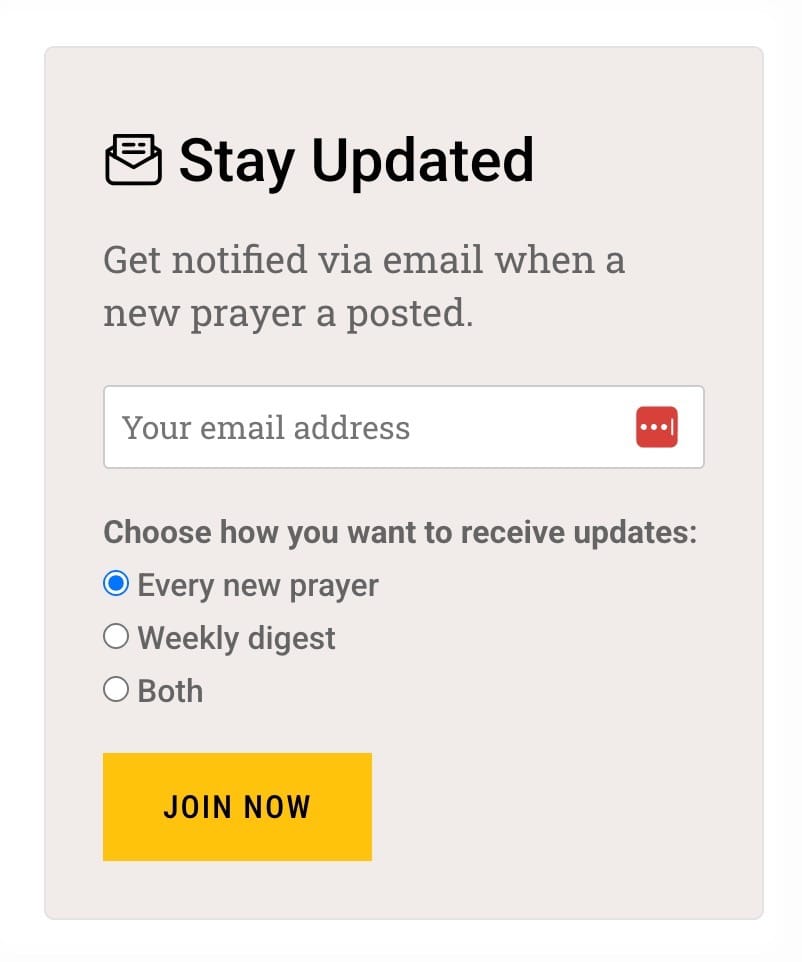
A separate subscription form allows users to receive new prayer notifications
-
Option to confirm subscription
-
Easy unsubscribe link included in every email
5. Weekly Prayer Digest (optional)
-
Sends a digest of all prayers posted during the week
-
Automatically handled by a WordPress cron job
-
Can be customized from settings
6. User Dashboard for Prayer Management
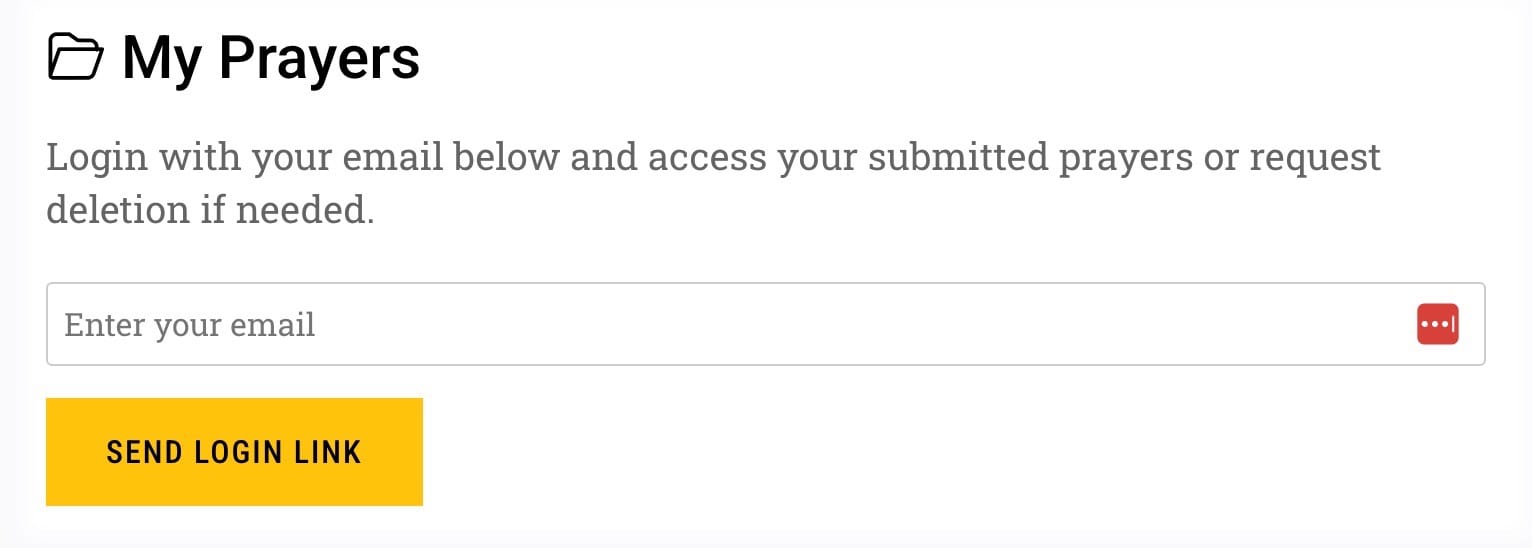
Users can log in using their email address only (magic login link).
Once logged in, they can:
-
View prayers they submitted
-
Track pray counts
-
Manage their notifications
-
Delete requests (if enabled)
7. Email Notifications
The plugin sends emails for:
-
New prayer submission
-
Someone prayed for your request
-
New prayer notification for subscribers
-
Weekly digest
-
Comment notifications (if enabled)
All emails use a clean HTML template, with options to customize:
-
Logo
-
Sender name
-
Footer text
8. Styling & Customization
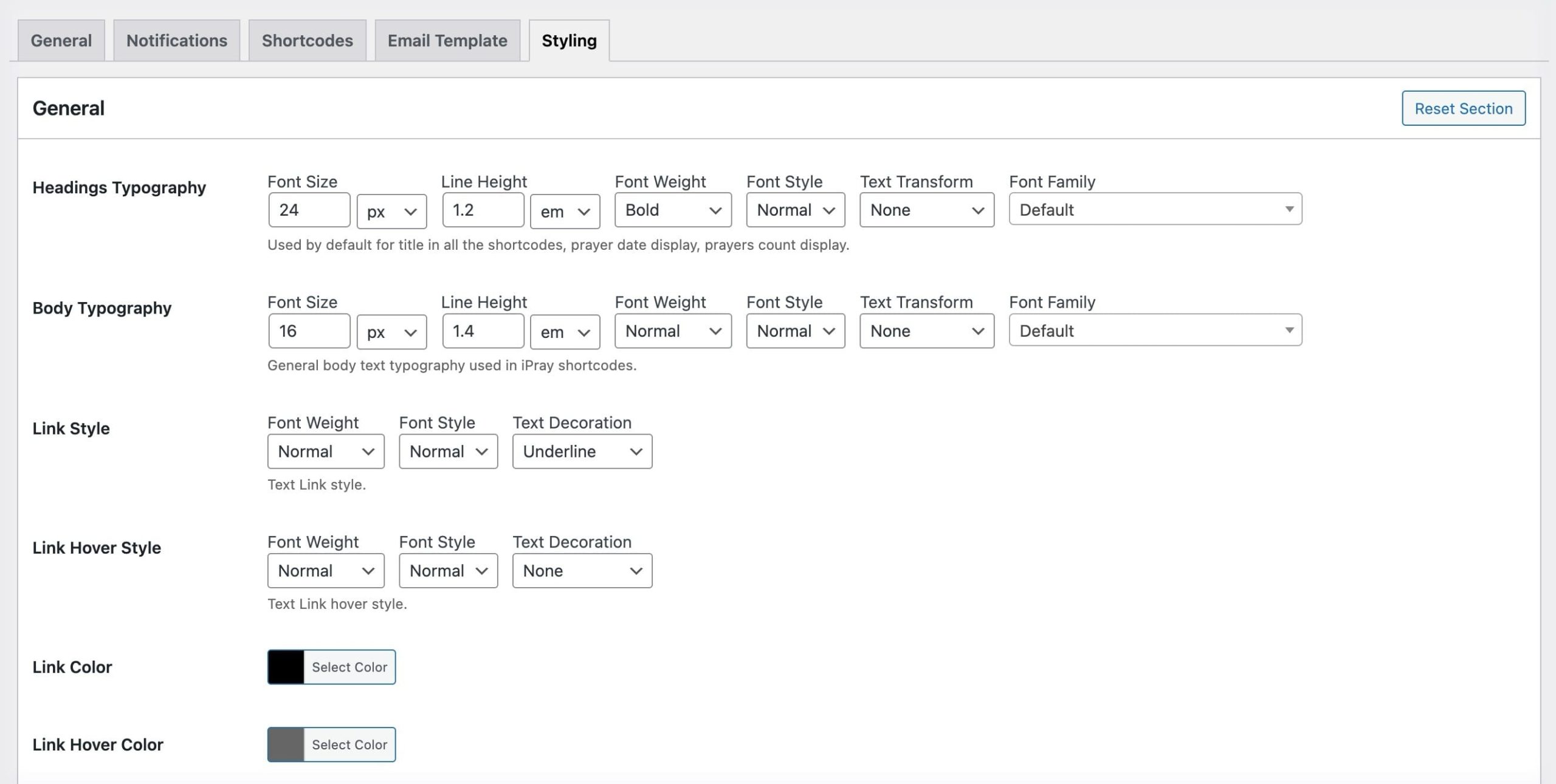
iPray includes a dedicated Styling section where you can customize:
-
Divider colors
-
Shadows
-
Background tint/backdrop
-
Section colors
-
Button colors
-
Reset styling for individual sections
Summary of Key Features
-
Frontend prayer submission form
-
Optional anonymous submissions
-
AJAX-based prayer list
-
“I prayed for this” prayer counter
-
Email notifications for submitter
-
Subscription form + digest emails
-
User dashboard with email login link
-
Comments on prayer requests (optional)
-
HTML email templates with customization
-
Global styling tools and color controls
-
Shortcodes for listing and forms
-
Lightweight, theme-friendly shortcode output