The main way to display prayers on your website is by using the Prayer List shortcode:
[ipray_list]
This shortcode displays a complete prayer wall, including:
-
Published prayer requests
-
Prayer details (name/unidentified anonymous, date, country if detected)
-
“I prayed for this” button
-
Comment count or comment section (if enabled)
-
Pagination (if enabled)
-
Optional grid layout
Adding the Prayer List to a Page
-
Create or edit a page (e.g., “Prayer Wall”).
-
Add the shortcode:
[ipray_list]
-
Publish or update the page.
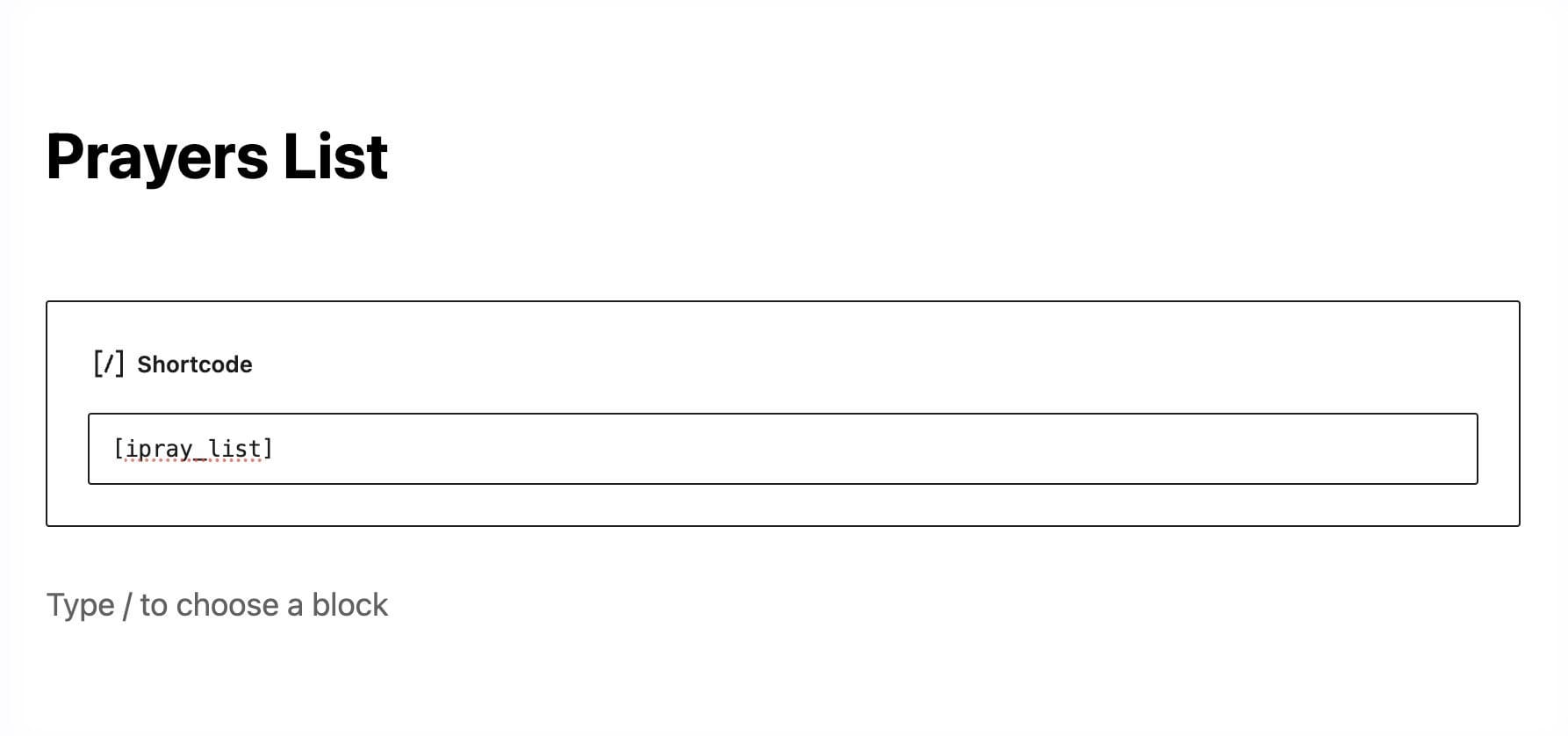
The prayer list will automatically load all published prayers in descending order (most recent first).
Customizing the Prayer List Output
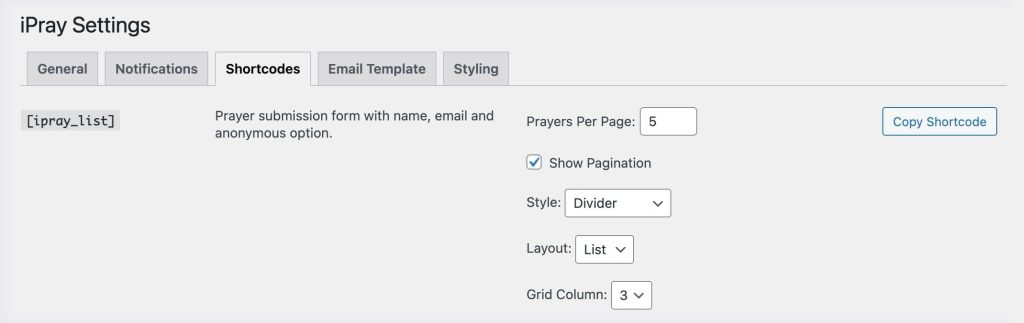
You can customize the shortcode visually through the Shortcodes tab under:
Prayers → Settings → Shortcodes
Here, you’ll find a Prayer List Builder where you can customize:
-
List or grid layout
-
Number of prayers per page
-
Whether pagination should appear
-
Grid columns
-
Divider visibility
-
Border and shadow for items
-
Background color/style overrides
-
And more depending on your styling choices
Each change updates the previewed shortcode and provides a Copy Shortcode button.
Common Shortcode Examples
1. Show 6 prayers per page with pagination
[ipray_list per_page="6" pagination="yes"]
2. Show prayers in a 2-column grid
[ipray_list layout="grid" columns="2"]
3. Show prayers without pagination
[ipray_list pagination="false"]
These settings match the options shown in the Shortcodes tab.
Legacy Shortcode: [ipray]
If you’re upgrading from an older version of iPray(comes bundled with our Native Church Theme), the legacy shortcode:
[ipray]
may already be used on your site.
It displays the prayer list together with the form in a combined layout.
For new sites, using separate shortcodes is recommended.