Enabling Comments
To allow comments on prayers, enable:
Prayers → Settings → General → Allow comments on prayers
Once enabled:
- A comments option appears on each prayer
- Visitors can read and add comments
If disabled:
- All comment-related UI is hidden
- Existing comments are not displayed
How Comments Are Displayed
When comments are enabled:
- Each prayer shows a comment count
- Clicking opens the comments view
- Comments load dynamically without refreshing the page
The comment interface is designed to stay focused and respectful.
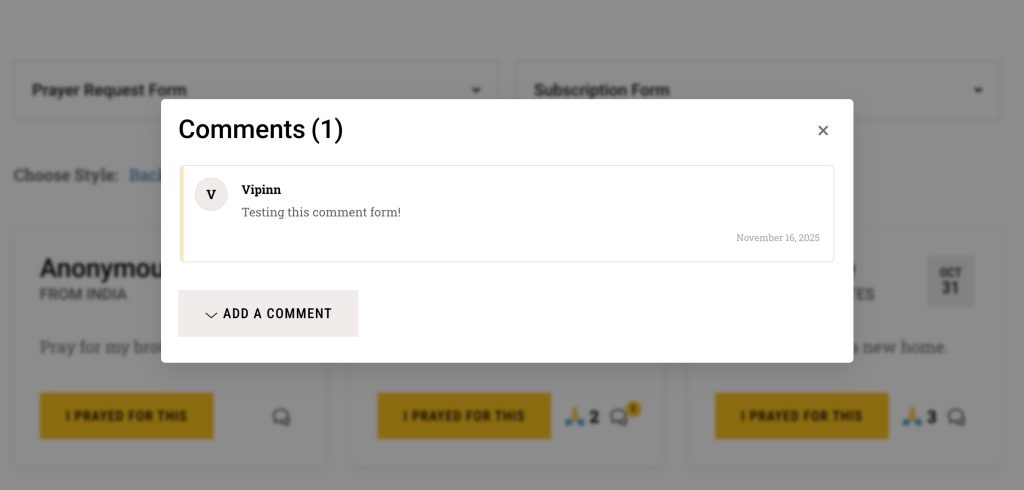
Adding a Comment
Visitors can:
- Enter their name
- Enter their comment
- Submit without creating an account
The comment appears immediately or after moderation, depending on your site’s comment settings.
Comment Moderation
Comment moderation follows WordPress’s standard discussion settings.
You can manage comments from:
Comments → All Comments
This allows you to:
- Approve, reply, or delete comments
- Mark comments as spam