Eventer comes built in with 4 different taxonomies which are used to increase the functionality of your event posts. There are 2 basic taxonomies which are used for categorising events and for the sorting/filtering of the events as well.
The 2 basic taxonomies are ‘Event Category’ and ‘Event Tags’. You can assign categories and tags to your events while creating/editing your event posts. You can find these taxonomies at your WP Dashboard => Eventer => Event Categories and Event Tag
Event Categories
This is an optional taxonomy which can be disabled or enabled as required from your WP Dashboard => Eventer => Settings
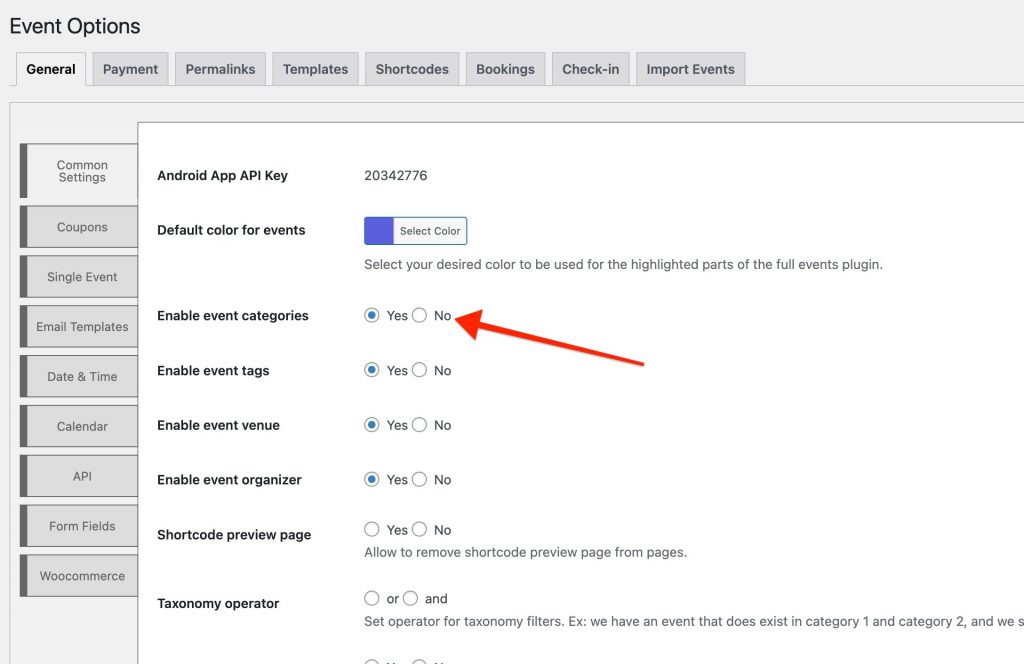
- New categories can be created from WP Dashboard => Eventer => Event Categories

- You can now select the created categories for your events at the Add New event page
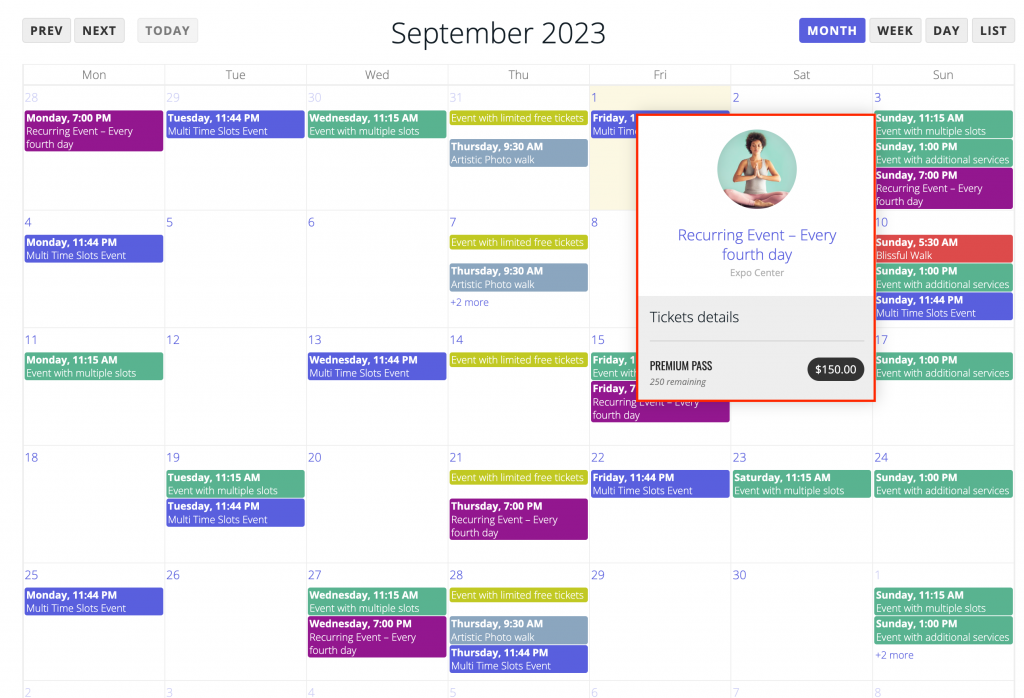
- This is how the event category color is used and displayed on your event calendar page. Each category selected for any number of events will use the category color
- This is how the category color is used on events list view
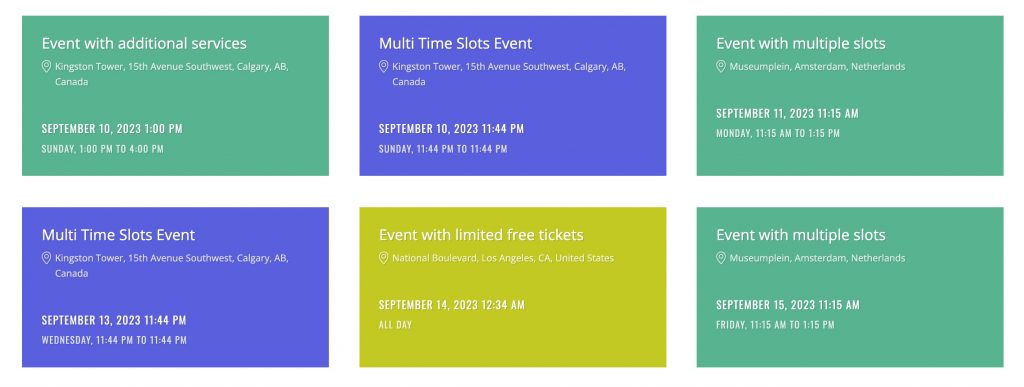
- This how the different category colors displays on events grid view



Event Tags
The inbuilt event post tags are not used for display purpose on events listing or single event page but can be used for sorting by any third party filter plugin like Search & Filter plugin
New event tags can be added from within the event post editor or from your WP Dashboard => Eventer => Event Tags